Extract Table
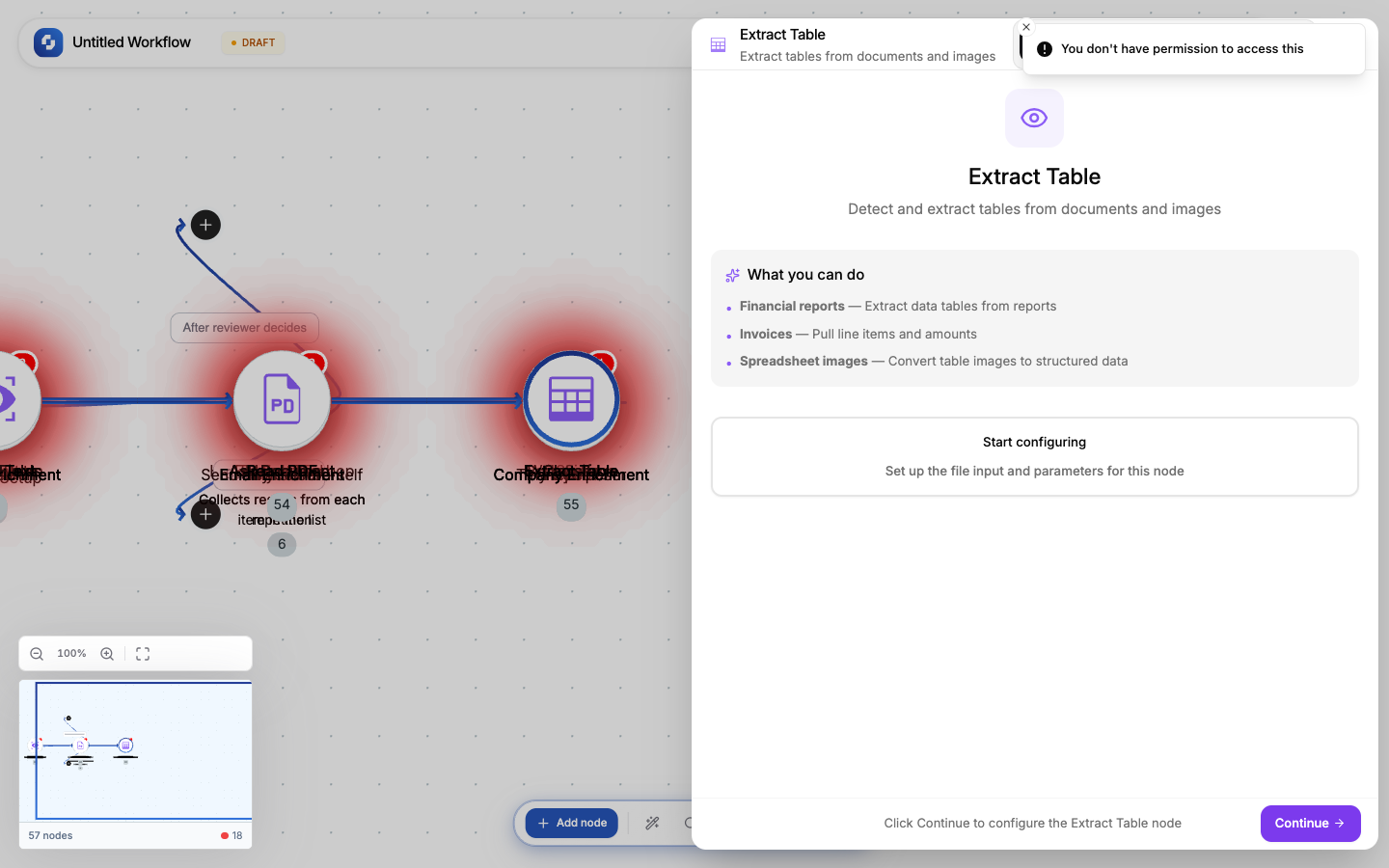
Extracts table data from images or PDFs containing tables. Returns structured rows and columns that you can process with For Each or save to a database.
Type: TINYVISION_TABLE
Color: Purple (#8B5CF6)
Credits: At least 1 each time the step runs
Configure fields
| Field | Type | Required | Description |
|---|---|---|---|
| File URL | FX formula | Yes | Image or PDF containing a table |
Output
Structured table data as an array of rows, each row being an object with column keys.
[
  { "Product": "Widget A", "Price": "$10.00", "Stock": "150" },
  { "Product": "Widget B", "Price": "$15.00", "Stock": "89" }
]
Common patterns
Invoice line items
Webhook (invoice image) → Extract Table → For Each (items) → Create Record (store each line item)
Spreadsheet from image
Webhook (photo of whiteboard table) → Extract Table → For Each → Create TinyTable Row
Tip
Works best with clearly formatted tables with visible borders or gridlines. Hand-drawn or heavily styled tables may produce less accurate results.
File URL sources
The file URL can come from:
- Webhook payload:
{{trigger.body.file_url}} - Form submission:
{{trigger.file_upload.url}} - HTTP Request:
{{http.body.download_url}} - Static URL: a direct link to a file hosted anywhere
Error handling
If the file can't be processed (corrupt, unsupported format, too large):
- The node fails with an error message
- Use Continue on error + If-Else to handle gracefully
- Check file type before processing with an If-Else on the URL extension
Credits
Like every workflow step, this node uses at least 1 credit each time it runs. Monitor usage in Monitor → Credit Usage.