Extract Text (OCR)
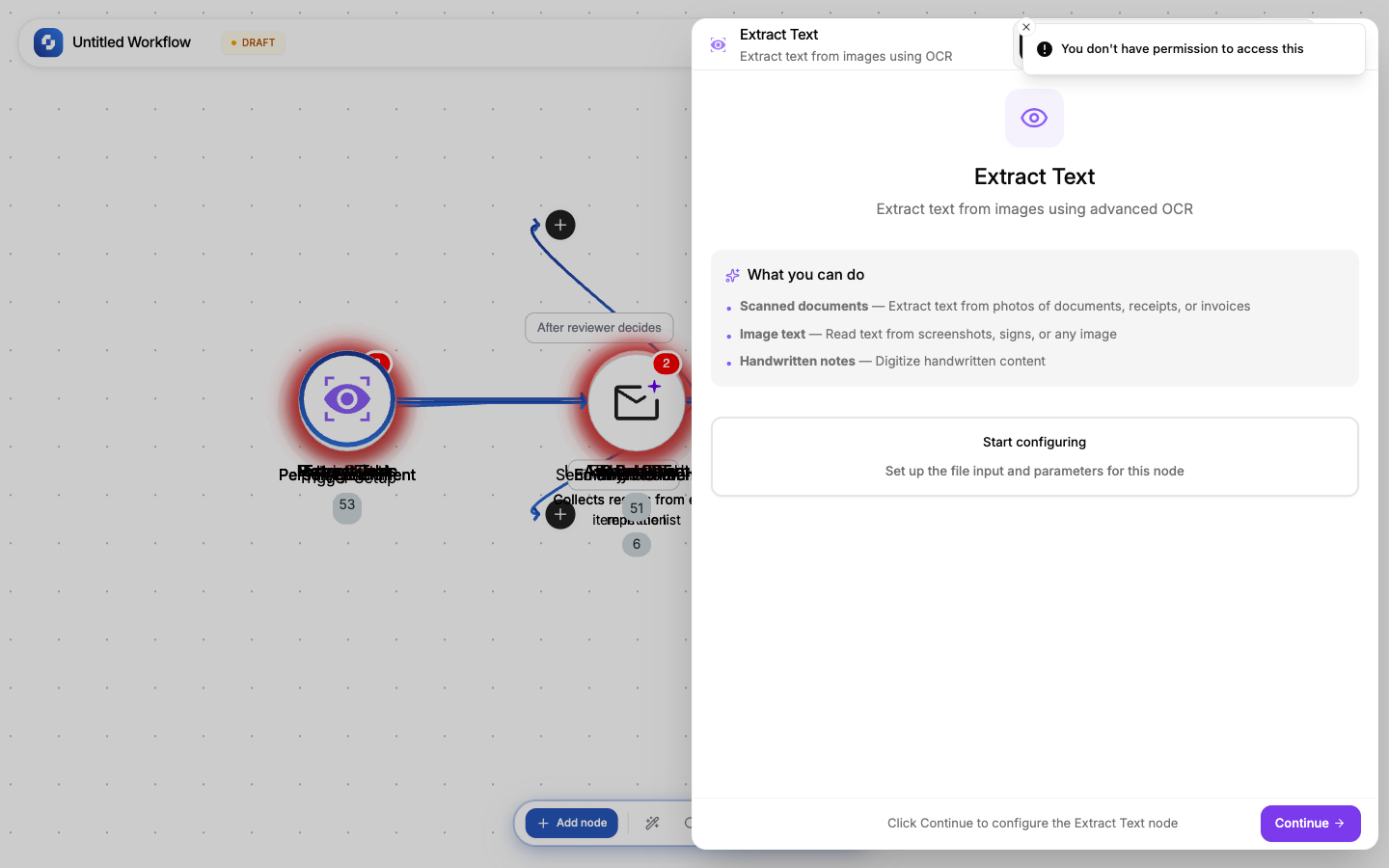
Extracts all text content from an image or scanned document. Supports photos of documents, screenshots, whiteboard captures, and scanned PDFs.
Type: TINYVISION_OCR
Color: Purple (#8B5CF6)
Credits: At least 1 each time the step runs
Tabs: Initialise → Configure → Test
Configure fields
| Field | Type | Required | Description |
|---|---|---|---|
| File URL | FX formula | Yes | URL of the image or scanned document |
| Enhance | Boolean | No | Apply image enhancement before OCR (default: true). Improves accuracy for low-quality scans. |
| Query | FX formula | No | Specific text to look for (e.g., "find the total amount"). Focuses extraction. |
Output
| Variable | Description |
|---|---|
{{ocr.text}} | The full extracted text |
{{ocr.confidence}} | Confidence score (0-1) |
Common patterns
Process receipts
Webhook (receipt image URL) → Extract Text → TinyGPT (extract: merchant, total, date) → Create Record
Digitize forms
Webhook (scanned form image) → Extract Text → TinyGPT (parse fields) → Create Record
Tip
For best OCR accuracy: use high-resolution images (300+ DPI), good lighting, and straight alignment. The Enhance option helps with low-quality inputs but can't fix severely blurry or rotated images.
File URL sources
The file URL can come from:
- Webhook payload:
{{trigger.body.file_url}} - Form submission:
{{trigger.file_upload.url}} - HTTP Request:
{{http.body.download_url}} - Static URL: a direct link to a file hosted anywhere
Error handling
If the file can't be processed (corrupt, unsupported format, too large):
- The node fails with an error message
- Use Continue on error + If-Else to handle gracefully
- Check file type before processing with an If-Else on the URL extension
Credits
Like every workflow step, this node uses at least 1 credit each time it runs. Monitor usage in Monitor → Credit Usage.