Ask Document
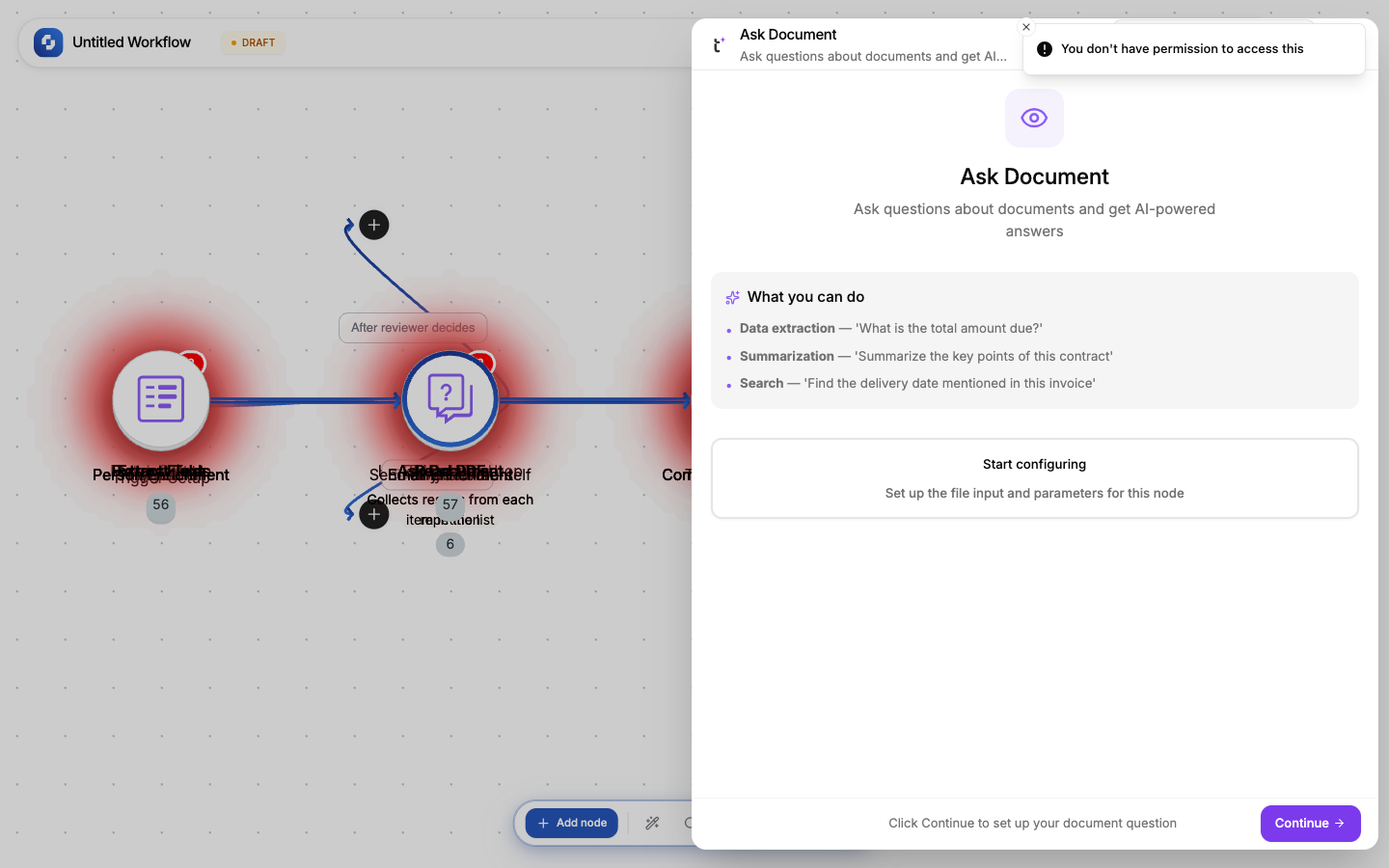
Upload a document and ask it a question in natural language. The AI reads the document and generates an answer based on its content.
Type: TINYVISION_DOC_ASK
Color: Purple (#8B5CF6)
Credits: At least 1 each time the step runs
Test: Required (cannot skip)
Configure fields
| Field | Type | Required | Description |
|---|---|---|---|
| File URL | FX formula | Yes | URL of the document (PDF, image, DOCX) |
| Prompt | FX formula | Yes | The question to ask about the document |
| Output format | Select | No | text (default) |
Example questions
| Document | Prompt | Answer |
|---|---|---|
| Invoice PDF | "What is the total amount and due date?" | "The total is $1,250.00, due by March 15, 2026." |
| Contract PDF | "Who are the parties and what is the term?" | "The agreement is between Acme Corp and Globex Inc for a 24-month term." |
| Product spec | "What are the key features?" | Bullet list of features from the document |
| Meeting notes | "What were the action items?" | List of action items assigned to team members |
vs other Vision nodes
| Node | What it does | When to use |
|---|---|---|
| Read PDF | Extracts ALL text | When you need the full document text |
| Extract Text | OCR on images | When the document is an image/scan |
| Ask Document | Answers a QUESTION | When you need a specific answer, not all the text |
| Extract Fields | Key-value pairs | When the document has labeled fields (invoices, forms) |
Tip
Ask Document is the most flexible Vision node: you can ask anything. Use Read PDF or Extract Text when you just need the raw text.
File URL sources
The file URL can come from:
- Webhook payload:
{{trigger.body.file_url}} - Form submission:
{{trigger.file_upload.url}} - HTTP Request:
{{http.body.download_url}} - Static URL: a direct link to a file hosted anywhere
Error handling
If the file can't be processed (corrupt, unsupported format, too large):
- The node fails with an error message
- Use Continue on error + If-Else to handle gracefully
- Check file type before processing with an If-Else on the URL extension
Credits
Like every workflow step, this node uses at least 1 credit each time it runs. Monitor usage in Monitor → Credit Usage.