Human-in-the-Loop
The Human-in-the-Loop (HITL) node pauses workflow execution and sends a review request to a human. The workflow resumes only after someone clicks an action button: Approve, Reject, or a custom option.
Type: HITL / HITL_V2
Color: Blue (#2563EB)
Credits: 1 each time the step runs
Test module: Yes (cannot skip)
Templates
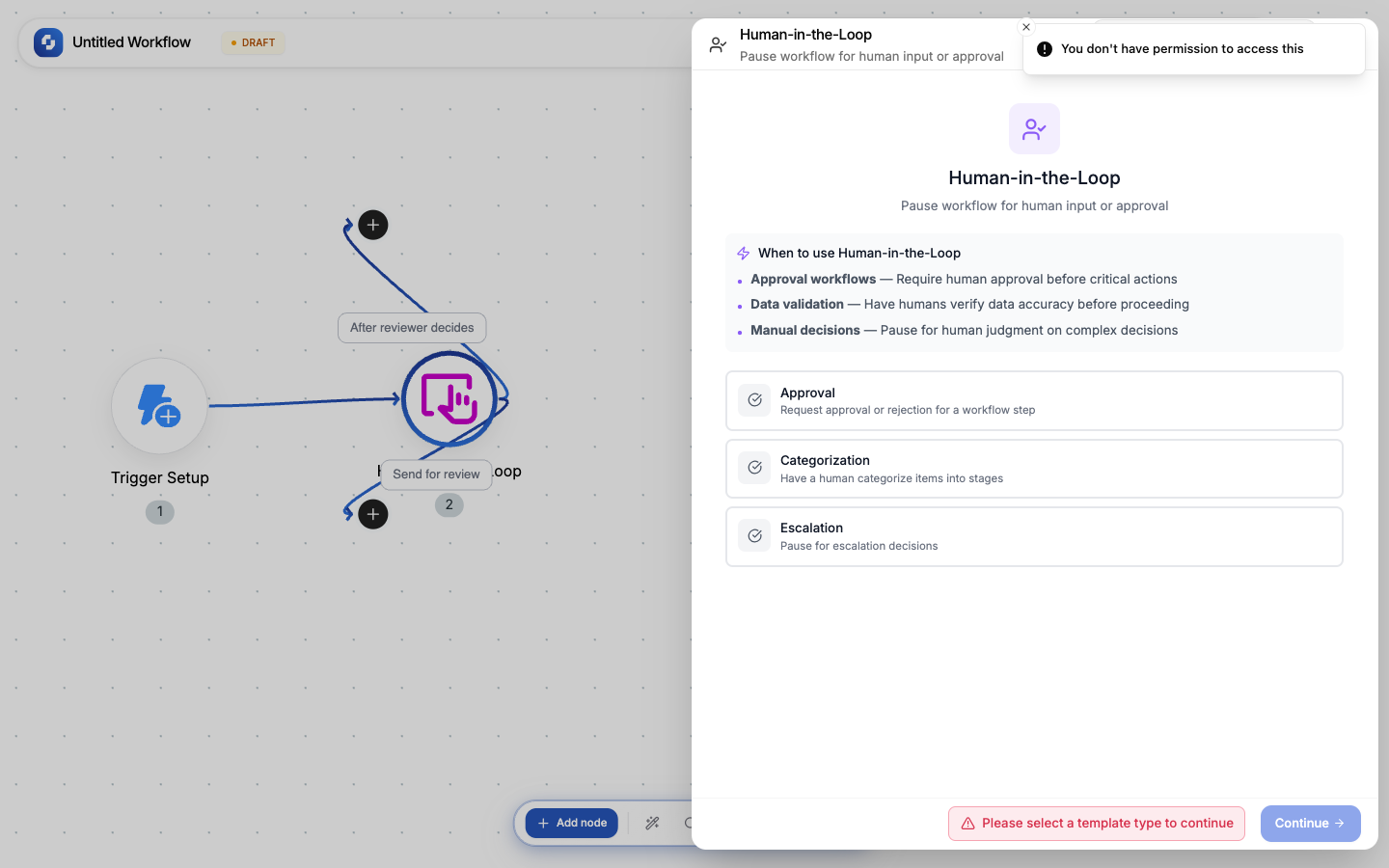
Three pre-built templates:
| Template | Buttons | Timeout |
|---|---|---|
| Approval Request | Approve (green) + Reject (red) | 24 hours |
| Data Review | Confirm (green) + Request Changes (orange) + Reject (red) | 48 hours |
| Manual Input | Submit (blue) + Cancel (gray) | 72 hours |
Configuration fields
| Field | Type | Required | Description |
|---|---|---|---|
| Template type | Select | Yes | approval, categorization, or escalation |
| Instructions | FX formula | Yes | Message shown to the reviewer; explain what needs to be reviewed |
| Summary content | FX formula | Yes | The data to review; can be text or HTML |
| Editable | Boolean | No | Whether the reviewer can edit the summary content |
| Buttons | Array (min 2) | Yes | Action buttons shown to the reviewer |
| Timeout | Duration | No | How long to wait before auto-action |
| Fallback | Config | No | What to do on timeout (auto-select a button) |
| Branding | Config | No | Custom logo, colors for the review page |
| Files | Array | No | File attachments to include in the review |
Button configuration
Each button has:
| Property | Description |
|---|---|
| Label | Display text (e.g., "Approve", "Reject") |
| Value | Machine value, auto-generated from label (lowercase, underscores) |
| Color | green, red, blue, orange, gray, or purple |
You must have at least 2 buttons.
Timeout and fallback
If no human responds within the timeout:
| Field | Description |
|---|---|
| Enabled | Turn timeout on/off |
| Duration | Number + unit (minutes, hours, days) |
| Action | auto_trigger: automatically click a button |
| Fallback value | Which button to auto-click on timeout |
Output variables
| Variable | What it contains |
|---|---|
{{hitl.selectedButton}} | The label of the clicked button |
{{hitl.value}} | The machine value of the clicked button |
{{hitl.timestamp}} | When the button was clicked |
{{hitl.editedContent}} | Modified content (if editable was enabled) |
Common patterns
Approval before payment
Trigger → Calculate refund → HITL (Approve/Reject) → If-Else (check value) → Process refund or notify
Content review
AI Writer (draft email) → HITL (Send/Edit/Discard) → If "Send" → Send Email
Data validation
Form Submission → HITL (Confirm data is correct) → If confirmed → Create Record
Warning
HITL pauses the entire workflow execution. If the reviewer doesn't respond and no timeout is configured, the workflow stays paused indefinitely.
Tip
Always configure a timeout with a fallback action for production workflows. An approval that waits forever is worse than an auto-rejected one.