Match Pattern
The Match Pattern node extracts text from a string using regular expressions (regex). Use it to find emails, phone numbers, URLs, or any structured pattern in unstructured text.
Type: MATCH_PATTERN
Color: Green gradient (#0D5C2E → #22C55E)
Credits: 1 each time the step runs
Test module: Yes (can skip)
Configuration
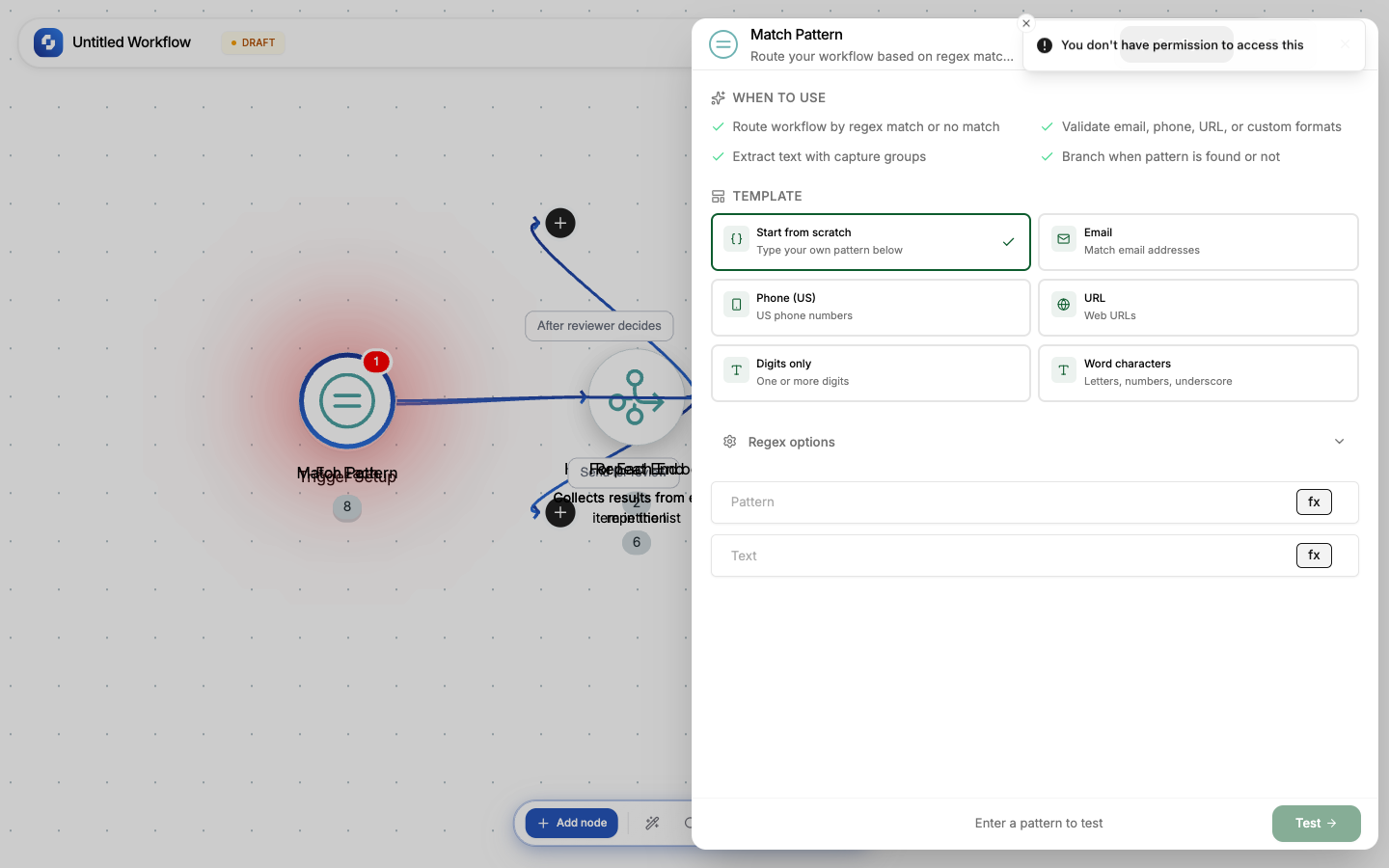
| Field | Type | Required | Description |
|---|---|---|---|
| Pattern | FX formula (regex) | Yes | The regular expression to match |
| Text | FX formula | No | The input text to search |
| Global match | Boolean | No | Return all matches (default: first match only) |
| Case sensitive | Boolean | No | Case-sensitive matching (default: case-insensitive) |
| Multiline | Boolean | No | ^ and $ match line boundaries |
| Single line | Boolean | No | . matches newlines |
| Continue if no match | Boolean | No | If false, workflow stops when pattern doesn't match |
Built-in templates
| Template | Pattern | Matches |
|---|---|---|
[\w.-]+@[\w.-]+\.[\w]+ | Email addresses | |
| Phone (US) | \d{3}[-.]?\d{3}[-.]?\d{4} | US phone numbers |
| URL | https?://[\w.-]+\.[\w.-]+[^\s]* | Web URLs |
| Digits only | \d+ | Number sequences |
| Word characters | \w+ | Words |
Output
| Variable | What it contains |
|---|---|
{{match_pattern.matches}} | Array of matched strings |
{{match_pattern.matches[0]}} | First match |
Example: Extract email from text
Pattern: [\w.-]+@[\w.-]+\.[\w]+
Text: {{trigger.body.message}}
If the message is "Please contact me at john@example.com for details", the output is ["john@example.com"].
Example: Extract all phone numbers
Pattern: \d{3}[-.]?\d{3}[-.]?\d{4}
Global match: enabled
Returns all phone numbers found in the text.
Use the Continue if no match option when the pattern is optional, e.g., extracting a phone number that may or may not be present. Without it, the workflow stops if the pattern isn't found.