Scrape Page
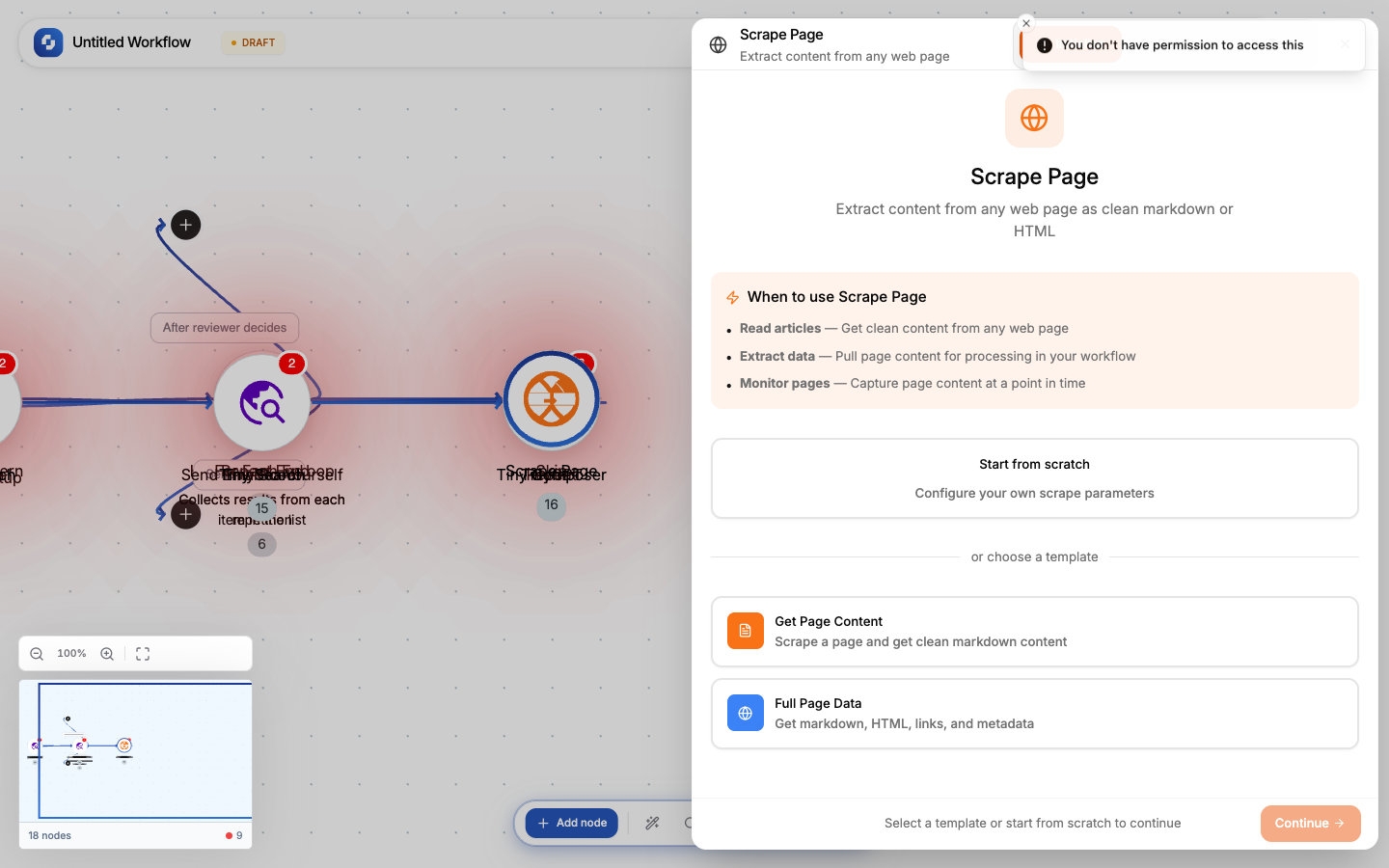
Extracts content from a single web page. Returns the page as clean markdown, raw HTML, extracted links, or all three.
Type: TINY_SCRAPE
Color: Orange (#F97316)
Credits: 2 each time the step runs
Tabs: Initialise → Configure → Test
Templates
| Template | Output format | Use case |
|---|---|---|
| Get Page Content | Markdown only | Article text, product descriptions |
| Full Page Data | Markdown + HTML + Links | Complete page extraction |
Configure tab fields
| Field | Type | Required | Description |
|---|---|---|---|
| URL | FX formula | Yes | The page to scrape. Supports variables: {{trigger.body.url}} |
| Formats | Multi-select | No | Output formats: markdown (default), html, links |
| Only main content | Boolean | No | Strip navigation, footer, ads, sidebar (default: true) |
Output variables
| Variable | When | What it contains |
|---|---|---|
{{scrape.markdown}} | formats includes "markdown" | Clean text in markdown format |
{{scrape.html}} | formats includes "html" | Raw HTML of the page |
{{scrape.links}} | formats includes "links" | Array of all links found on the page |
Common patterns
Content extraction
Webhook (URL) → Scrape Page (markdown) → TinyGPT (summarize) → Send Email
Price monitoring
Schedule (daily) → Scrape Page (product page) → TinyGPT (extract price) →
  If-Else (price < threshold) → Send Alert
Link discovery + crawl
Scrape Page (links format) → For Each (links) → Scrape Page (each link) →
  Array Aggregator → Process all content
Tip
Enable Only main content to strip navigation, sidebars, and footers. This gives cleaner text for AI processing and reduces token consumption.
Warning
Respect robots.txt and terms of service. Don't scrape sites that prohibit automated access. Rate-limit your requests with Delay nodes between scrape operations.