Sequences
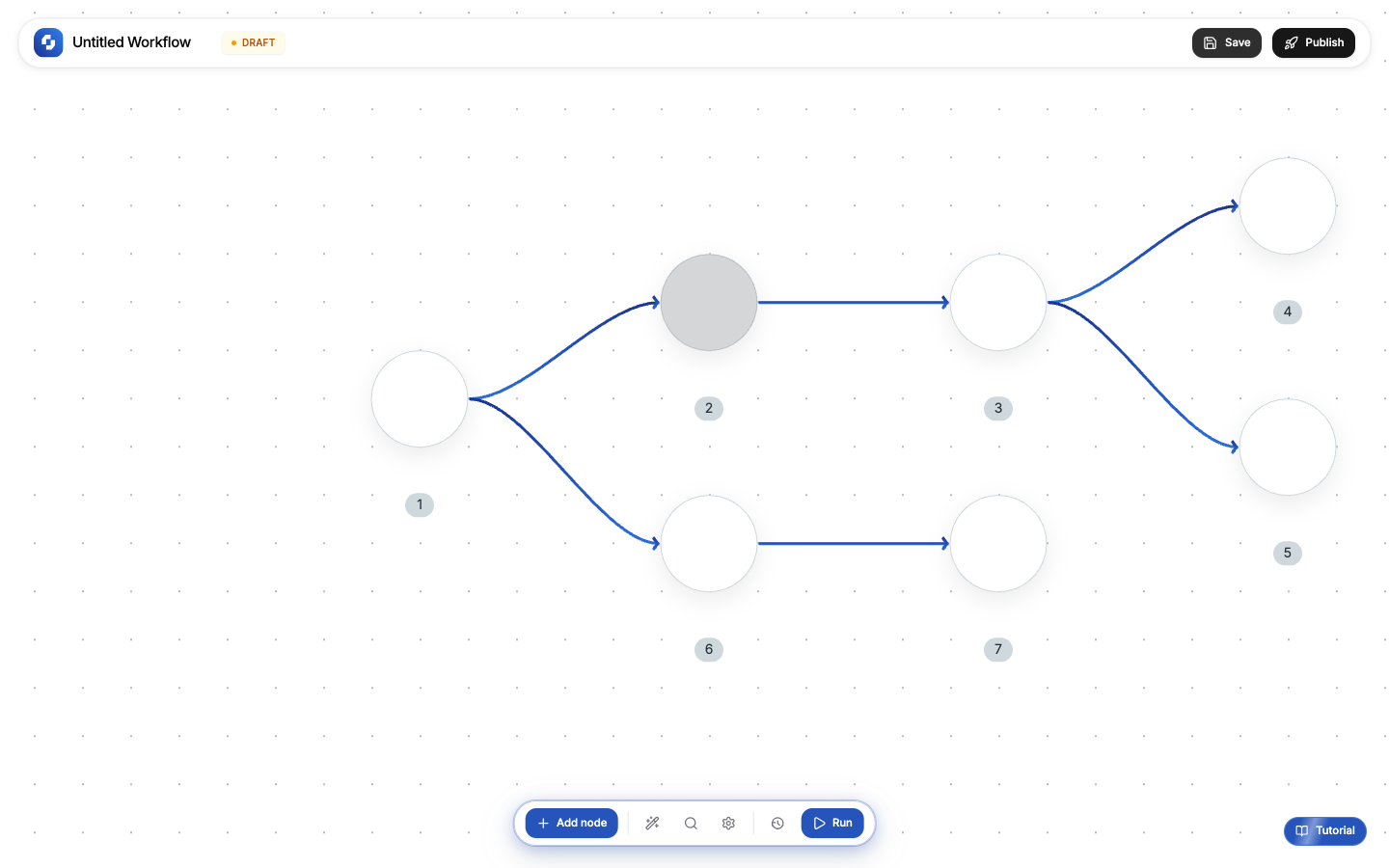
Sequences (TinySequence) are stateful workflows that can pause and resume over extended periods: hours, days, or weeks. Unlike regular workflows that execute start-to-finish in seconds, sequences maintain state across long waits.
When to use sequences vs workflows
| Feature | Workflow | Sequence |
|---|---|---|
| Execution | Runs start-to-finish in seconds | Can pause for days/weeks |
| State | Stateless (one-shot execution) | Stateful (remembers where it left off) |
| Waits | Delay node (seconds/minutes) | Wait for event, wait for time, wait for approval |
| Best for | Real-time automations | Multi-step processes with human involvement |
Example use cases
- Onboarding drip: send a welcome email now, a tips email in 3 days, a check-in in 7 days
- Approval flow: submit a request, wait for manager approval, then proceed
- Follow-up sequence: send a proposal, wait 2 days, if no reply send a follow-up
- Trial-to-paid: start trial, send usage tips at day 3, day 7, day 12, then conversion offer at day 14
How sequences work
- A trigger starts the sequence
- Nodes execute in order until they hit a wait step
- The sequence pauses and stores its state
- When the wait condition is met (time elapsed, event received, human approved), execution resumes
- This continues until the sequence completes
Wait types
| Wait type | What it does |
|---|---|
| Wait for time | Pause for a specific duration (e.g., 3 days) |
| Wait for event | Pause until a specific event occurs (e.g., user replies) |
| Wait for approval | Pause until a human approves or rejects (Human-in-the-Loop) |
| Wait until date | Pause until a specific date/time |
Building a sequence
- Open the Sequence builder (separate from the workflow canvas)
- Add a trigger to start the sequence
- Add action nodes and wait nodes
- Connect them in the order you want
- Publish the sequence
Note
Sequences use the same nodes as workflows (triggers, actions, logic, AI) plus additional wait nodes that are only available in the sequence builder.
Tip
Start with a regular workflow for simple automations. Only upgrade to a sequence when you need multi-day waits or human approval steps.