Find Records
Three database nodes let you query data:
Find One
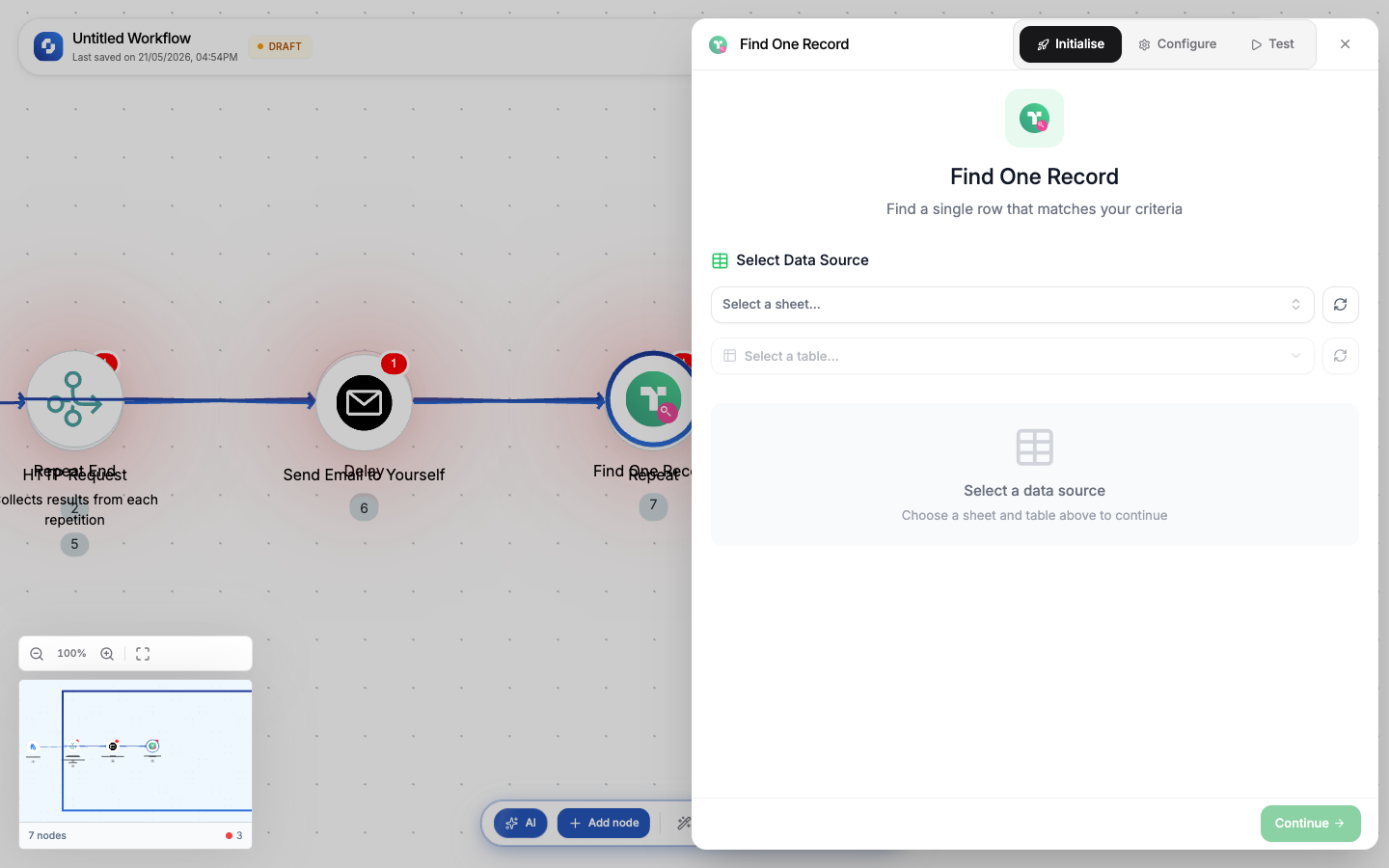
Returns the first record matching a condition.
Type: DB_FIND_ONE / DB_FIND_ONE_V2
| Field | Required | Description |
|---|---|---|
| Connection | Yes | Database connection (MySQL or PostgreSQL) |
| Table | Yes | Table to query |
| Where clause | Yes | SQL WHERE condition (FX formula) |
| Order by | No | Sort clause (e.g., created_at DESC) |
Templates: Find by ID, Lookup by Email, Get Latest
Output: single record object; all columns available as variables.
Find All
Returns all records matching a condition.
Type: DB_FIND_ALL / DB_FIND_ALL_V2
| Field | Required | Description |
|---|---|---|
| Connection | Yes | Database connection |
| Table | Yes | Table to query |
| Where clause | No | SQL WHERE condition (empty = return all) |
| Order by | No | Sort clause |
| Limit | No | Max records to return |
Output: array of records; use with For Each to process each row.
Execute Query
Run any SQL query directly.
Type: Execute Query / EXECUTE_QUERY_V2
| Field | Required | Description |
|---|---|---|
| Connection | Yes | Database connection |
| SQL query | Yes | Raw SQL (supports parameterized queries) |
| Parameters | No | Query parameters (FX formula) |
Templates: Custom SELECT, Aggregate Query (COUNT/SUM/AVG), Join Tables
Output: array of result rows (for SELECT) or affected row count (for INSERT/UPDATE/DELETE).
Execute Query runs raw SQL. Be careful with DELETE and UPDATE statements. Always test with a SELECT first.
Use Find One for lookups (get customer by email). Use Find All for batch operations (get all orders from today). Use Execute Query for complex JOINs and aggregations.