Read PDF
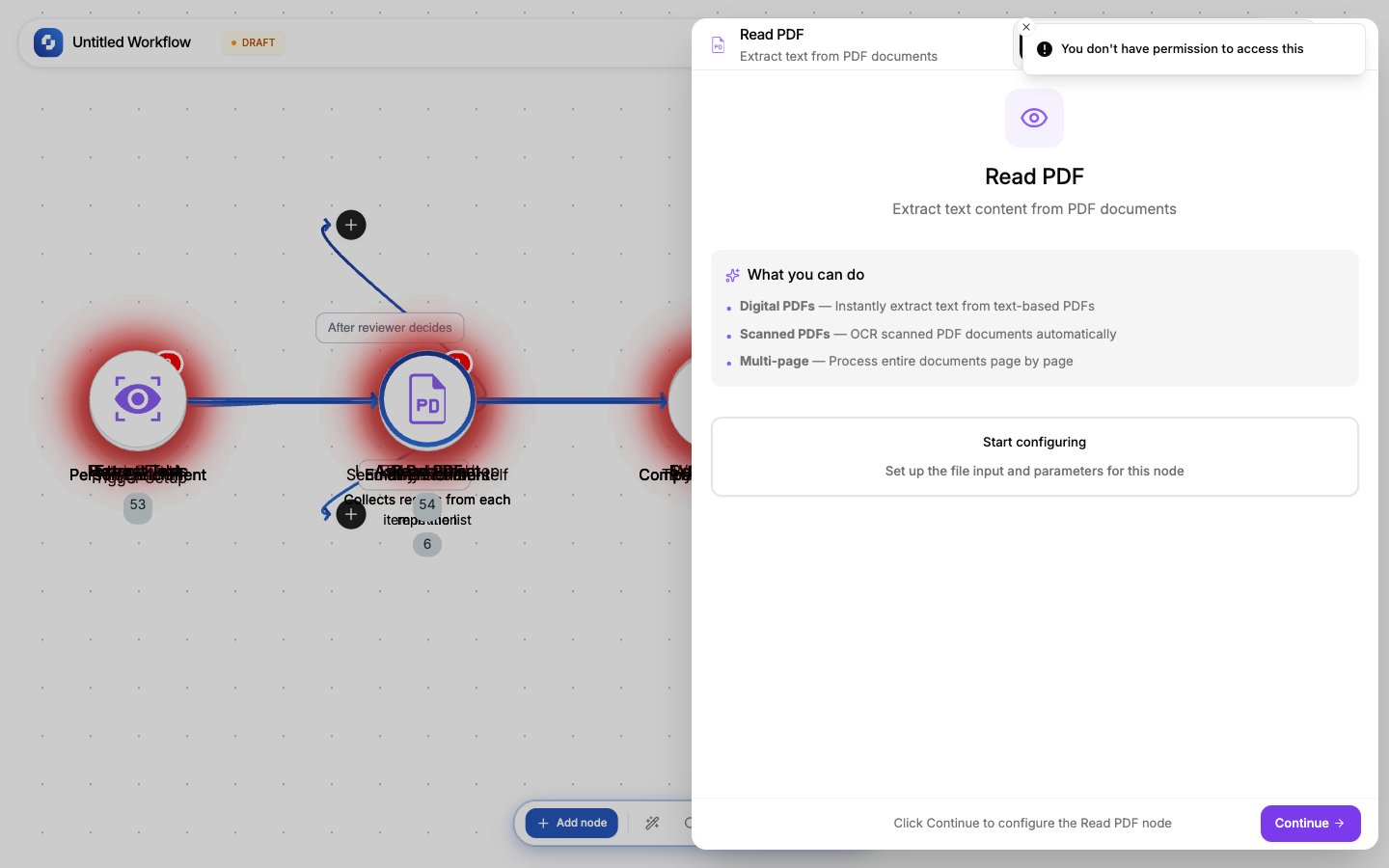
Extracts the complete text content from a PDF file across all pages.
Type: TINYVISION_PDF
Color: Purple (#8B5CF6)
Credits: At least 1 each time the step runs
Configure fields
| Field | Type | Required | Description |
|---|---|---|---|
| File URL | FX formula | Yes | URL of the PDF file |
Output
Full text content from all pages, preserving basic structure (paragraphs, headings).
Common patterns
PDF to summary
Webhook (PDF URL) → Read PDF → TinyGPT (summarize in 3 bullet points) → Send Email
Contract analysis
Webhook (contract PDF) → Read PDF → TinyGPT (extract: parties, dates, terms, obligations) → Create Record
PDF to knowledge base
Webhook (document URL) → Read PDF → Create Record (store text for search)
Note
Read PDF extracts TEXT from PDF files. For scanned PDFs (images of text), use Extract Text (OCR) instead; Read PDF won't find text in image-based PDFs.
File URL sources
The file URL can come from:
- Webhook payload:
{{trigger.body.file_url}} - Form submission:
{{trigger.file_upload.url}} - HTTP Request:
{{http.body.download_url}} - Static URL: a direct link to a file hosted anywhere
Error handling
If the file can't be processed (corrupt, unsupported format, too large):
- The node fails with an error message
- Use Continue on error + If-Else to handle gracefully
- Check file type before processing with an If-Else on the URL extension
Credits
Like every workflow step, this node uses at least 1 credit each time it runs. Monitor usage in Monitor → Credit Usage.