Delete Record
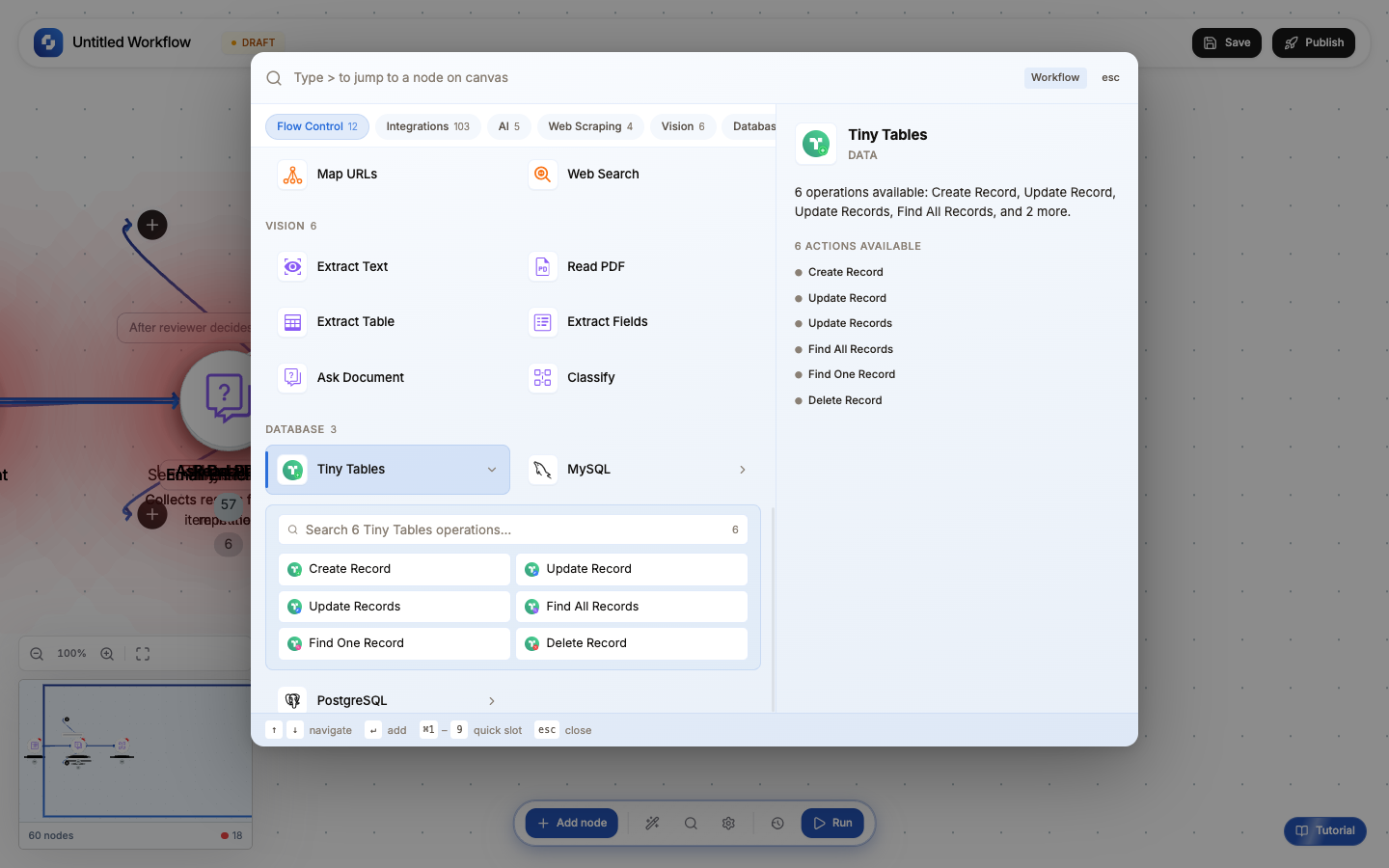
The Delete Record node removes rows from a database table that match a WHERE condition. It supports both PostgreSQL and MySQL, with built-in safety controls to prevent accidental mass deletion.
Type: Delete Record / DELETE_RECORD_V2
Color: Red (#EF4444)
Tabs: Initialise → Configure → Test
Test module: Yes (required; cannot skip)
Initialise tab: Templates
Three pre-built templates to start from:
| Template | Pre-filled WHERE clause | Use case |
|---|---|---|
| Delete by ID | id = {{record_id}} | Remove a specific record by primary key |
| Delete Expired | expires_at < NOW() | Clean up records past their expiration date |
| Cleanup | status = 'deleted' | Hard-delete records that were previously soft-deleted |
Select a template or start from scratch, then click Continue →.
Configure tab: Fields
| Field | Type | Required | Description |
|---|---|---|---|
| Connection | Select | Yes | Which database to delete from. Choose from your saved connections in App Authorizations. Auto-detects MySQL vs PostgreSQL. |
| Table | Select | Yes | The target table. Dropdown populated from the selected connection. |
| Where clause | FX formula | Yes | SQL WHERE condition. Supports workflow variables: id = '{{trigger.body.user_id}}'. Determines WHICH rows get deleted. |
| Require confirmation | Boolean | Default: true | When enabled, the Test tab shows a preview of rows to be deleted and asks for confirmation before executing. |
Where clause examples
-- Delete a specific record by ID
id = '{{trigger.body.record_id}}'

-- Delete all expired sessions
expires_at < NOW()

-- Delete records older than 30 days
created_at < NOW() - INTERVAL '30 days'

-- Delete by compound condition
status = 'cancelled' AND updated_at < NOW() - INTERVAL '7 days'

-- Delete records matching a list
email IN ('test@example.com', 'demo@example.com')
The WHERE clause determines what gets deleted. An incorrect WHERE clause can delete the wrong rows or all rows. There is no undo. Always:
- Test with a Find All query using the same WHERE clause first
- Verify the rows that will be affected
- Only then run the Delete
Test tab
The Test tab executes the delete against your real database:
- Click Test to run the query
- If Require confirmation is enabled, you see a preview of affected rows
- Confirm to proceed, or cancel to go back
- On success, the output shows the number of deleted rows
Output variables
| Variable | What it contains |
|---|---|
{{delete_record.affectedRows}} | Number of rows deleted |
{{delete_record.success}} | Boolean: true if the operation succeeded |
Common patterns
Delete after processing
Webhook Trigger → Process data → Delete Record (remove the processed item from queue)
Scheduled cleanup
Schedule Trigger (daily) → Delete Record (WHERE expires_at < NOW())
Soft-delete then hard-delete
User action → Update Record (SET status = 'deleted') → [later] → Schedule → Delete Record (WHERE status = 'deleted' AND deleted_at < NOW() - INTERVAL '30 days')
Cascade delete
Trigger → Delete Record (child table WHERE parent_id = '{{id}}') → Delete Record (parent table WHERE id = '{{id}}')
Safety best practices
- Always use a WHERE clause: deleting without WHERE removes ALL rows
- Test first: run a Find All with the same WHERE to preview what will be deleted
- Use soft-delete: update a
statuscolumn to'deleted'instead of hard-deleting. Run cleanup jobs periodically for permanent removal. - Keep Require confirmation enabled, especially during development
- Log before deleting: add a Log node before the Delete to record what's being removed
For production workflows, prefer soft-delete (Update Record to set status='deleted') over hard-delete. Soft-deleted records can be recovered if something goes wrong. Use a scheduled cleanup workflow to permanently remove soft-deleted records after 30 days.
The Delete Record node works with both PostgreSQL and MySQL. The database type is auto-detected from your connection settings. SQL syntax differences (like date functions) are handled automatically.