Create Record
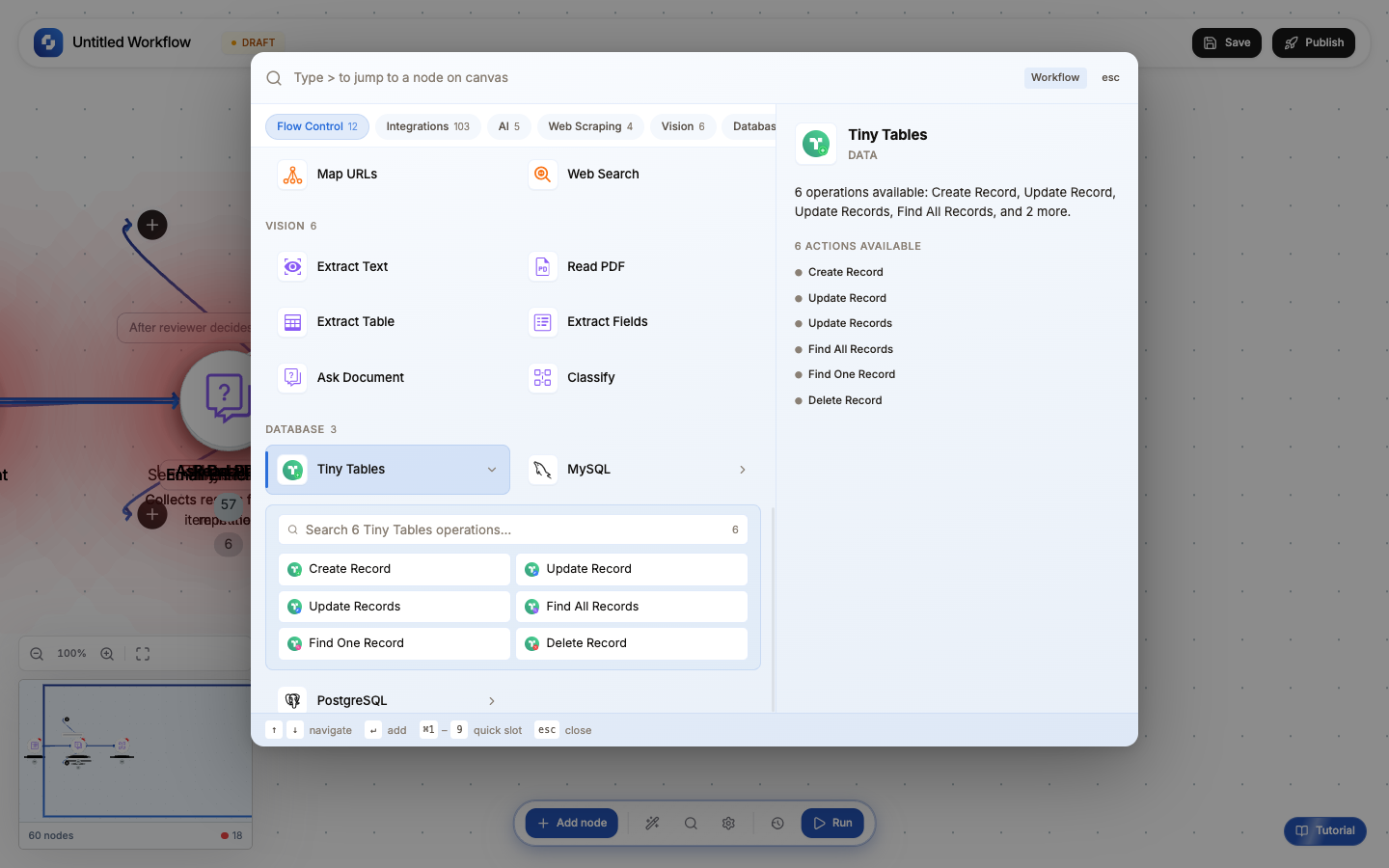
The Create Record node inserts a new row into a database table. Use it to log data, store workflow results, create CRM entries, or persist any structured information.
Type: Create Record / CREATE_RECORD_V2
Color: Green (#22C55E)
Tabs: Initialise → Configure → Test
Test module: Yes (required)
Initialise tab: Templates
| Template | What it pre-fills | Use case |
|---|---|---|
| Insert User | name, email, created_at fields | User registration flow |
| Create Order | order_id, customer_id, total, status fields | E-commerce order processing |
| Log Entry | message, level, timestamp fields | Workflow logging and audit |
Configure tab: Fields
| Field | Type | Required | Description |
|---|---|---|---|
| Connection | Select | Yes | Which database to write to. Choose from App Authorizations. |
| Table | Select | Yes | Target table. Populated from the selected connection. |
| Record | Key-value pairs | Yes | Column → value mappings. Each value is an FX formula supporting workflow variables. |
Mapping fields
For each column you want to populate, add a row:
| Column | Value (FX formula) |
|---|---|
name | {{trigger.body.name}} |
email | {{trigger.body.email}} |
source | "workflow" (literal string) |
created_at | {{now}} |
score | {{analyzer.result.score}} |
You don't need to map every column; unmapped columns use their database defaults (NULL, DEFAULT values, auto-increment).
Test tab
- Click Test to execute the INSERT
- The node shows the inserted row with all values including auto-generated fields (ID, timestamps)
- The output schema populates; downstream nodes can reference the new row's fields
Test runs insert real data into your database. Use a test table or clean up after testing.
Output variables
| Variable | What it contains |
|---|---|
{{create_record.id}} | Auto-generated ID of the new row (if the table has an auto-increment/serial primary key) |
{{create_record.row}} | The full inserted row as a JSON object |
{{create_record.row.fieldName}} | A specific field from the inserted row |
{{create_record.affectedRows}} | Number of rows inserted (always 1) |
Common patterns
Log every webhook
Webhook Trigger → Create Record (log payload to audit_log table)
Store form submissions
Form Submission → Create Record (insert into leads table) → Send Email (confirmation)
Enrich then store
Webhook → Person Enrichment → Create Record (save enriched contact with all fields)
Upsert pattern
If the record might already exist:
Trigger → Find One (check if exists) → If-Else →
  If found: Update Record
  If not found: Create Record
Database support
| Database | Connection fields |
|---|---|
| PostgreSQL | Host, port, database, schema (default: public), username, password |
| MySQL | Host, port, database, username, password |
The node auto-detects which database type you're using from the connection.
Use the Log Entry template for quick debugging: insert a row with the current node's data at any point in your workflow to trace what's happening.
If your table has required columns without defaults, the Create Record node will fail if you don't map those columns. Check your table schema if you get constraint violation errors.