Update Record
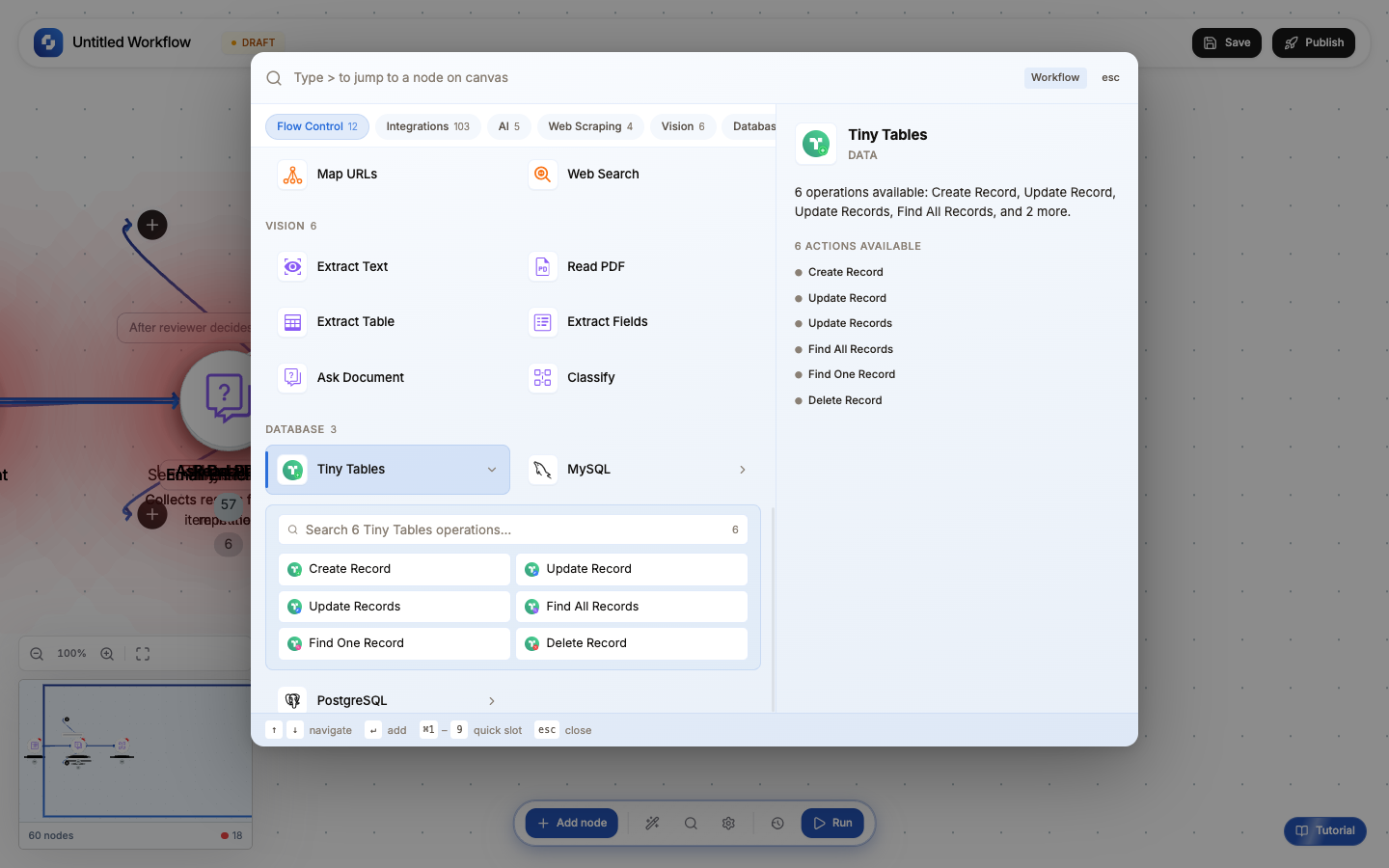
The Update Record node modifies existing rows in a database table that match a WHERE condition. Use it to change statuses, update timestamps, sync fields, or modify any data.
Type: Update Record / UPDATE_RECORD_V2
Color: Blue (#3B82F6)
Tabs: Initialise → Configure → Test
Test module: Yes (can skip)
Initialise tab: Templates
| Template | What it pre-fills | Use case |
|---|---|---|
| Update Profile | name, email fields + WHERE by id | User profile changes |
| Change Status | status field + WHERE by id | Order/ticket status updates |
| Sync Record | Multiple fields + WHERE by external_id | Syncing data from external systems |
Configure tab: Fields
| Field | Type | Required | Description |
|---|---|---|---|
| Connection | Select | Yes | Database connection |
| Table | Select | Yes | Target table |
| Record | Key-value pairs | Yes | Column → new value mappings. Each value is an FX formula. |
| Where clause | FX formula | Yes | SQL WHERE condition identifying which rows to update |
Field mapping examples
| Column | New value |
|---|---|
status | "paid" |
paid_at | {{now}} |
amount | {{trigger.body.amount}} |
updated_by | "workflow" |
Where clause examples
-- Update by primary key
id = '{{trigger.body.record_id}}'

-- Update by external ID (for sync)
stripe_customer_id = '{{trigger.body.data.object.customer}}'

-- Update by email
email = '{{trigger.body.email}}'

-- Update multiple rows matching a condition
status = 'pending' AND created_at < NOW() - INTERVAL '7 days'
Without a WHERE clause, UPDATE affects ALL rows in the table. Always include a specific WHERE condition. Test with Find All first to verify which rows match.
Output variables
| Variable | What it contains |
|---|---|
{{update_record.affectedRows}} | Number of rows updated |
{{update_record.success}} | Boolean: true if the operation succeeded |
Common patterns
Status update after payment
Stripe Webhook (charge.succeeded) → Update Record (SET status='paid', paid_at=NOW() WHERE stripe_id='{{customer}}')
Mark as processed
For Each (batch of items) → Process → Update Record (SET processed=true WHERE id='{{item.id}}')
Sync from external system
Schedule → HTTP Request (fetch from API) → For Each → Update Record (sync latest data WHERE external_id='{{item.id}}')
Upsert (insert or update)
Trigger → Find One (WHERE email='{{email}}') → If-Else →
  Found: Update Record (update existing fields)
  Not found: Create Record (insert new row)
When updating a single row, always use the primary key in your WHERE clause (id = '...'). This guarantees you're updating exactly one record and not accidentally modifying others.
The Update Record node auto-detects MySQL vs PostgreSQL from your connection. SQL syntax differences (like date interval syntax) are handled automatically.