Find Record
The Find Record nodes query your connected database and return matching records. There are two variants:
| Node | Type | Description |
|---|---|---|
| Find One | FIND_ONE | Returns the first matching record. Use when you expect a single result (e.g., look up a user by email). |
| Find All | FIND_ALL | Returns all matching records as an array. Use when you need multiple results (e.g., all orders from today). |
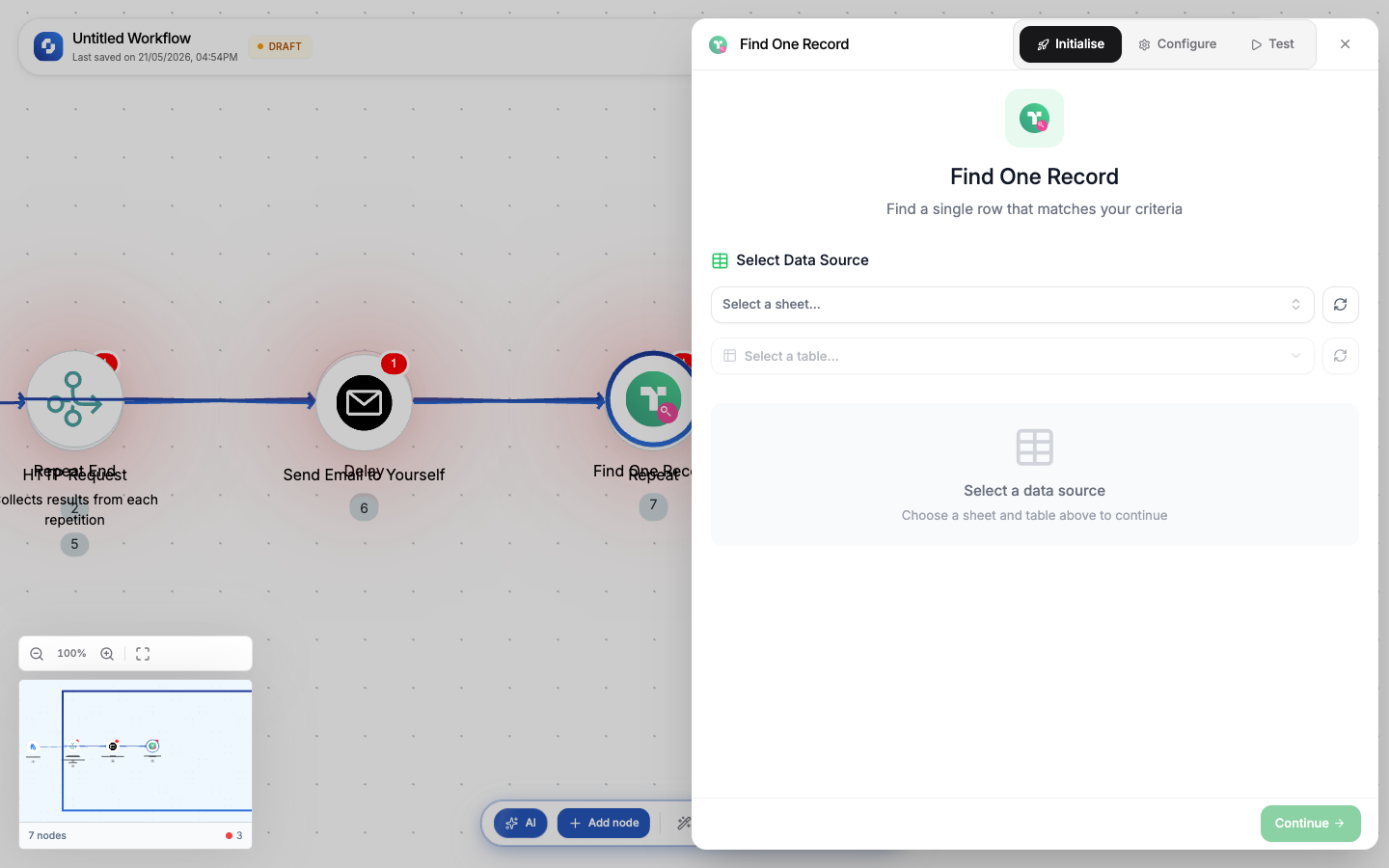
Find One: Configuration
| Field | Type | Required | Description |
|---|---|---|---|
| Connection | Select | Yes | Database connection (PostgreSQL, MySQL, or TinyTable) |
| Table | Select | Yes | Which table to query |
| Filter | Condition builder | Yes | At least one filter condition to identify the record |
Filter conditions
| Operator | Example | Description |
|---|---|---|
| equals | email equals {{trigger.body.email}} | Exact match |
| not equals | status not equals archived | Exclusion |
| contains | name contains {{trigger.body.search}} | Partial text match |
| greater than | score greater than 80 | Numeric comparison |
| less than | created_at less than {{YESTERDAY()}} | Date comparison |
| is empty | deleted_at is empty | Null check |
| is not empty | email is not empty | Not null check |
Output variables (Find One)
{{find_one.record}}              → the matched record object
{{find_one.record.id}}           → record ID
{{find_one.record.email}}        → any field value
{{find_one.record.created_at}}   → timestamp field
{{find_one.found}}               → boolean: true if a record was found
Find All: Configuration
Find All has the same filter options plus additional controls:
| Field | Type | Required | Description |
|---|---|---|---|
| Connection | Select | Yes | Database connection |
| Table | Select | Yes | Which table to query |
| Filter | Condition builder | No | Filter conditions (omit to get all records) |
| Sort by | Select | No | Field to sort results by |
| Sort order | Select | No | ASC (ascending) or DESC (descending) |
| Limit | Number | No | Max records to return. Default: 100 |
| Offset | Number | No | Skip N records (for pagination) |
Output variables (Find All)
{{find_all.records}}             → array of record objects
{{find_all.records[0].email}}    → first record's email
{{find_all.count}}               → number of records returned
{{find_all.total}}               → total matching records (before limit)
Common patterns
Look up a user and branch
Webhook (incoming data) → Find One (user by email) → If-Else (found?) →
  Yes: Update Record (update existing user)
  No: Create Record (create new user)
Batch process records
Schedule (daily) → Find All (status = "pending", created_at < 24h ago) →
  For Each (record) → HTTP Request (process) → Update Record (status = "completed")
Paginated export
Manual Trigger → Find All (limit: 500, offset: 0) → Google Sheets (append rows) →
  If-Else (count == 500?) → Jump To (increment offset, repeat)
Aggregate and report
Schedule (weekly) → Find All (created_at > 7 days ago) →
  Transformer (calculate totals, averages) → Send Email (weekly summary)
Multiple filter conditions
You can add multiple filters. They combine with AND logic. All conditions must be true:
Table: orders
Filter 1: status equals "completed"
Filter 2: created_at greater than {{WEEK_START()}}
Filter 3: total greater than 100
This returns all completed orders from this week with a total over 100.
Use Find One when you're looking up a specific record (by ID, email, or unique key). Use Find All when you need a list. Find One is faster because it stops after the first match.
Find All without filters returns ALL records in the table (up to the limit). On large tables, always add at least one filter to avoid pulling thousands of records into your workflow.
Like every workflow step, each database step uses 1 credit when it runs.