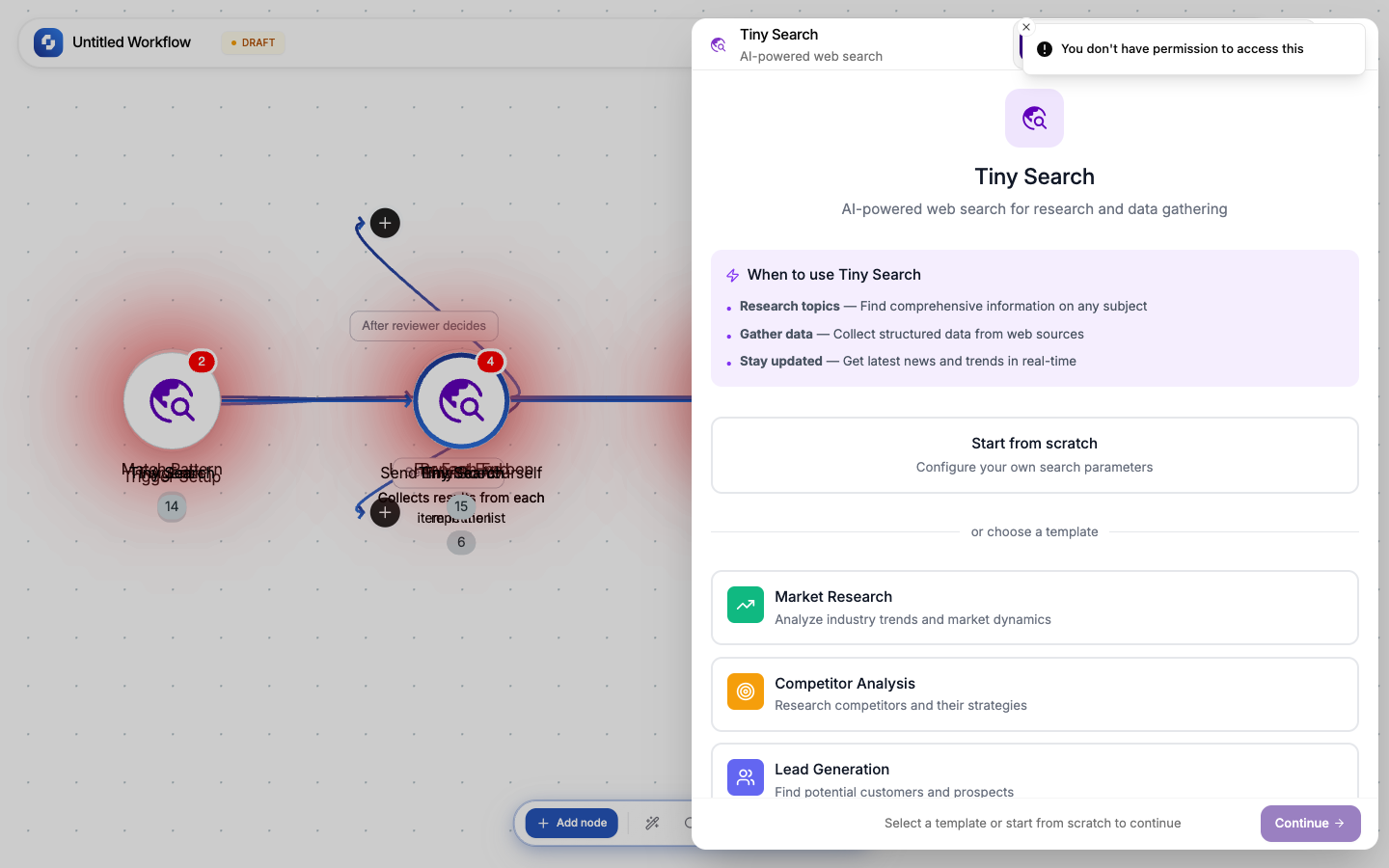
Tiny Search
Tiny Search lets you search the web from within a workflow. Use it for research, competitor monitoring, content discovery, or lead generation.
Type: TINY_SEARCH
Color: Purple gradient (#8133F1 → #360083)
Credits: 10 each time the step runs
Test module: Yes (can skip)
Configuration
| Field | Type | Required | Description |
|---|---|---|---|
| Search query | FX formula | Yes | The search query (supports variables) |
| Number of results | FX formula | Yes | How many results to return |
Templates
| Template | Use case |
|---|---|
| Market Research | Industry trends and market data |
| Competitor Analysis | Monitor competitor activity |
| Lead Generation | Find potential customers |
| Content Research | Discover content ideas and sources |
Output
Returns an array of search results, each with URL, title, and snippet. Use with a For Each loop to process each result.
Be specific in your search query. Include quotes for exact phrases, site: for domain-specific search, and date ranges for recent results.
How search results work
Tiny Search returns an array of results. Each result includes:
| Field | Description |
|---|---|
| URL | The page URL |
| Title | The page title |
| Snippet | A text excerpt from the page |
Use with a For Each loop to process each result:
Tiny Search → For Each (results) → Scrape Page (get full content) → TinyGPT (analyze)
Search query tips
| Technique | Example | Effect |
|---|---|---|
| Exact phrase | "workflow automation" | Match exact phrase |
| Site-specific | Set domain to competitor.com | Only results from that domain |
| Exclude terms | automation -zapier | Exclude results mentioning Zapier |
| Recent results | automation tools 2026 | Include year for recency |
Common patterns
Competitive monitoring
Schedule (daily) → Tiny Search ("competitor name news") → For Each →
  Scrape Page (get article) → GPT Researcher (summarize key points) →
  Send Email (daily digest)
Content research pipeline
Manual Trigger (topic) → Tiny Search (research query) →
  For Each (top 5 results) → Scrape Page →
  TinyGPT (extract key facts) → GPT Writer (draft article)
Lead discovery
Schedule (weekly) → Tiny Search ("CTO fintech startup hiring") →
  For Each → Person Enrichment → Create Record (add to leads table)
Search results are from the live web and may change. For reproducible workflows, save search results to a database or TinyTable instead of relying on re-running the same search.