Airtable Integration
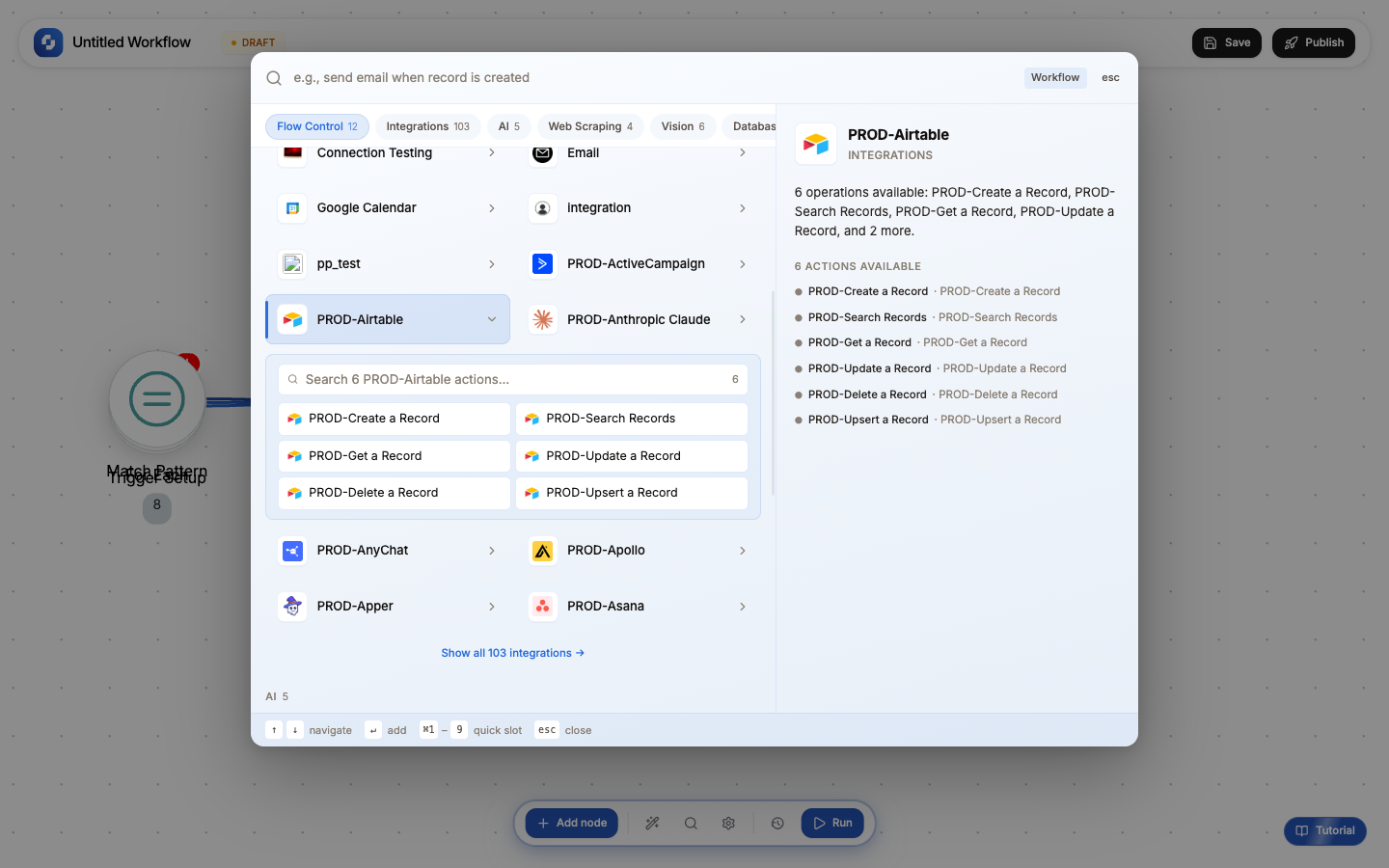
Connect Airtable to create records, update fields, and sync data between Airtable bases and your workflows.
Available triggers
| Trigger | When it fires |
|---|---|
| New Record | A record is created |
| Record Updated | A record's fields change |
Available actions
| Action | What it does |
|---|---|
| Create Record | Add a new record |
| Update Record | Modify record fields |
| Get Record | Retrieve a specific record |
| List Records | Get all records (with filter) |
| Delete Record | Remove a record |
Common patterns
Form to Airtable
Form Submission → Create Airtable Record (map form fields to Airtable columns)
Airtable to CRM sync
Airtable Trigger (new record in "Leads" table) →
  Person Enrichment → Create HubSpot Contact → Update Airtable Record (add HubSpot link)
Content calendar
Airtable Trigger (record status changed to "Approved") →
  Get Airtable Record (full content) → HTTP Request (publish to CMS)
  → Update Airtable Record (status = "Published")
Tip
If you're migrating from Airtable to TinyTables, use a workflow to sync: Airtable Trigger → Create TinyTable Row. This runs continuously, keeping both in sync during migration.