Extract Data
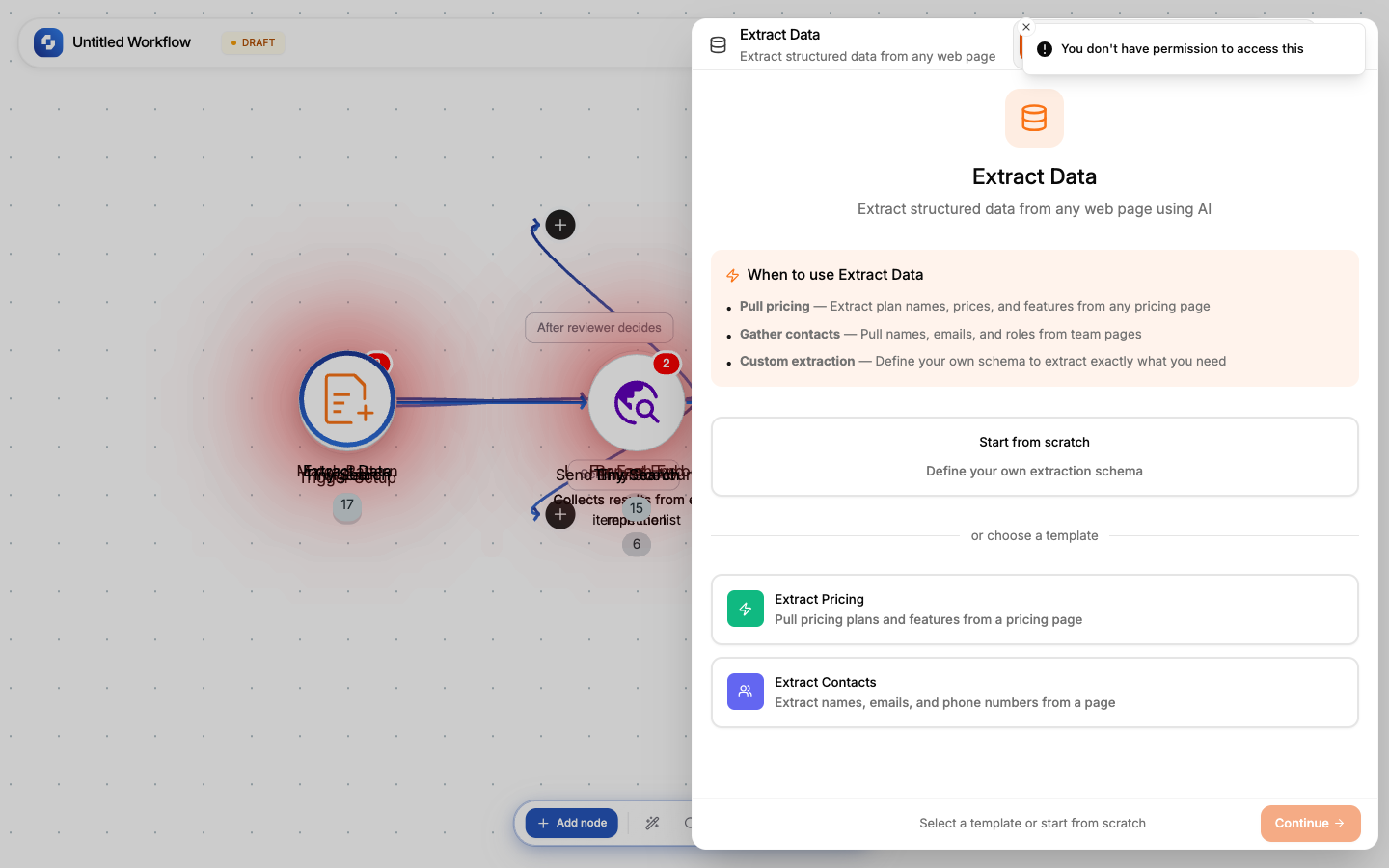
Uses AI to extract specific structured data from a web page. Define the fields you want, and the AI finds and extracts them.
Type: TINY_EXTRACT
Color: Orange (#F97316)
Credits: 2 each time the step runs
Tabs: Initialise → Configure → Test
Templates
| Template | Schema fields | Use case |
|---|---|---|
| Extract Pricing | plan_name, price, features | Competitor pricing pages |
| Extract Contacts | name, email, phone, role | Contact/team pages |
Configure tab fields
| Field | Type | Required | Description |
|---|---|---|---|
| URL | FX formula | Yes | The page to extract from |
| Schema | Array | Yes | Field definitions: what to extract |
| Prompt | String | No | Natural language instruction for the AI |
Schema fields
Each field has:
- Key: field name (e.g.,
price,company_name) - Description: what to look for (e.g., "Monthly price in USD")
At least one key must be non-empty.
Output
JSON object matching your schema:
{
  "plan_name": "Pro",
  "price": "$49/month",
  "features": ["Unlimited users", "API access", "Priority support"]
}
Example: Extract product details
Schema:
product_name: "The main product name"
price: "Current price including currency"
rating: "Average customer rating"
review_count: "Number of reviews"
The AI reads the page and fills each field.
Tip
Be specific in field descriptions. Instead of "price", write "Monthly subscription price in USD, excluding taxes." The more specific, the more accurate the extraction.