Sharing & Collaboration
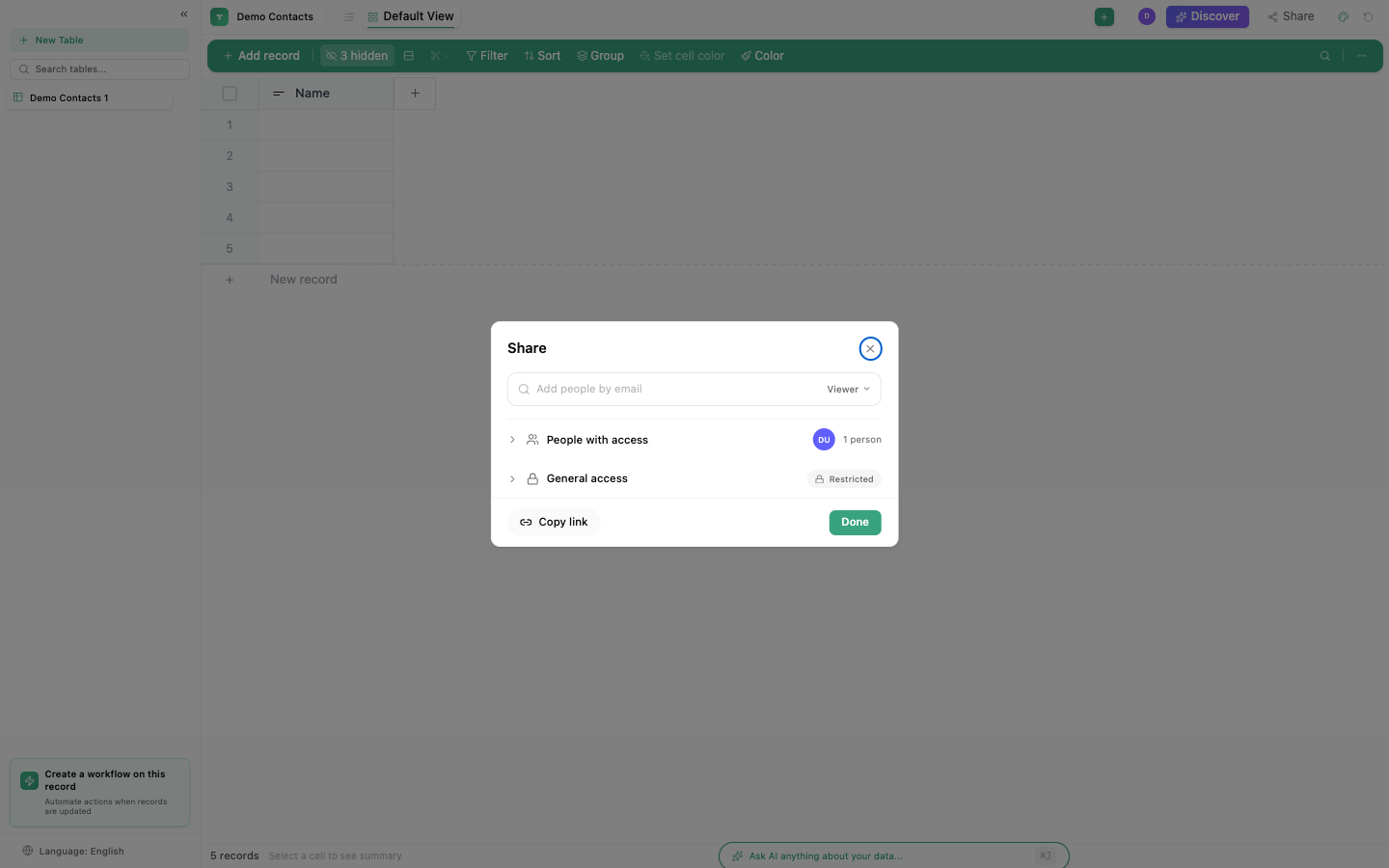
TinyTables supports real-time collaboration with role-based permissions, threaded comments, and live cursor tracking.
Roles
| Role | Can do |
|---|---|
| Owner | Everything: edit data, columns, views, settings, share, delete |
| Editor | Edit data, add/modify rows, use views. Cannot change table structure. |
| Viewer | View data only. Cannot edit anything. |
Sharing
Invite by email
- Click the Share button on your table
- Enter an email address
- Select a role (Editor or Viewer)
- Click Invite
Link sharing
Enable general access to share via a link. Anyone with the link can view the table at the assigned permission level.
View-level sharing
Share a specific view (with its filters/sorts/groups) without exposing the full table.
Comments
Click the comment icon on any record to add threaded comments:
| Feature | Description |
|---|---|
| Threads | Comment on specific records |
| Replies | Reply to specific comments |
| Emoji reactions | 6 reaction types |
| Edit/Delete | Modify or remove your own comments |
Real-time collaboration
TinyTables uses WebSocket connections for live updates:
- Live cursors: see where other users are working
- Cell changes: see edits as they happen
- User presence: see who's currently viewing the table
Embed
Embed a table view into any website:
https://app.tinycommand.com/embed?type=table&id=YOUR_TABLE_ID
The embedded view respects the sharing permissions you've set.
Import & Export
| Operation | Format | Details |
|---|---|---|
| Import | CSV | Into new table or append to existing |
| Export | CSV | Column selection + preview before download |
| Export | Excel (XLSX) | Client-side generation |
Note
TinyTables supports 4 languages: English, Spanish, Portuguese, and Arabic (with full RTL support).