Embed Tables
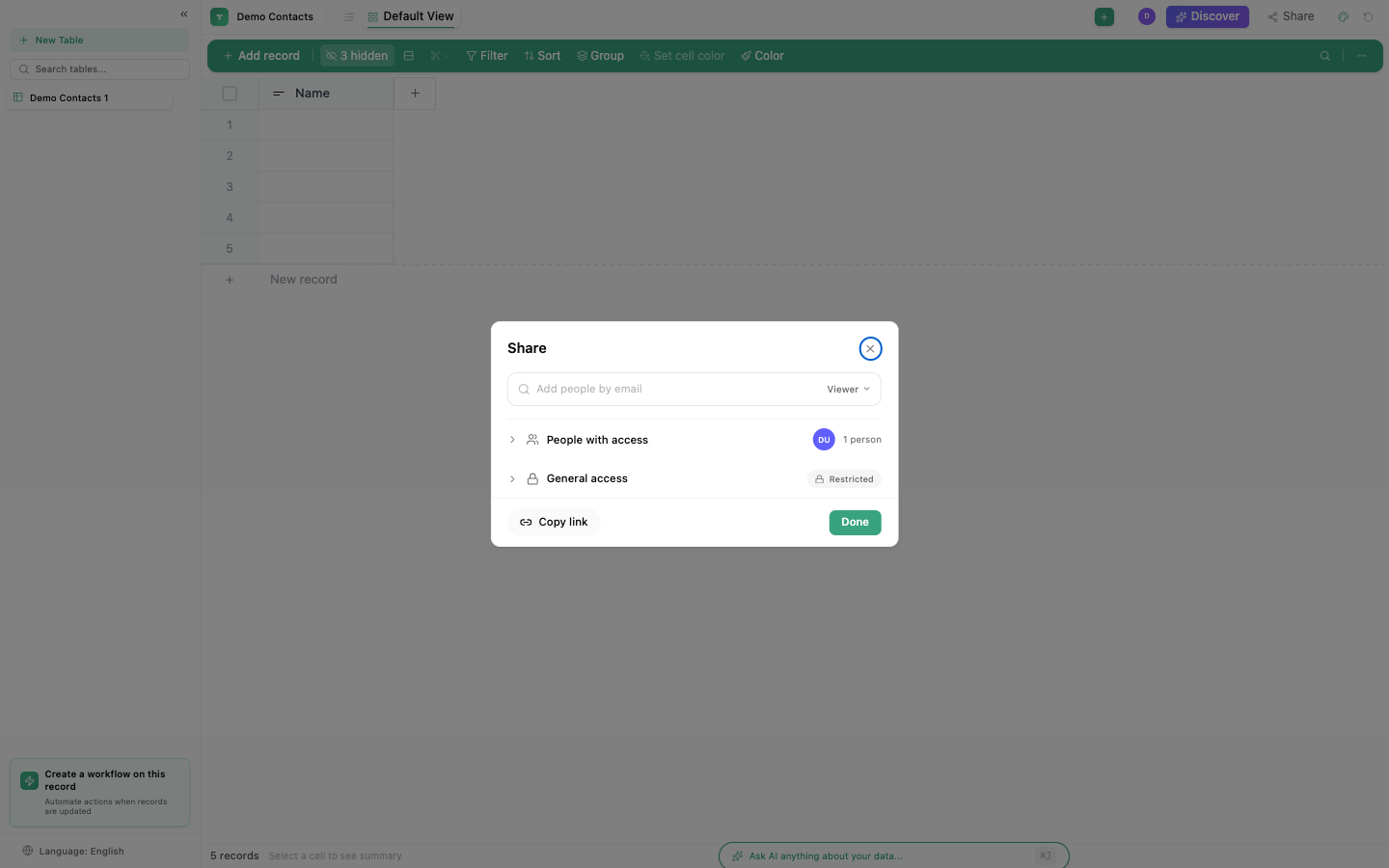
Embed a table view on any website using an iframe. External users can view (and optionally edit) data without needing a TinyCommand account.
Embed URL
https://app.tinycommand.com/embed?type=table&id=YOUR_TABLE_ID
Setting up
- Open your table
- Click Share → Embed
- Configure permissions (view-only or editable)
- Copy the embed code
- Paste into your website's HTML
Configuration
| Setting | Description |
|---|---|
| View | Which view to embed (Grid, Kanban, Calendar, etc.) |
| Permissions | View-only or allow editing |
| Height/Width | Iframe dimensions |
| Filters | Pre-apply filters to limit visible data |
Communication
The embed uses postMessage for communication between the iframe and the parent page. This enables:
- Syncing user context
- Passing filters from the parent page
- Receiving events when data changes
Use cases
- Client portal: share project status with clients
- Public database: community directory, resource list
- Internal dashboard: embed in an intranet page
- Documentation: show live data in help articles
Note
Embedded tables respect the sharing permissions you set. View-only embeds prevent any data modification. Editable embeds require appropriate access controls.