Styling Guide
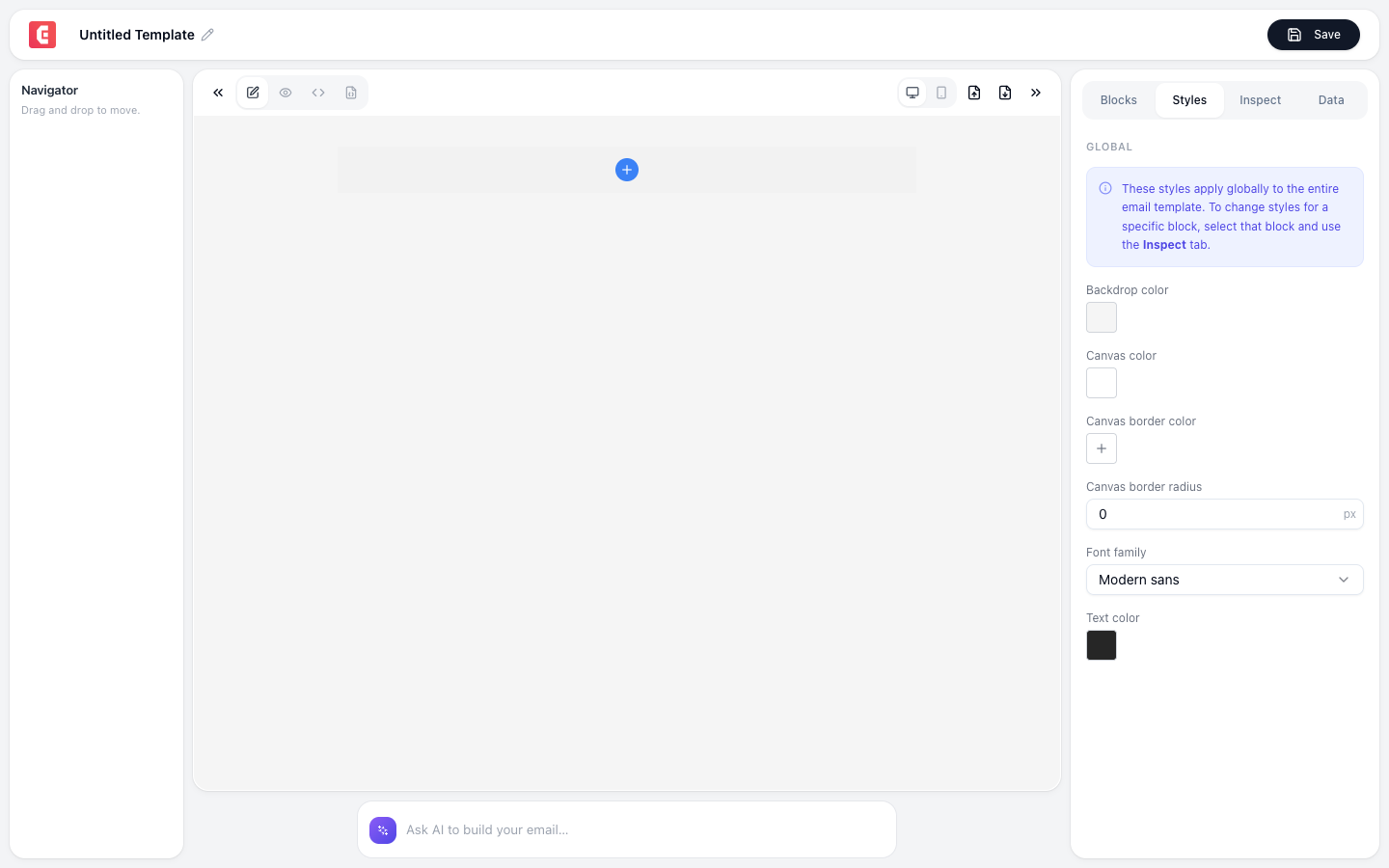
Email rendering varies across clients (Gmail, Outlook, Apple Mail). Follow these guidelines for consistent results.
Block styling
Every block can be styled via the Styles panel (right sidebar):
| Property | Options |
|---|---|
| Background color | Any color picker + transparency |
| Text color | Any color |
| Font family | System fonts (email-safe fonts recommended) |
| Font size | Pixel values |
| Line height | Multiplier or pixel |
| Padding | Top, right, bottom, left (individual or uniform) |
| Margin | Top, right, bottom, left |
| Border | Width, style, color, radius |
| Alignment | Left, center, right |
Email-safe fonts
These fonts render consistently across all email clients:
| Font | Style |
|---|---|
| Arial | Clean sans-serif (safest default) |
| Helvetica | Modern sans-serif |
| Georgia | Elegant serif |
| Times New Roman | Classic serif |
| Courier New | Monospace |
| Verdana | Wide, readable sans-serif |
Warning
Custom/Google fonts may not render in all email clients. Outlook and some Gmail versions fall back to system fonts. Always set a fallback font family.
Color best practices
| Element | Recommendation |
|---|---|
| Background | White (#FFFFFF) or very light gray (#F5F5F5) |
| Text | Dark gray (#333333), not pure black |
| Links | Brand color with underline |
| CTA button | High-contrast brand color |
| Footer | Light background, muted text |
Responsive design
TinyEmails templates are responsive by default:
- Desktop: Full-width up to 600px container
- Mobile: Single-column, stacked layout
- Images: Scale down to fit screen width
- Buttons: Full-width on mobile for easy tapping
- Text: Readable font size (minimum 14px body, 22px+ headings)
Testing
Preview your email in both desktop and mobile views before exporting. Check:
- Images render and aren't too large
- Buttons are clickable (large enough touch target)
- Text is readable (not too small)
- Colors have sufficient contrast
- Links work and open correctly
- Layout doesn't break at narrow widths
Email client compatibility
The exported HTML is tested with:
| Client | Rendering |
|---|---|
| Gmail (web) | Excellent |
| Gmail (app) | Good (minor spacing differences) |
| Apple Mail | Excellent |
| Outlook 365 | Good (some CSS limitations) |
| Outlook desktop | Fair (uses Word rendering, limited CSS) |
| Yahoo Mail | Good |
Tip
Keep emails under 102KB total HTML size. Gmail clips emails larger than this and shows a "View entire message" link, which kills engagement.