Rich Text (RTE) Block
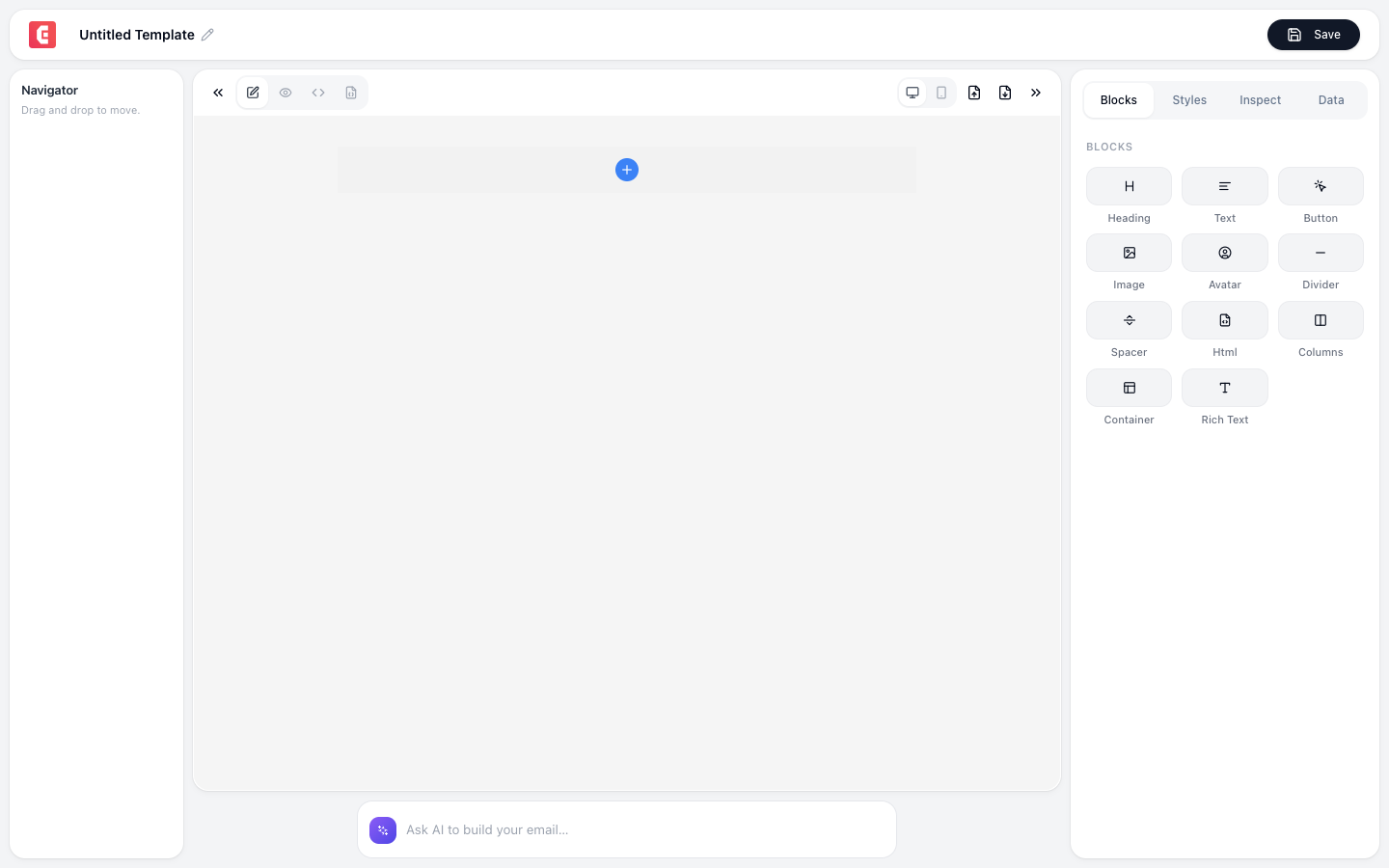
A full rich-text editor with an inline formatting toolbar. Unlike the basic Text block (which styles via the properties panel), the RTE block lets you format text directly (bold, italic, links, lists) right in the editor.
Formatting toolbar
| Tool | Shortcut | What it does |
|---|---|---|
| Bold | Cmd+B | Bold selected text |
| Italic | Cmd+I | Italicize selected text |
| Underline | Cmd+U | Underline selected text |
| Link | Cmd+K | Insert/edit hyperlink |
| Bullet list | – | Unordered list |
| Numbered list | – | Ordered list |
| Heading | – | Convert to heading (H1-H6) |
| Quote | – | Block quote |
| Code | – | Inline code formatting |
When to use RTE vs Text
| Feature | Text Block | Rich Text (RTE) |
|---|---|---|
| Formatting | Via Styles panel only (uniform) | Inline toolbar (mixed formatting) |
| Mixed styles | No (entire block is one style) | Yes (bold SOME words, link SOME text) |
| Lists | Not supported | Bullet and numbered lists |
| Links | Not inline | Inline hyperlinks |
| Use when | Simple paragraphs, captions | Body content with formatting |
Common uses
- Email body text with inline links and bold emphasis
- Feature descriptions with bullet points
- Terms and conditions with numbered lists
- Content with mixed formatting (bold headings within flowing text)
Powered by Lexical
The RTE uses Meta's Lexical editor framework, the same technology used in Facebook and Instagram. It provides reliable, consistent rendering across email clients.
Tip
Use RTE for the main body of your email where you need mixed formatting. Use plain Text blocks for simple captions, footer text, and preheader text that don't need inline formatting.