Social Links Block
The Social Links block adds a row of social media icons that link to your profiles. Commonly used in email footers, it supports all major platforms with multiple icon styles.
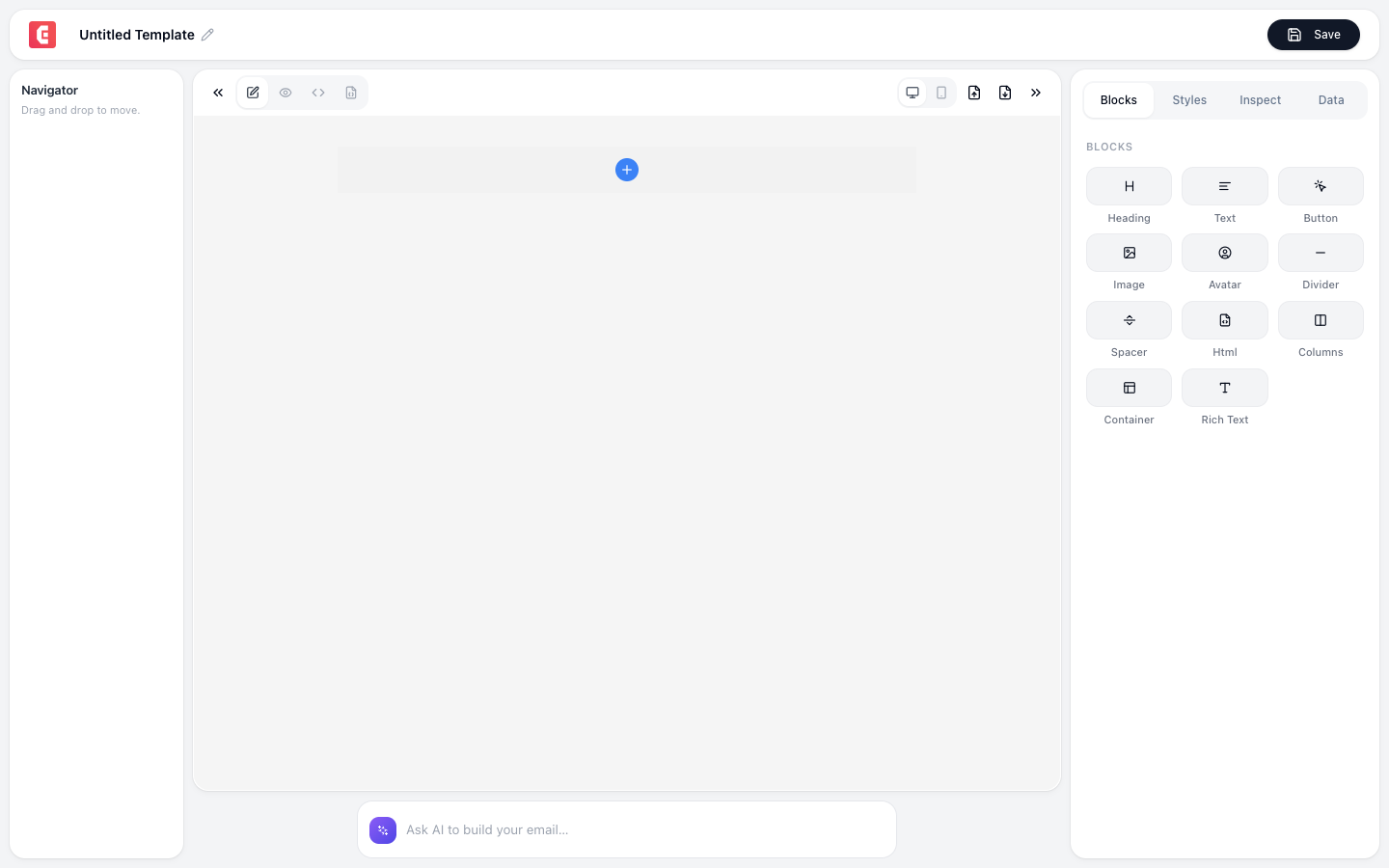
Adding social links
- Click + Add Block → Social Links
- The block appears with default placeholder icons
- Click each icon to configure the URL
Configuration
Adding platforms
Click + Add Link and select a platform:
| Platform | Icon |
|---|---|
| Facebook logo | |
| Twitter / X | X logo |
| LinkedIn logo | |
| Instagram logo | |
| YouTube | YouTube logo |
| TikTok | TikTok logo |
| Pinterest logo | |
| GitHub | GitHub logo |
| Website | Globe icon |
| Mail icon | |
| Custom | Upload your own icon |
Per-link settings
| Field | Description |
|---|---|
| URL | Link to your profile (e.g., https://linkedin.com/company/tinycommand) |
| Alt text | Accessibility text (e.g., "Follow us on LinkedIn") |
Block-level settings
| Property | Options | Default |
|---|---|---|
| Icon style | Filled, Outlined, Rounded, Square | Filled |
| Icon size | Small (24px), Medium (32px), Large (40px) | Medium |
| Icon color | Brand colors, custom color, or original platform colors | Original |
| Spacing | Gap between icons in pixels | 12px |
| Alignment | Left, Center, Right | Center |
| Background | Background color behind the icon row | Transparent |
Icon styles
| Style | Description |
|---|---|
| Filled | Solid colored icons, classic look |
| Outlined | Line-art icons with transparent fill |
| Rounded | Icons in circular backgrounds |
| Square | Icons in square backgrounds with rounded corners |
Reordering icons
Drag and drop icons to reorder them. The most commonly used order:
- LinkedIn (B2B) or Facebook (B2C)
- Twitter / X
- YouTube
- Other platforms
Removing icons
Click the X on any icon to remove it. You can always re-add it later.
Tip
Place the Social Links block in your email footer, below the unsubscribe link. This is where recipients expect to find social links, and it encourages them to connect with your brand on other channels.
Note
Social media icons are loaded from TinyCommand's CDN to ensure reliable rendering across all email clients. They don't require external image hosting.