Container Block
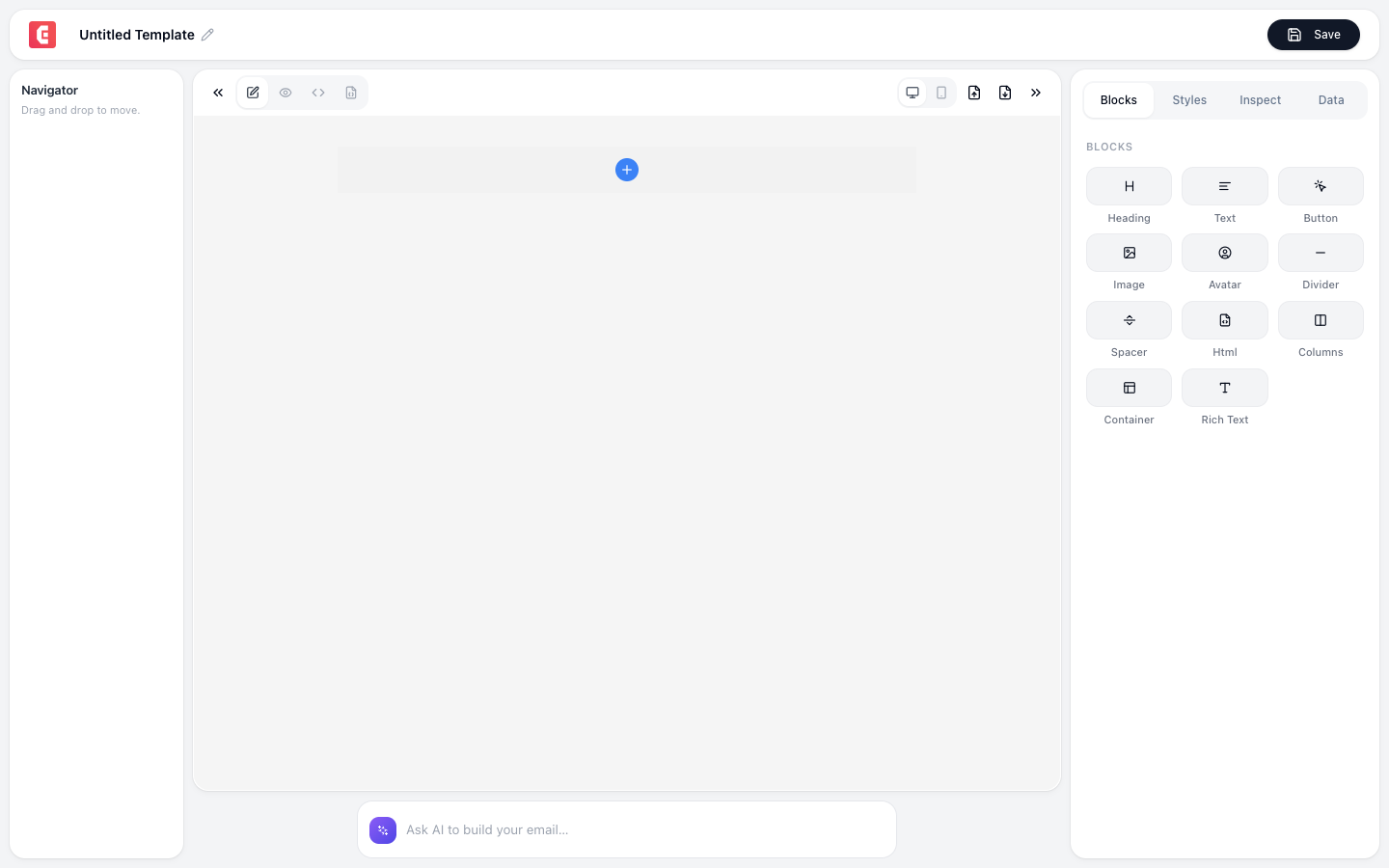
A wrapper that groups other blocks together. Apply shared styling (background color, padding, borders) to an entire section.
Properties
| Property | Options |
|---|---|
| Background color | Any color (creates visual sections) |
| Padding | Internal spacing (top, right, bottom, left) |
| Border | Width, style, color, radius |
| Max width | Constrain width (default: 600px for email) |
| Alignment | Left, center, right |
Common uses
Section backgrounds
Container (blue background)
  → Heading (white text)
  → Text (white text)
  → Button (white with blue text)
Card-style content
Container (white background, border, rounded corners, shadow)
  → Image
  → Heading
  → Text
  → Button
Full-width vs centered
Container (full width, dark background)
  → Container (600px max width, centered)
    → Content blocks
Nesting
Containers can be nested for complex layouts:
Container (gray full-width background)
  → Container (white centered card)
    → Columns (2-col)
      → Column 1: Image
      → Column 2: Text + Button
Tip
Use containers to create distinct visual sections: hero (dark/brand color), body (white), features (light gray), CTA (brand color), footer (gray). Each section is a container with its own background.