Dynamic Data & Variables
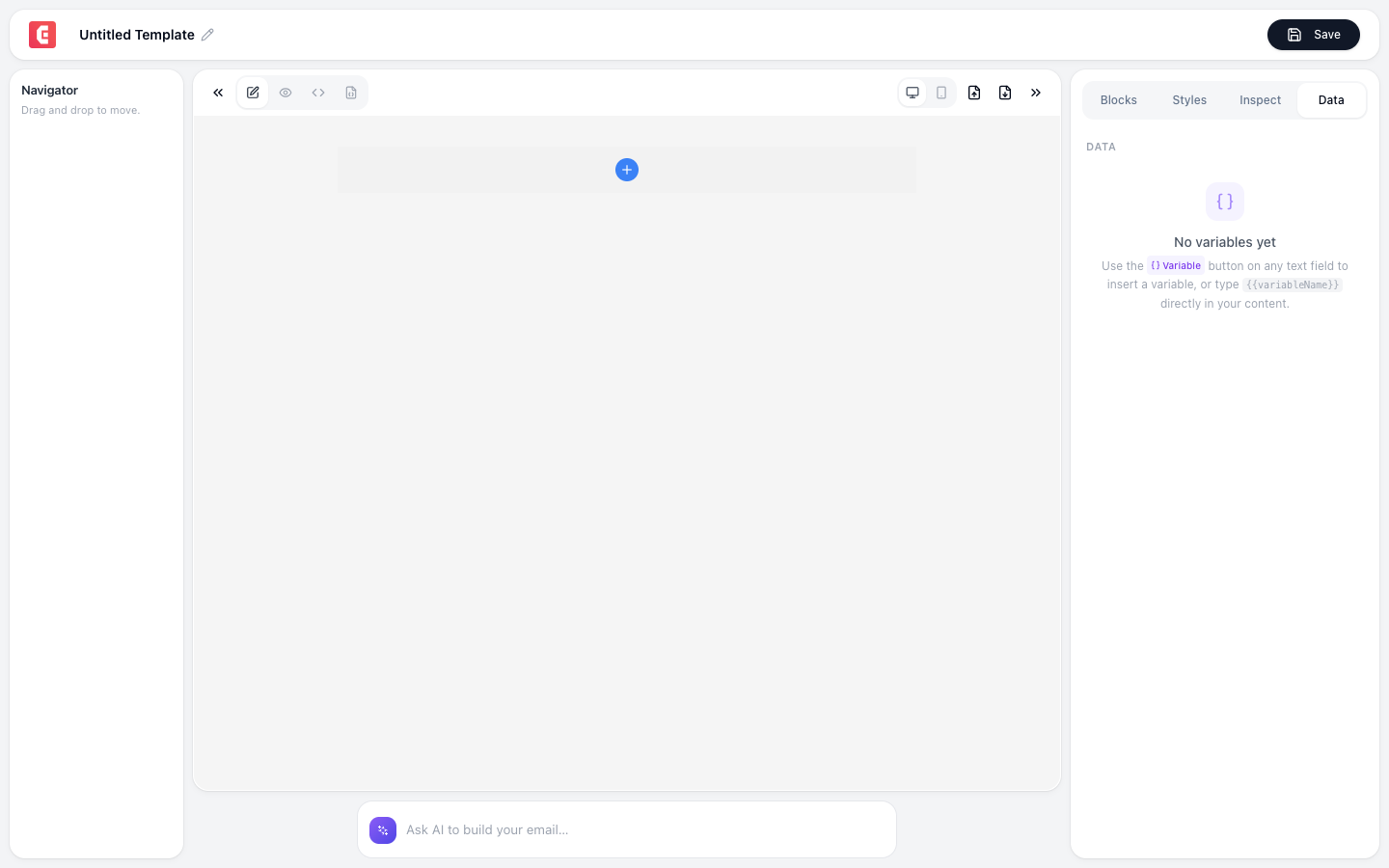
Personalize emails with dynamic data: insert recipient names, order details, account information, or any variable your email provider supports.
Merge tags
Merge tags are placeholder text that your email provider replaces with real data when sending:
| Syntax | Provider | Example |
|---|---|---|
{{first_name}} | SendGrid, Postmark | Hi {{first_name}} becomes "Hi Jane" |
| `* | FNAME | *` |
{name} | Amazon SES | Hi {name} becomes "Hi Jane" |
Adding merge tags in TinyEmails
- Add a Text or Rich Text block
- Type the merge tag syntax for your email provider
- The tag appears as literal text in the editor
- When sent, your provider replaces it with real data
Using with Raw HTML block
For complex dynamic content, use the Raw HTML block:
<p>Hi {{first_name}},</p>
<p>Your order #{{order_id}} has been shipped.</p>
<p>Tracking: <a href="{{tracking_url}}">Track your package</a></p>
Using with TinyWorkflows
When sending emails from a workflow, use workflow variables in the email body:
Form Submission → Transformer (build email HTML with form data) → Send Email
The Transformer builds the HTML with real variable values; no merge tags needed because the data is injected at send time.
Conditional content
Some email providers support conditional blocks:
if premium_user:
  "As a premium member, you get free shipping!"
else:
  "Upgrade to premium for free shipping."
This is provider-specific syntax; check your provider's documentation.
Test merge tags by sending a test email through your provider with sample data. Make sure every tag resolves correctly before sending to your full list.
Unresolved merge tags show the raw syntax to recipients (e.g., they see the raw tag text instead of "Hi Jane"). Always test with real data before sending to your full list.