Workflow Tools
Connect TinyWorkflow automations as tools. This lets your agent take REAL actions (create CRM records, send emails, update databases, trigger notifications), not just generate text.
How it works
- Create a workflow with a Manual trigger (define input parameters)
- Build the automation: the actions the agent should take
- Connect it as an agent tool in the Capabilities tab
- The agent calls it during conversations when appropriate
Setting up
Step 1: Create the workflow
Build a workflow with:
- Manual Trigger with defined inputs (e.g.,
email,subject,body) - Action nodes that do the work (e.g., Send Email)
- Output that returns a result (e.g.,
{ sent: true, messageId: "..." })
Step 2: Connect as tool
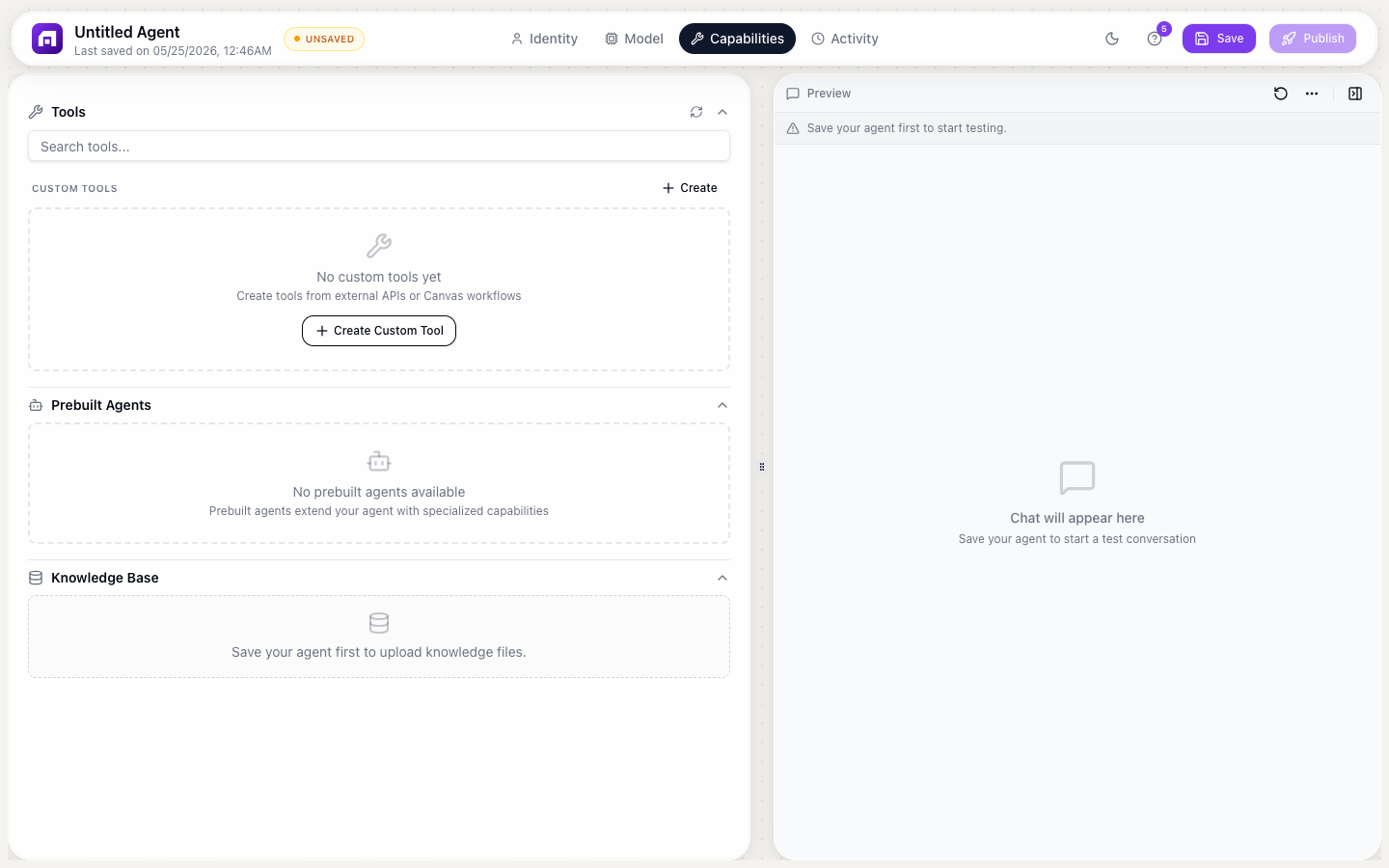
- Agent Studio → Capabilities → Custom Tools → + Add tool
- Select Workflow as source
- Choose the workflow from the dropdown
- Input parameters auto-populate from the workflow's Manual Trigger inputs
- Write a clear description of WHEN to use this tool
Example tools
Send email tool
Workflow: Manual Trigger (to, subject, body) → Gmail: Send Email → Return { sent: true }
Description: "Send an email on behalf of the user. Use when they explicitly ask to send a message or email. Requires: recipient email, subject, body."
Create CRM contact tool
Workflow: Manual Trigger (name, email, company) → Create HubSpot Contact → Return { id, url }
Description: "Add a new contact to the CRM. Use when the user says 'add contact', 'create a lead', or provides new contact information."
Look up customer tool
Workflow: Manual Trigger (email) → Find One Record (WHERE email) → Return { name, plan, status }
Description: "Look up an existing customer by email. Use when the user asks about a specific customer or their account status."
Workflow tools execute REAL actions: they send actual emails, create actual records, and call actual APIs. Include safety checks in your tool description: "Only use when the user EXPLICITLY requests this action. Confirm before executing."
Start with read-only tools (lookups, searches) before adding write tools (create, update, delete). Read-only tools are safe to test; write tools need careful guardrails.