Knowledge Base
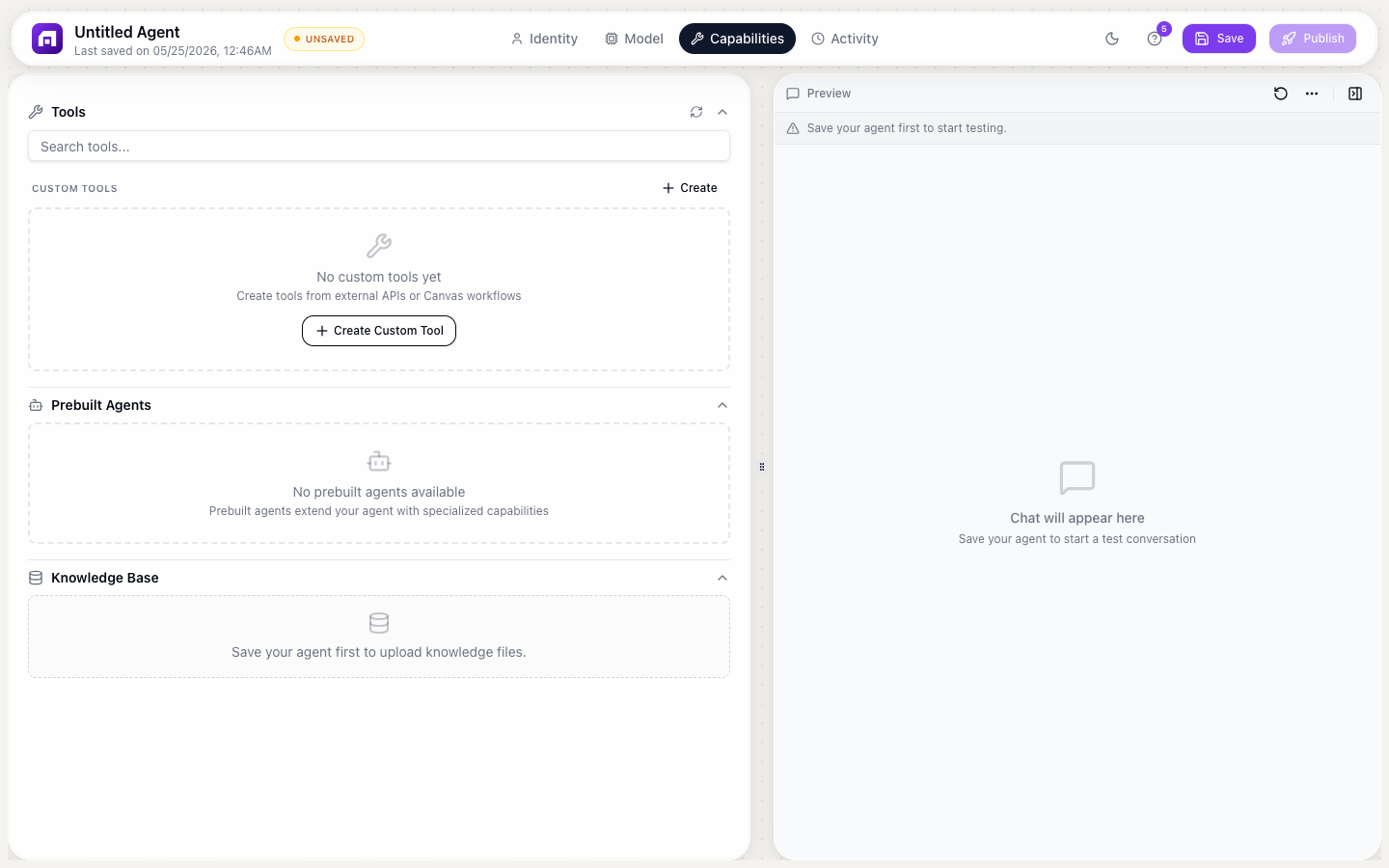
The Knowledge Base lets you upload documents that your agent can reference when answering questions. Instead of the AI generating answers from general training data, it searches your uploaded files for relevant information.
Supported file types
| Type | Extension | Best for |
|---|---|---|
.pdf | Product manuals, reports, policies, whitepapers | |
| Word | .docx | Documentation, SOPs, guides |
| Plain text | .txt | FAQs, knowledge articles, scripts |
| CSV | .csv | Structured data, product catalogs, pricing tables |
Maximum file size: 10MB per file
Uploading files
- Go to the Capabilities tab in the Agent Studio
- Scroll to Knowledge Base
- Click + Add file
- Select your file(s)
- Watch the processing status:
- Uploading: file is being transferred
- Processing: file is being chunked and embedded for search
- Ready: file is searchable by the agent
How it works
When a user asks a question:
- The agent searches the knowledge base for relevant passages
- It finds the most relevant chunks across all uploaded files
- It uses those chunks as context when generating the answer
- The answer is grounded in your actual documents, not hallucinated
This is Retrieval-Augmented Generation (RAG): the agent retrieves relevant information before generating.
Best practices
File organization
| Approach | Why |
|---|---|
| 5 focused files > 1 massive dump | Smaller, topic-specific files give better search results |
| One topic per file | "Setup Guide.pdf" and "Troubleshooting.pdf" > "Everything.pdf" |
| Clear headings | Documents with structured headings are easier for the AI to navigate |
| Updated content | Remove outdated files, upload current versions |
Content quality
| Do | Don't |
|---|---|
| Include FAQs with clear Q&A format | Upload raw database exports |
| Use structured headings and sections | Upload unformatted wall-of-text files |
| Include specific examples and steps | Upload marketing brochures (too vague) |
| Keep content factual and current | Upload draft or placeholder content |
Testing
After uploading:
- Ask your agent questions you know are answered in the files
- Check if it cites the correct information
- Test edge cases: questions partially covered or not covered at all
- Verify it says "I don't know" for questions outside the knowledge base
Limitations
- No real-time updates: if your data changes, you need to re-upload the file
- 10MB per file: split large documents into smaller focused files
- Semantic search: the agent finds conceptually related passages, not exact keyword matches. This is usually better, but sometimes misses exact terms.
- No web links: the agent can't follow URLs in uploaded documents
Create a dedicated FAQ document with your top 50 questions and answers. This is the single highest-impact file you can upload, because clear Q&A format gives the AI the best chance of finding the right answer.
Everything uploaded to the knowledge base is accessible to anyone who interacts with the agent. Don't upload files containing sensitive internal data, credentials, or confidential customer information.