Conversation Design
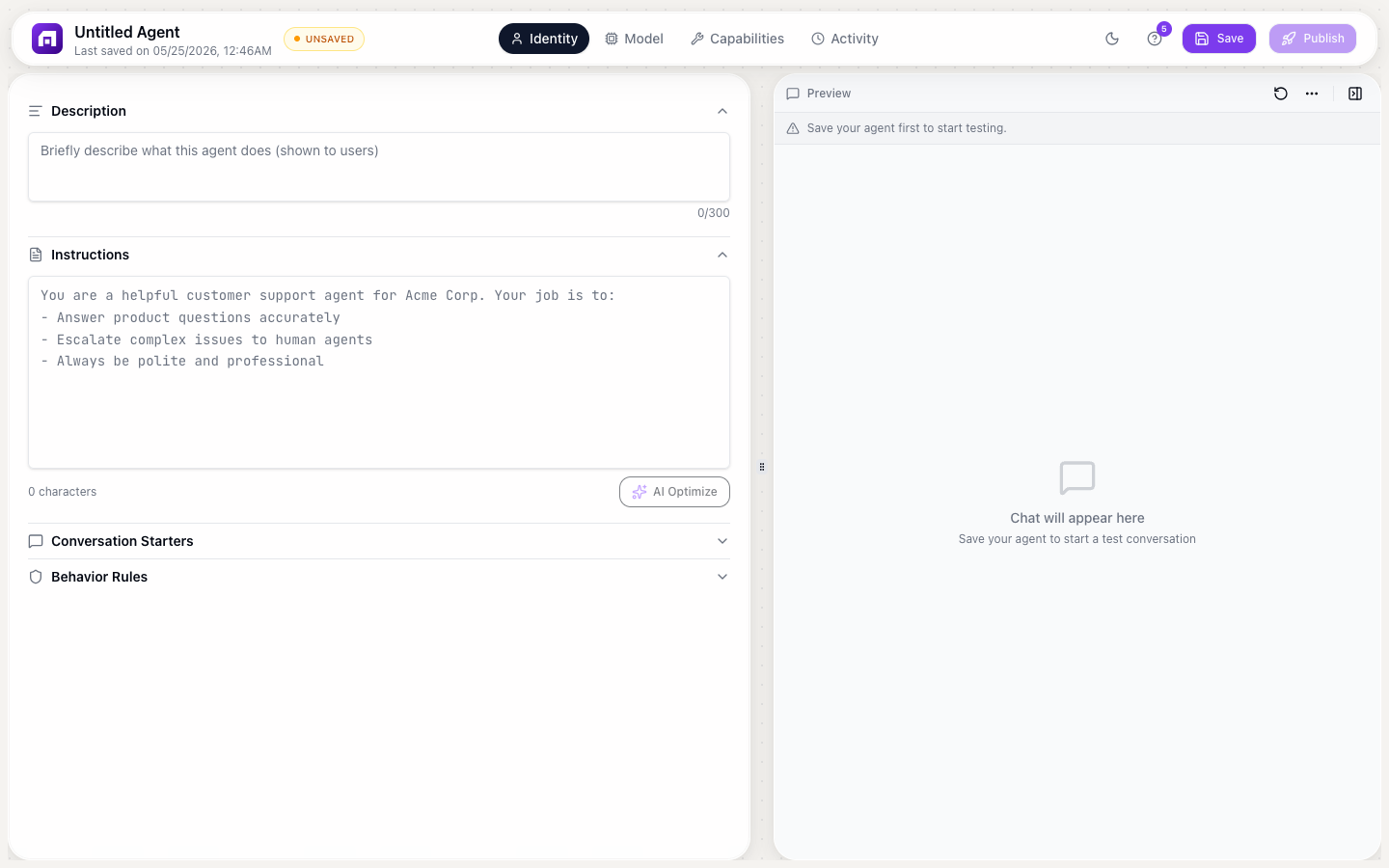
Good conversation design is the difference between a helpful agent and a frustrating one. This guide covers patterns for common scenarios.
Greeting and first impression
Conversation starters
Choose 3-5 starters that represent your most common use cases:
| Good starters | Why they work |
|---|---|
| "How do I create my first workflow?" | Specific, actionable, common question |
| "What integrations do you support?" | Clear topic, easy to answer |
| "I'm having trouble with my billing" | Real user need, shows the agent can help |
Initial greeting
Configure in the embed settings. The first message sets expectations:
Good: "Hi! I'm the TinyCommand assistant. I can help with product questions, troubleshooting, and getting started. What can I help you with?"
Bad: "Hello." (no context, no guidance)
Handling unknowns
When the agent doesn't know something:
In instructions
When you don't know the answer:
1. Say "I don't have information about that" — never guess
2. Suggest checking the documentation at docs.tinycommand.com
3. Offer to connect them with human support
4. Ask if there's something else you can help with
In behavior rules
- NEVER make up features, pricing, or capabilities
- If unsure, say "I'm not certain about that — let me suggest some resources"
Multi-turn conversations
Design for conversations that take multiple messages:
Clarification pattern
User: "My workflow isn't working"
Agent: "I'd be happy to help debug that. Could you tell me:
1. What trigger are you using?
2. What error message do you see?
3. When did it last work correctly?"
Step-by-step guidance
User: "How do I set up a Slack integration?"
Agent: "Let me walk you through it step by step.

Step 1: Go to Build → App Authorizations
Step 2: Click + Add Connection and select Slack
Step 3: Sign in to your Slack workspace and grant access

Done! Your Slack connection is now available. Want me to help you create a workflow that uses it?"
Handoff to humans
When the agent should escalate:
In instructions
Escalate to human support when:
- The user asks about billing changes or refunds
- The user is visibly frustrated (multiple failed attempts)
- The issue requires accessing their account data
- The question involves security or compliance concerns
Handoff message
"This is something our support team can help with better.
You can reach them at support@tinycommand.com or click
'Chat With Us' in the platform sidebar for live chat."
Common conversation patterns
FAQ pattern
User asks a common question → Agent answers from knowledge base → Suggests related articles
Troubleshooting pattern
User reports an issue → Agent asks clarifying questions → Provides step-by-step fix → Confirms resolution
Exploration pattern
User wants to learn about a feature → Agent explains with examples → Suggests trying it → Offers to guide them through setup
Testing conversations
- Role-play as different user types (new user, experienced user, frustrated user)
- Test edge cases (off-topic, multi-language, ambiguous questions)
- Review conversation logs in the Activity tab
- Iterate on instructions and behavior rules based on real patterns
The best agents feel like talking to a helpful colleague: knowledgeable, concise, and proactive. They don't just answer questions; they anticipate follow-ups and suggest next steps.