Company & Person Enricher
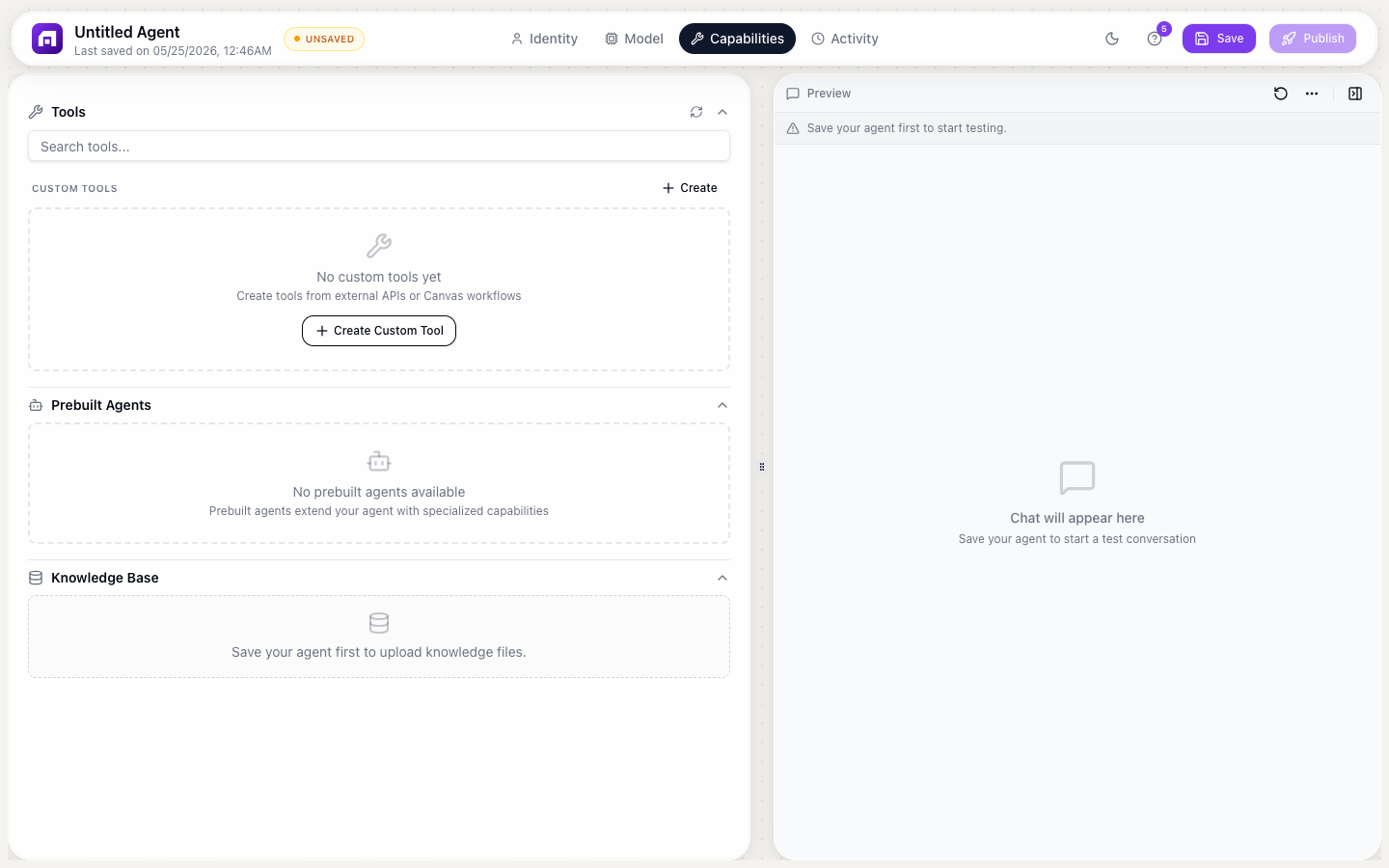
Three prebuilt enrichment sub-agents that let your agent look up real data during conversations.
Company Enricher
When enabled, your agent can look up company information from a domain name.
What it returns: Company name, industry, size, location, description, website.
Example interaction:
- User: "What can you tell me about stripe.com?"
- Agent: calls Company Enricher → "Stripe is a financial technology company based in San Francisco with ~8,000 employees. They provide payment processing infrastructure for internet businesses."
Person Enricher
Looks up contact details from a person's name and company.
What it returns: Job title, LinkedIn profile, email, phone, company details.
Example interaction:
- User: "Find the CTO of Acme Corp"
- Agent: calls Person Enricher → "Jane Smith is the CTO of Acme Corp. LinkedIn: linkedin.com/in/janesmith"
Email Finder
Finds a person's business email from their name and company domain.
What it returns: Best-guess email address with confidence score.
Example interaction:
- User: "What's John Doe's email at acme.com?"
- Agent: calls Email Finder → "Based on Acme Corp's email pattern, John Doe's likely email is john.doe@acme.com (confidence: 0.85)"
Enabling enrichment sub-agents
- Agent Studio → Capabilities tab → Prebuilt Agents
- Toggle on Company Enricher, Person Enricher, and/or Email Finder
- The agent automatically uses them when users ask relevant questions
Credits
| Sub-agent | Credits per use |
|---|---|
| Company Enricher | 10 |
| Person Enricher | 20 |
| Email Finder | 10 |
Combining enrichment agents
Enable all three for a complete prospecting workflow:
- User asks about a company → Company Enricher provides company data
- User asks for a contact → Person Enricher finds the contact
- User asks for their email → Email Finder discovers the email
All within a single conversation (no switching between tools).
Enrichment accuracy depends on data availability. Small or private companies may return limited results. Always verify enriched data before using it for outreach.