API Tools
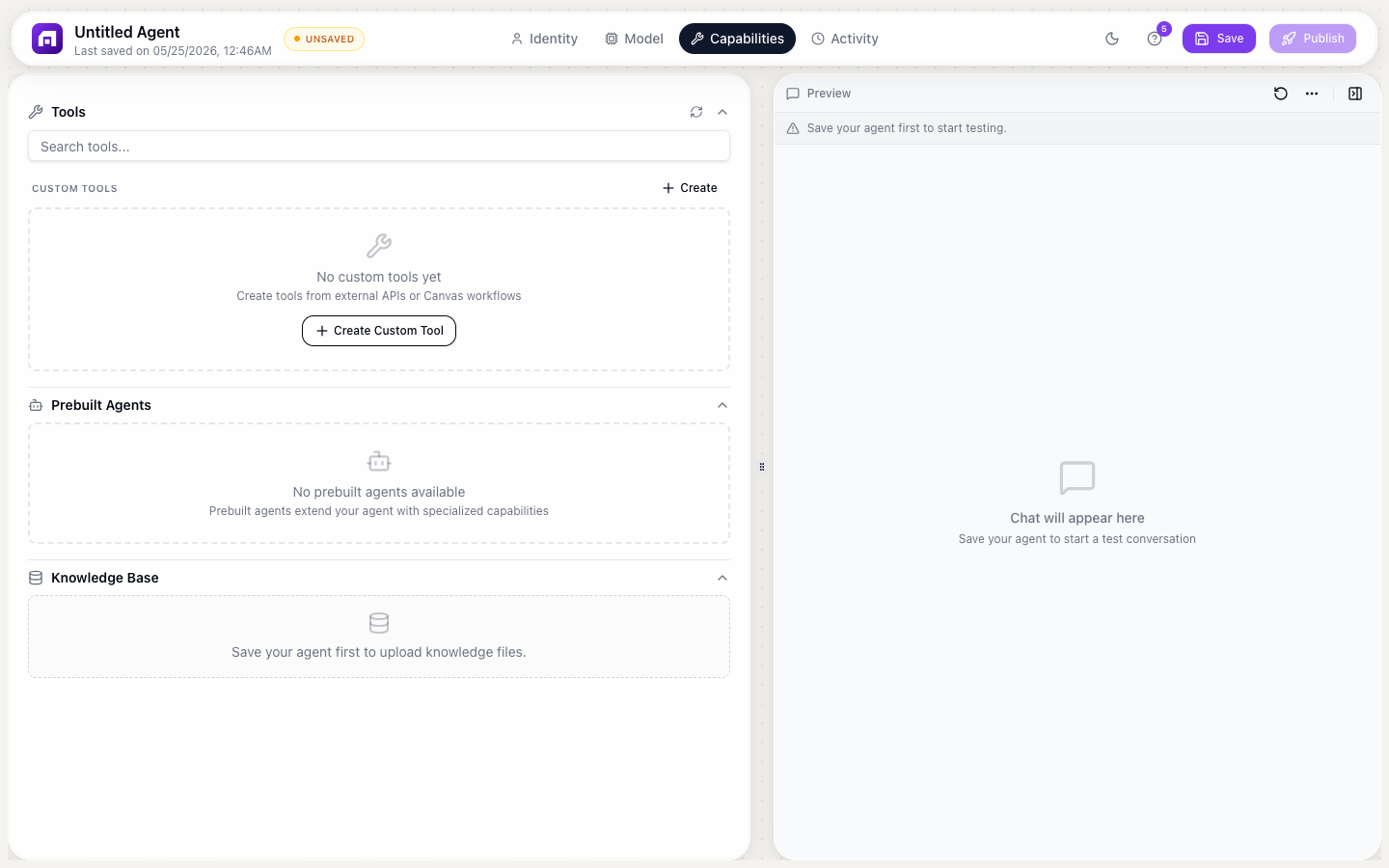
Connect any REST API as a tool your agent can call during conversations. When a user's request requires external data or action, the agent calls the API and uses the response.
Setting up an API tool
- Agent Studio → Capabilities → Custom Tools → + Add tool
- Select API as the source
- Configure:
| Field | Description |
|---|---|
| Name | Tool name (e.g., "Check order status") |
| Description | When to use it; the AI reads this to decide. Be VERY specific. |
| URL | API endpoint |
| Method | GET, POST, PUT, DELETE |
| Headers | Auth headers, Content-Type |
| Parameters | Input fields the AI fills from conversation context |
| Response mapping | Which response fields to extract |
Writing good descriptions
The description is the most important field. It tells the AI WHEN to call this tool:
Bad: "Get data"
Good: "Look up a customer's order status by order ID or email address. Use when the user asks about their order, shipping, or delivery status. Returns: order status, tracking number, estimated delivery date."
Input parameters
Define what the API needs:
| Parameter | Type | Description |
|---|---|---|
| order_id | string | "The order ID (format: ORD-XXXXX)" |
| string | "Customer email address" |
The AI extracts these from the conversation. If the user says "Check order ORD-12345", the AI fills order_id = "ORD-12345".
Example: Weather API tool
Name: Get weather
Description: Get current weather for a city. Use when user asks about weather, temperature, or conditions.
URL: https://api.weather.com/v1/current
Method: GET
Parameters:
  - city (string): The city name
  - units (string): "metric" or "imperial" (default: metric)
User says: "What's the weather in London?" Agent calls: GET /current?city=London&units=metric Agent responds: "It's currently 18°C in London with partly cloudy skies."
Test your API tool by chatting with the agent and triggering the tool. Check the Activity tab to see the exact API call, parameters, and response.