Agent Analytics
The Analytics tab shows how your agent is performing: how many conversations it handles, how well it resolves issues, what topics are most common, and how users rate the experience.
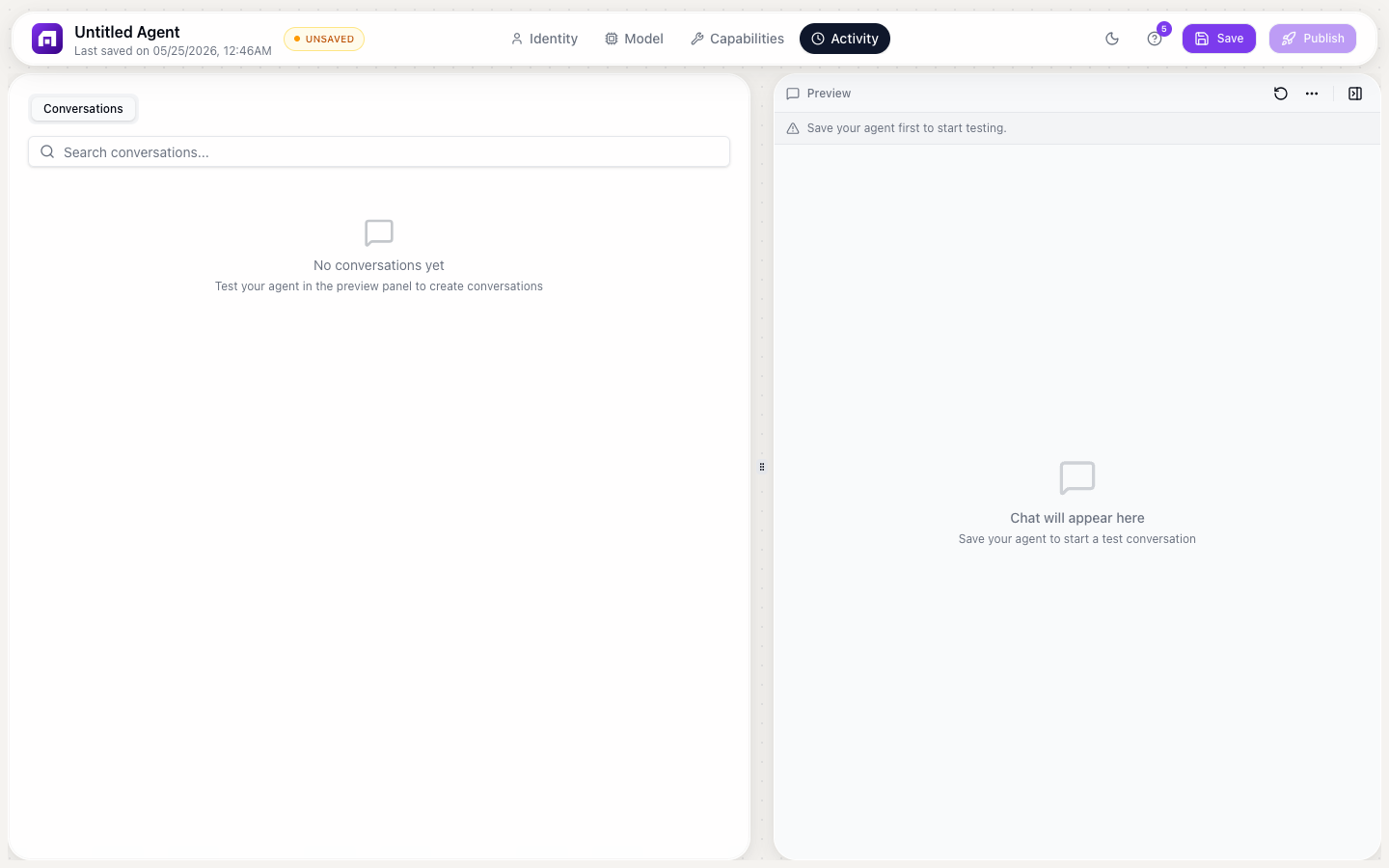
Accessing analytics
- Open your agent
- Click the Analytics tab
- Select a time range (today, 7 days, 30 days, 90 days, or custom)
Key metrics
Conversation volume
| Metric | Description |
|---|---|
| Total conversations | Number of conversations started in the time period |
| Daily average | Average conversations per day |
| Peak hours | Hours with the highest conversation volume |
| Trend | Up/down compared to the previous period |
Resolution metrics
| Metric | Description |
|---|---|
| Resolution rate | Percentage of conversations resolved without human handoff |
| Average turns | Mean number of back-and-forth messages per conversation |
| Average duration | Mean time from first message to resolution |
| Handoff rate | Percentage of conversations escalated to a human (via HITL or workflow) |
User satisfaction
| Metric | Description |
|---|---|
| Satisfaction score | Average rating from end-user feedback (if feedback widget is enabled) |
| Positive responses | Percentage of thumbs-up feedback |
| Negative responses | Percentage of thumbs-down feedback |
Topic analysis
Analytics automatically categorizes conversations by topic:
| Column | Description |
|---|---|
| Topic | Auto-detected topic (e.g., "Billing questions", "Feature requests", "Bug reports") |
| Count | Number of conversations about this topic |
| Resolution rate | How well the agent handles this topic |
| Avg. satisfaction | User satisfaction for this topic |
Use topic analysis to:
- Identify what your users ask about most
- Find topics where the agent struggles (low resolution rate)
- Improve the agent's knowledge base for weak topics
Conversation quality
Common failure patterns
Analytics flags conversations where the agent performed poorly:
| Pattern | Indicator |
|---|---|
| Looping | Agent repeated the same response multiple times |
| Hallucination | Agent provided incorrect information (flagged by user feedback) |
| Dead end | Conversation ended without resolution or handoff |
| Slow response | Agent took unusually long to respond |
Click any flagged conversation to review the full transcript and improve the agent's behavior.
Credit consumption
| Metric | Description |
|---|---|
| Total credits used | Credits consumed by the agent in the time period |
| Per-conversation average | Average credits per conversation |
| By sub-agent | Breakdown by which sub-agent (Composer, Scout, etc.) consumed credits |
Exporting analytics
Click Export to download analytics data as CSV:
- Conversation-level data (timestamps, topics, resolution status)
- Daily/weekly aggregates
- Topic breakdowns
Use exports for reporting or further analysis in your own tools.
Improving agent performance based on analytics
| Signal | Action |
|---|---|
| Low resolution rate for a topic | Add more knowledge base articles about that topic |
| High handoff rate | Review handoff conversations: can the agent handle them with better prompting? |
| Low satisfaction | Review negative feedback conversations for common issues |
| High credit usage | Optimize prompts to be more concise; reduce unnecessary sub-agent calls |
| Looping detected | Add clearer instructions in the agent's brain for handling edge cases |
Review analytics weekly. Focus on the 2-3 topics with the lowest resolution rate and add knowledge base content to address them. Small, targeted improvements compound over time.
Analytics data is available from the moment you deploy your agent. Historical data before deployment is not available. Metrics update in near-real-time (within a few minutes of each conversation).