Activity & Monitoring
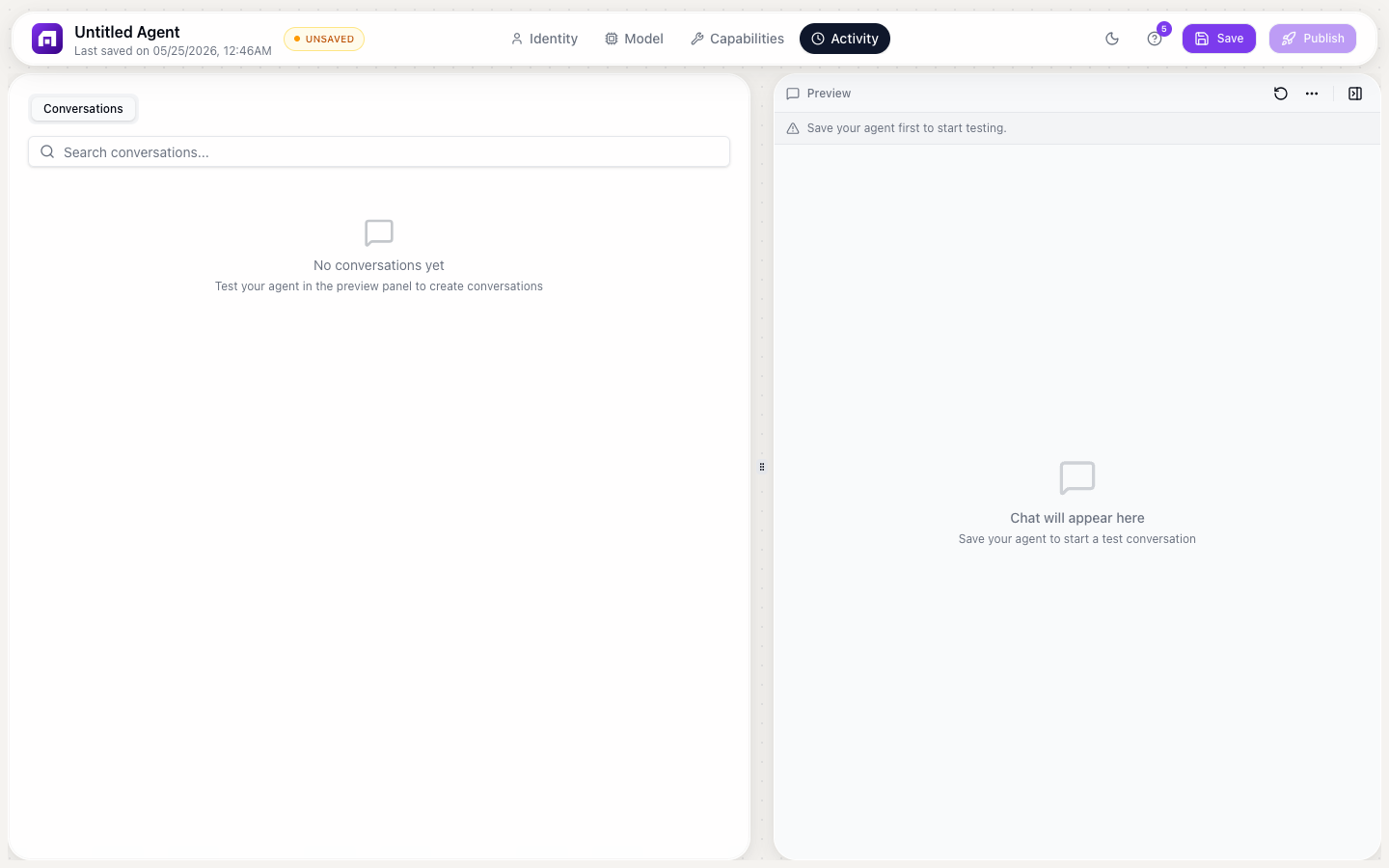
The Activity tab shows every conversation your agent has had, in real-time. Use it to monitor quality, debug issues, and improve the agent's responses.
The Activity tab
Open your agent in the Agent Studio → click the Activity tab.
What you see
| Column | Description |
|---|---|
| Conversation | The full message thread |
| User | Who interacted (anonymous or identified) |
| Timestamp | When the conversation happened |
| Messages | Number of messages in the conversation |
| Tools used | Which tools/sub-agents were invoked |
Conversation detail
Click any conversation to see the full thread:
- User messages: what the user asked
- Agent responses: what the agent said
- Tool calls: which tools were called, with input/output
- Sub-agent calls: which prebuilt agents were used
- Latency: how long each response took
Debugging common issues
Agent gives wrong answers
- Check the conversation in Activity
- Look at what the user asked vs what the agent responded
- Check if the knowledge base was searched (tool call visible?)
- If not found in KB: the document might need better content
- If found but wrong: the instructions might need more specificity
Agent uses the wrong tool
- Check the tool descriptions in Capabilities
- The description tells the AI WHEN to use the tool
- Make descriptions more specific to reduce confusion
- Reduce the number of tools if the AI is choosing randomly
Agent is too slow
- Check the model in Brain tab; larger models are slower
- Check if many tools are being called per response
- Consider switching to a faster model (GPT-4o-mini, Mistral Small)
- Reduce knowledge base file sizes
Usage monitoring
Track credit consumption in Monitor → Credit Usage:
- Credits per conversation
- Credits per day/week/month
- Which model tier consumes the most
- Tool call frequency
Improving your agent
Based on Activity data:
- Common questions without answers → Add to knowledge base
- Incorrect tool usage → Improve tool descriptions
- Off-topic responses → Add behavior rules
- Tone issues → Refine instructions
- Slow responses → Switch model or reduce complexity
Tip
Review Activity weekly. Look for patterns in what users ask, where the agent struggles, and what topics need more knowledge base coverage. The best agents are continuously refined based on real conversations.