TinyForms
TinyForms is a form builder that connects to your entire TinyCommand automation stack. Build forms with conditional logic, collect responses, and trigger workflows, all without code.
What you can build
- Lead capture forms: collect name, email, company, and route to CRM
- Survey forms: multi-step with conditional branching
- Support forms: file uploads, priority selection, auto-ticket creation
- Application forms: multi-page with progress tracking
- Feedback forms: rating scales, opinion scores, open-ended questions
Key features
| Feature | Description |
|---|---|
| 20+ field types | Text, email, phone, dropdown, file upload, signature, rating, and more |
| Conditional logic | Show/hide fields based on previous answers |
| Multi-step forms | Break long forms into pages with progress indicators |
| File uploads | Accept documents, images, and files |
| Workflow triggers | Every submission can trigger a TinyWorkflow automatically |
| Embeddable | Embed forms on any website via iframe or direct link |
| API-powered | Forms connect to your APIs for dynamic options and submissions |
Creating a form
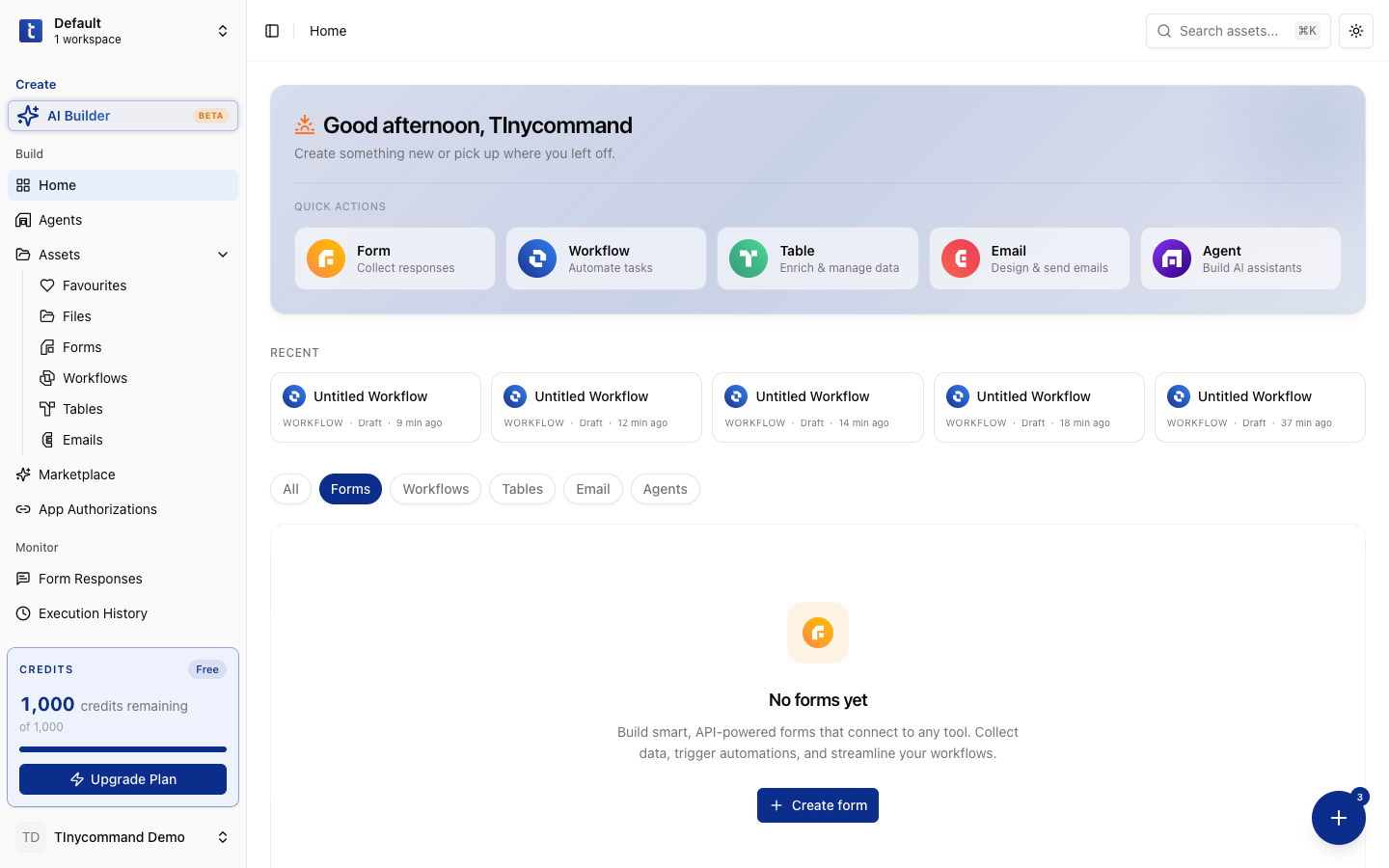
- Click Form in the Quick Actions on the platform home, or go to Assets → Forms → + Create form
- Choose a template or start from scratch
- Add questions/fields using the form builder
- Configure settings (name, redirect URL, notifications)
- Publish and share via link or embed code
Field types
| Category | Fields |
|---|---|
| Text | Short text, Long text, Email, Phone number, URL |
| Choice | Dropdown, Multi-select, Checkbox, Radio, Yes/No |
| Numeric | Number, Currency, Rating, Slider, Opinion scale (1-10) |
| Date/Time | Date picker, Time picker, Date & time |
| Media | File upload, Signature capture, Image |
| Layout | Section header, Divider, Description block |
| Advanced | Hidden field, Address (structured), Ranking |
Form responses
All submissions are collected in the Form Responses section (sidebar → Monitor → Form Responses). View, filter, export, and analyze responses. Each submission includes:
- All field values
- Submission timestamp
- Source URL (where the form was embedded)
- IP and user agent (if enabled)
Connecting forms to workflows
Every TinyForm can trigger a TinyWorkflow when submitted:
- Create a workflow with a Form Submission trigger
- Select the form in the trigger configuration
- Choose which form fields to include
- Build your automation; the form data flows into the workflow as variables
Form Submission → AI Analyzer (classify lead) → If-Else → Create CRM Record or Send Email
Note
Forms must be published before they can trigger workflows. Draft forms won't fire triggers.
Tip
Use conditional logic to create smart forms that adapt based on answers: show different fields for different user types, skip irrelevant sections, and personalize the experience.