Account & Workspace
Your TinyCommand workspace is where all your assets (workflows, forms, tables, emails, agents) live. This section covers workspace settings, team management, credits, and integrations.
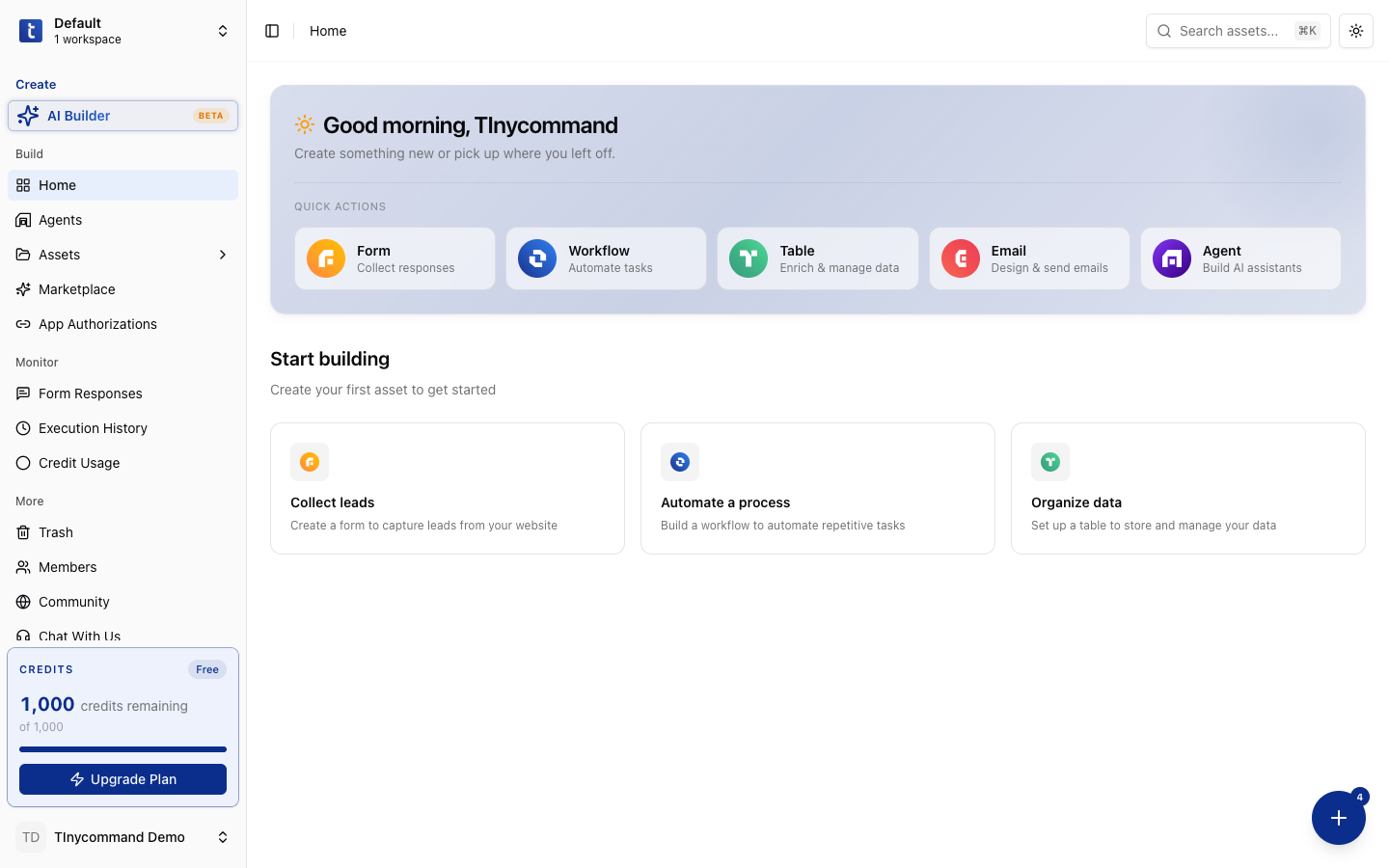
Workspace navigation
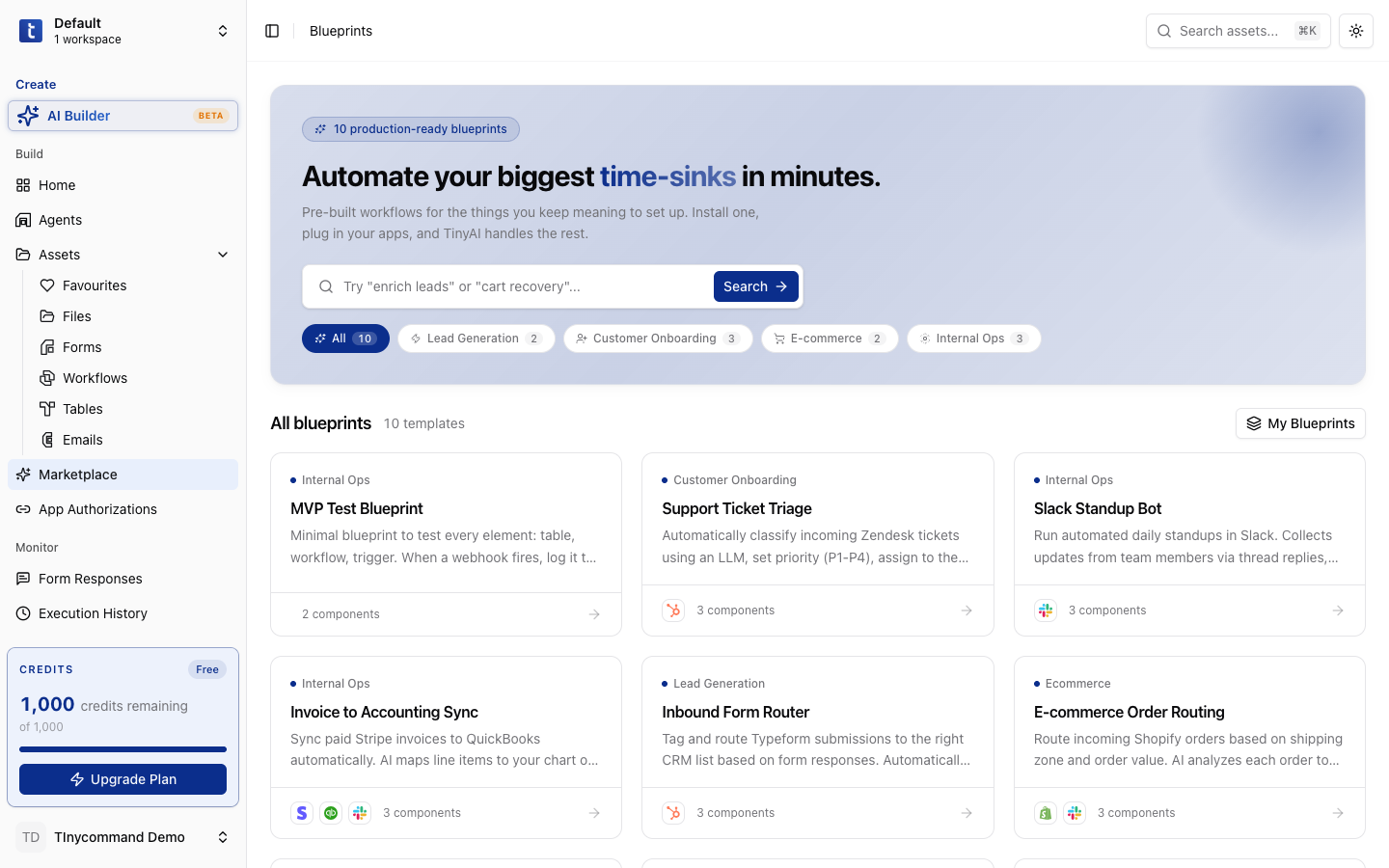
The left sidebar organizes everything:
| Section | Items |
|---|---|
| Create | AI Builder (Beta) |
| Build | Home, Agents, Assets (Favourites, Files, Forms, Workflows, Tables, Emails), Marketplace, App Authorizations |
| Monitor | Form Responses, Execution History, Credit Usage |
| More | Trash, Members, Community, Chat With Us |
Team members
Go to More → Members to manage your team:
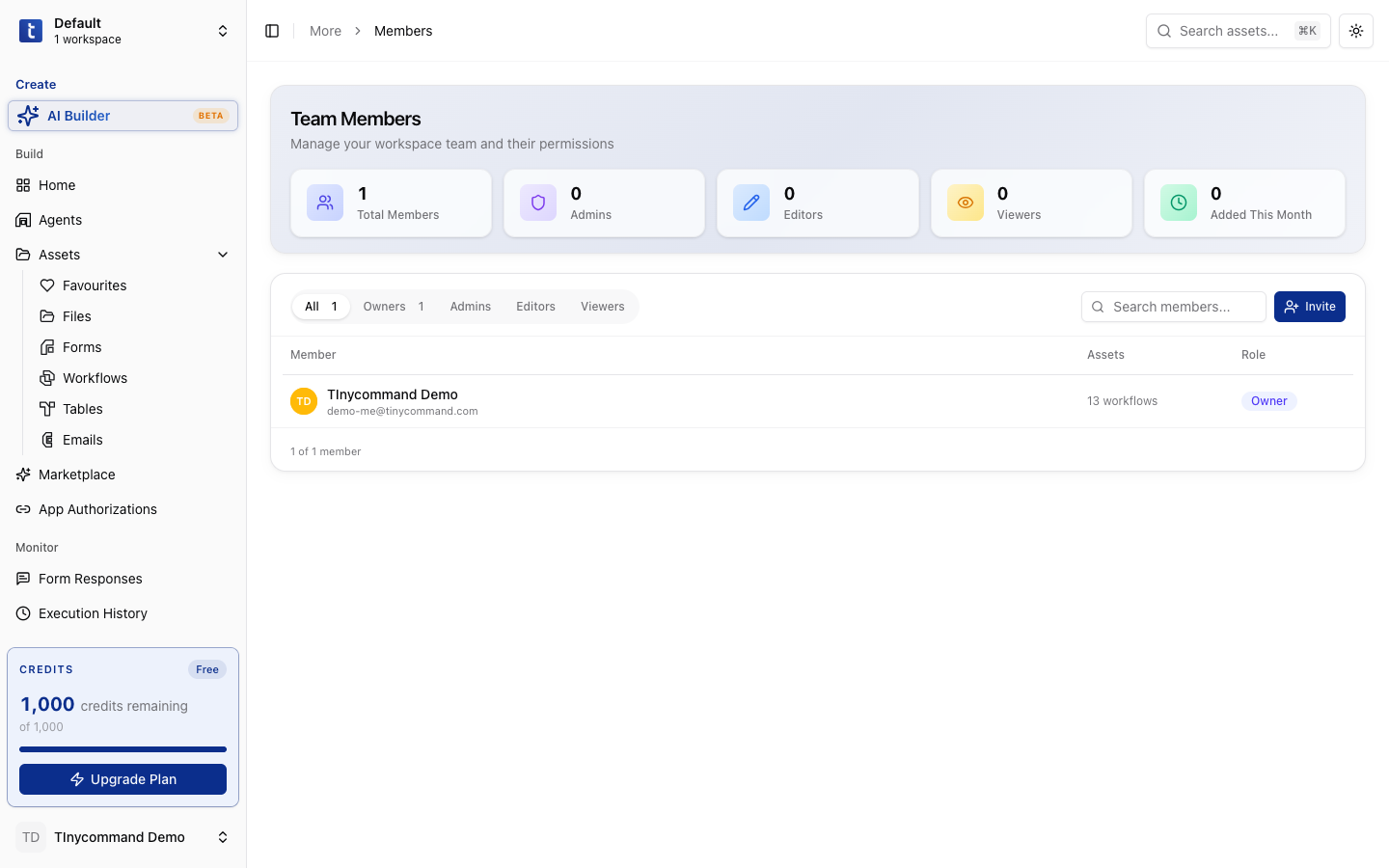
- Invite: add team members by email
- Roles: assign permissions per member
- Remove: remove members from the workspace
Credit usage
Go to Monitor → Credit Usage to track your consumption:
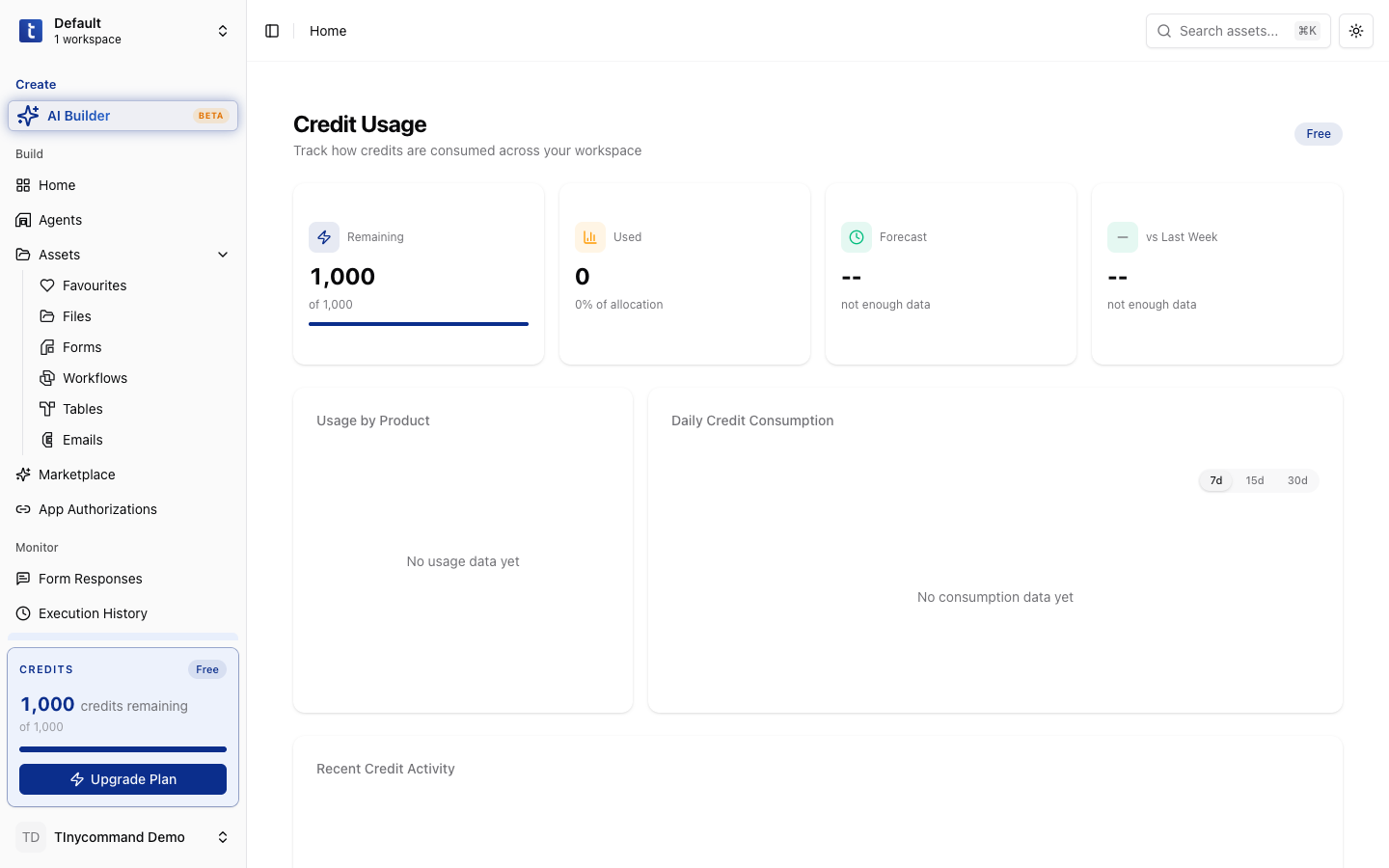
Credits are consumed by:
- Workflow steps: 1 credit for every step that runs, including steps that error
- AI agent steps and Tiny Search: 10 each
- Web scraping: 2 per step (Crawl Site: 2 per page; Web Search: 2 per result)
- Enrichment steps: Company (10), Email (10), Person (20)
- AI Columns: Nano (1), Mini (5), Pro (10), Max (20) per cell
The Free plan includes 1,000 credits a month. Basic includes 10,000, Professional 50,000 and Agency 250,000. See Credits & Usage for the full list.
App authorizations
Go to Build → App Authorizations to manage third-party app connections:
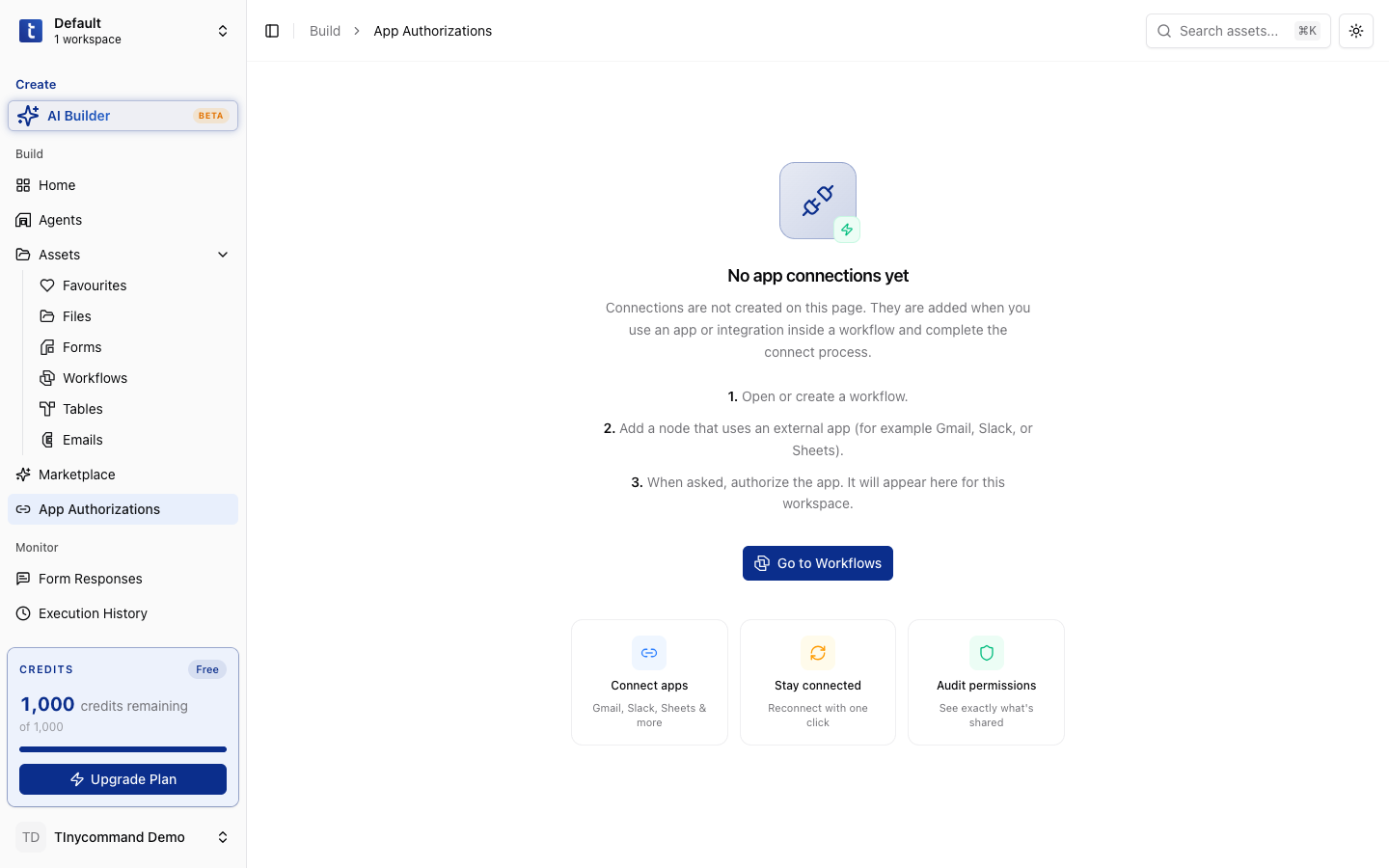
Connections are shared across your entire workspace: authorize an app once, and every workflow/form/agent can use it.
Marketplace
Go to Build → Marketplace to discover pre-built templates, integrations, and blueprints:
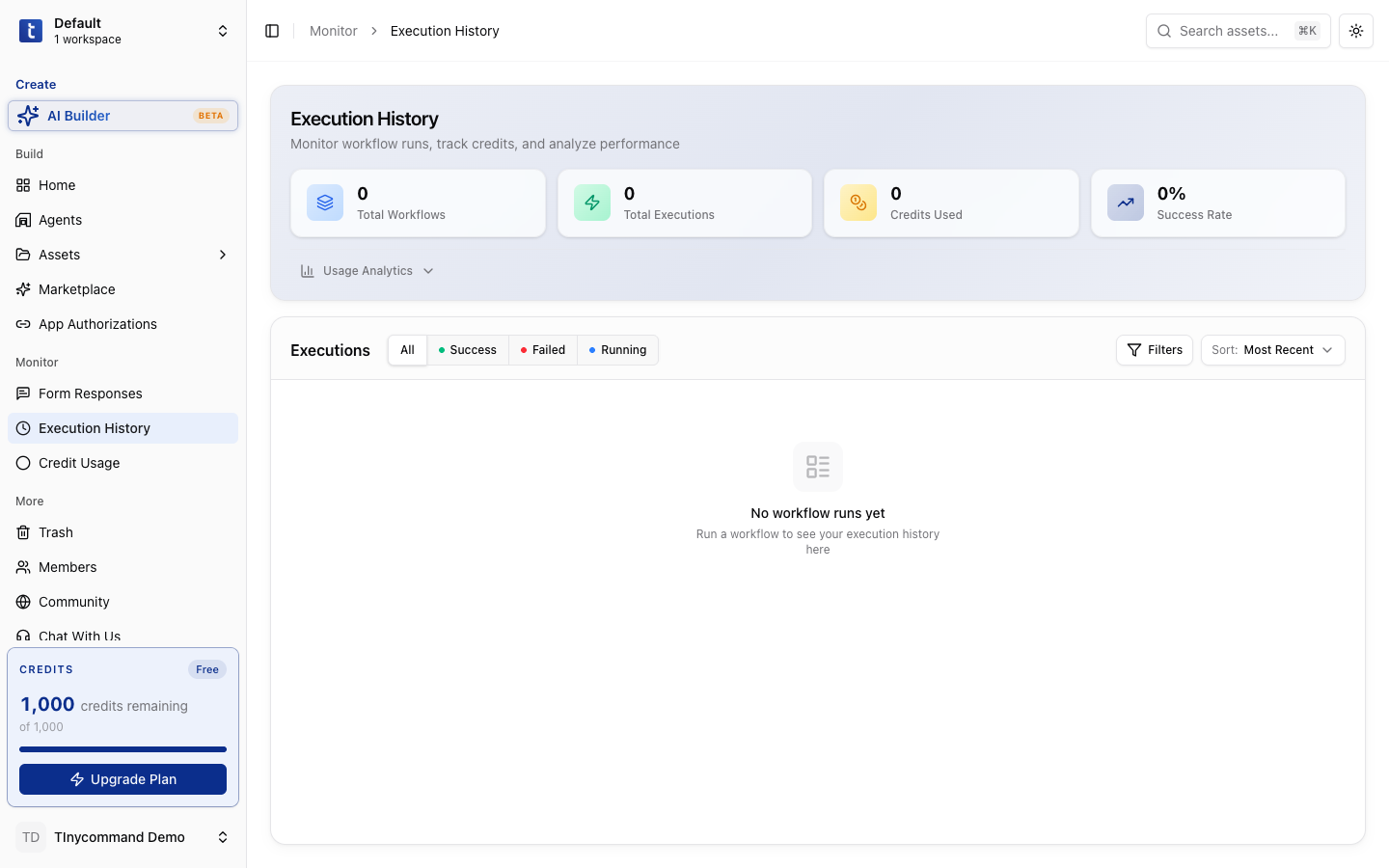
Execution history
Go to Monitor → Execution History to see all workflow runs:
Trash
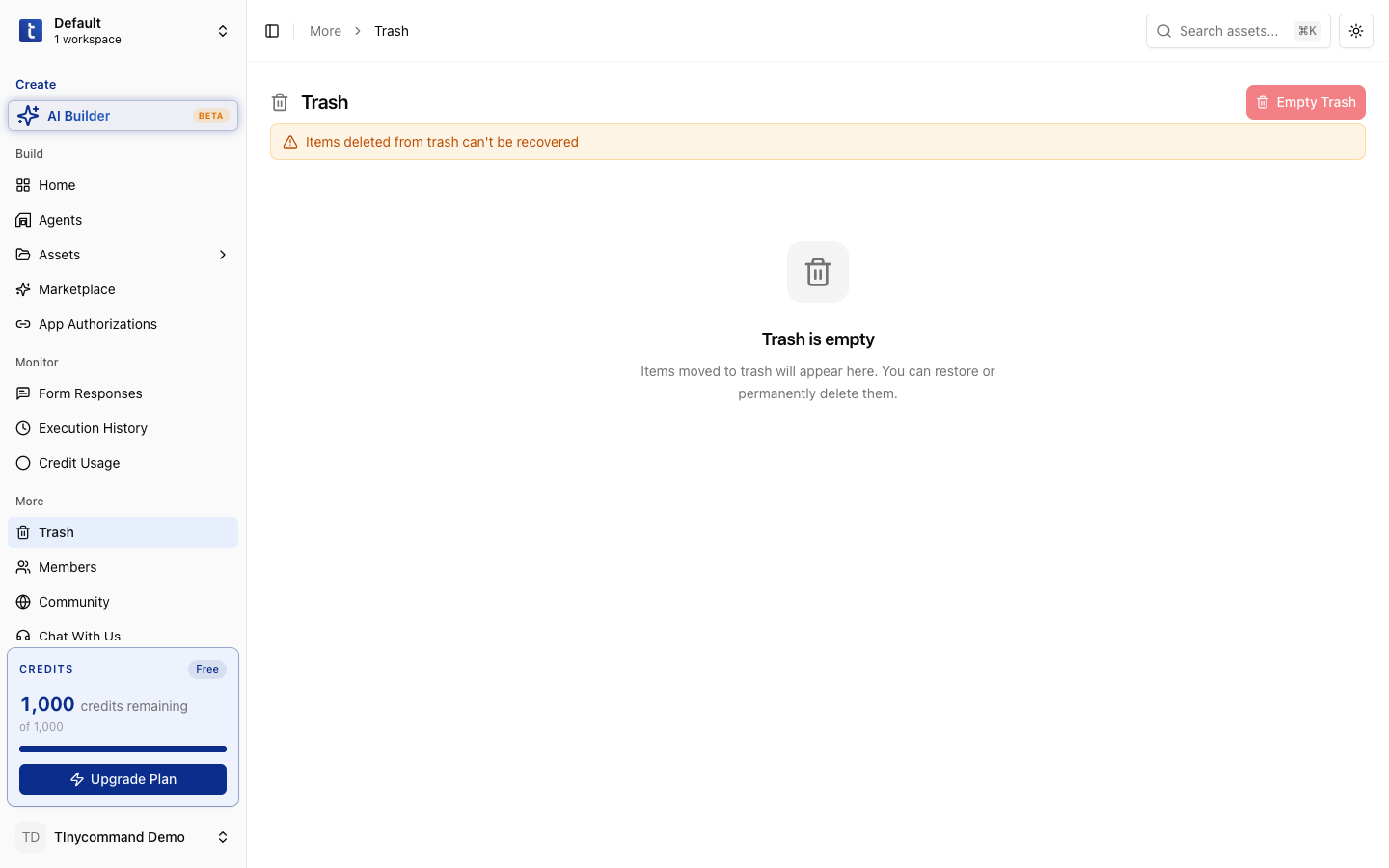
Go to More → Trash to recover deleted assets. Items stay in trash for 30 days before permanent deletion.