Business Process Automation: A Practical Guide for 2026
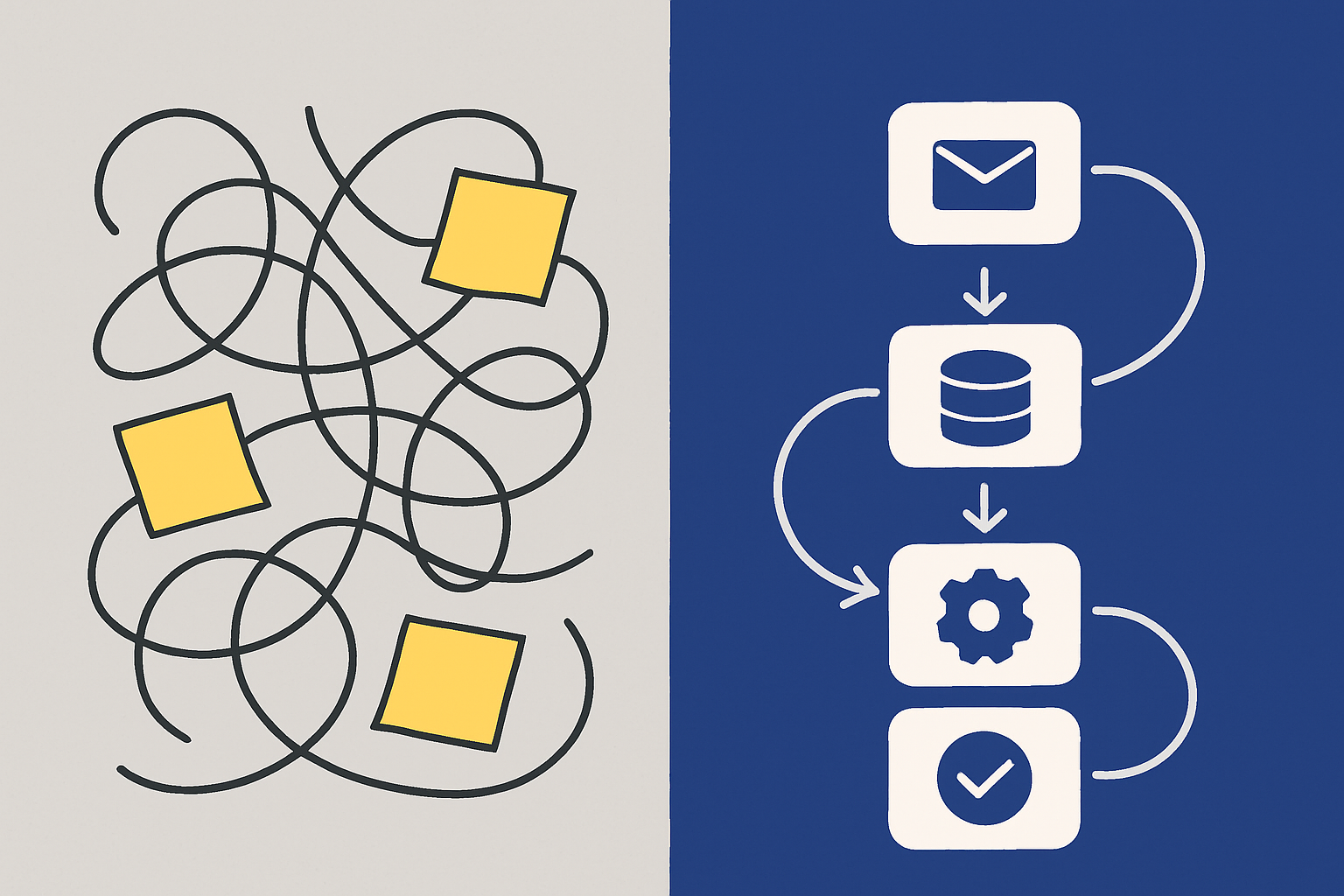
Business Process Automation: A Practical Guide for 2026
TL;DR: Business process automation (BPA) means replacing manual, repetitive steps in a business workflow with software that runs them automatically. The right processes to automate first are the ones that are high-frequency, rule-based, and currently costing your team time on execution rather than judgment. This guide covers how to identify those processes, the tools to use, and the mistakes that cause most automation projects to stall.
Every business has processes that run the same way every time: a new lead comes in and someone creates a CRM record, sends a welcome email, and adds them to a spreadsheet. A support ticket arrives and someone reads it, categorizes it, and assigns it to the right rep. An invoice is submitted and someone checks it, routes it for approval, and schedules the payment.
These processes are not strategic. They do not require judgment. They require consistency, speed, and accuracy — three things software does better than humans at scale.
McKinsey research estimates that 60-70% of work activities in most business functions could be automated with current technology. For most small and mid-size teams, the number is closer to 40-50% — still significant, still achievable, and still largely untouched.
This guide covers what business process automation is, which processes to start with, the tools that work, and why most automation projects fail before they deliver value.
What Is Business Process Automation?
Business process automation is the use of software to execute recurring business tasks and workflows with minimal human intervention. It covers a broad spectrum: from simple rule-based triggers (when X happens, do Y) to multi-step workflows that cross multiple systems, teams, and decision points.
BPA is distinct from:
Robotic Process Automation (RPA): RPA mimics human interaction with software interfaces — clicking buttons, entering data, copying between screens. BPA automates at the process level through native integrations, not screen-level mimicry.
AI automation: AI automation adds reasoning and decision-making to automation. BPA is primarily rule-based: if the condition matches the rule, execute the action. AI agentic workflows go further by allowing the system to determine the next action based on context rather than following a fixed rule. BPA is the foundation. AI automation is the layer on top.
Workflow software: Tools like project management apps are workflow organizers — they track tasks and communicate status. BPA executes the work, not just the tracking.
Why Businesses Automate: The Real Drivers
The business case for automation is almost always one of three things:
Speed. A lead response that takes 4 hours takes 4 seconds with automation. A support ticket that sits in a queue gets triaged in real time. The gap between a human-speed process and an automated one is often the gap between winning and losing the business.
Consistency. Manual processes drift. The welcome email that marketing wrote does not match what sales actually sends. The approval workflow that the ops manual describes is not what actually happens because Dave does it differently than Sarah. Automation enforces the correct process every time.
Scale. A team of 5 can handle 50 leads per week manually. Automation means the same team handles 500 without adding headcount. This is the primary driver for fast-growing teams.
Gartner research notes that teams that automate well do not just move faster — they free human time for higher-value work, which compounds the productivity gain over time.
Which Processes to Automate First
Not all processes benefit equally from automation. Start with processes that have four characteristics:
High frequency. A process that happens once a month is not worth the setup time of automation. A process that happens 50 times a day is a priority.
Rule-based decisions. Processes where the next step is determined by clear rules ("if company size > 200, route to enterprise sales") automate cleanly. Processes that require reading context and making nuanced judgments are better handled by AI agents, not traditional BPA.
Multiple systems involved. Processes that require logging into three tools and copying data between them are the most expensive to run manually and the most valuable to automate. The integration is the bottleneck, and automation removes it.
Clear definition of done. If your team cannot agree on when the process is complete, automation cannot enforce completion. Nail the definition first, then build the automation.
The highest-ROI processes for most businesses
Lead intake and routing: New leads come in through forms or email, get enriched with company data, get scored, get entered into the CRM, and get assigned to the right rep with a notification. This is one of the most consistently high-ROI automations across business types.
Customer onboarding: When someone signs up or pays, they need a welcome email, a set of setup instructions, a check-in at day 7 if they have not activated, and an escalation to a success manager if they go dark. All rule-based. All automatable today.
Invoice and expense processing: Invoices arrive, get categorized, get routed to the right approver based on amount and department, get confirmed when approved, and get logged in the accounting system. Manual invoice processing costs $12-15 per invoice on average, according to IOFM research. Automated processing costs under $3.
Support ticket triage: Inbound support requests get categorized by type, assigned a priority based on customer tier and issue severity, routed to the right agent, and acknowledged with the correct SLA timeline. The categorization and routing rules that a manager made up in their head can be written down and automated.
Report generation and distribution: Weekly sales reports, monthly financial summaries, and daily operational dashboards can all be automated. The data exists. The format is consistent. The only reason a human is involved is because nobody built the automation yet.
Business Process Automation Tools
The right tool depends on your process complexity, technical level, and the systems you are connecting.
For no-code, end-to-end automation:
TinyWorkflows handles the full stack: the data enters through a TinyForms form, gets stored in TinyTables, and gets processed by a workflow that can send emails, update records, call APIs, and trigger AI agents. The advantage is that all four layers share the same data model — no middleware, no brittle connections between separate tools.
For connecting existing tools:
Zapier ($19.99-$69/month) is the most integration-rich option: connects to 6,000+ apps via point-and-click workflow builder. Best when your process crosses many existing tools you are not replacing. Per-task pricing becomes expensive at volume. See our full Zapier pricing breakdown.
Make ($9-$29/month) is more powerful than Zapier for complex multi-step logic and costs less per operation. Higher setup complexity. Better choice for teams with technical comfort who need to build intricate workflows.
n8n (open source / $20/month cloud) is the developer-friendly option with self-hosting capability. No per-task pricing. Best for teams with a developer who wants full control without per-operation costs.
For enterprise BPA:
ServiceNow, Appian, and Pega handle complex, regulated processes with deep audit requirements. Enterprise pricing ($50,000+/year). Not appropriate for SMBs but worth knowing if you are evaluating platforms for a larger organization.
The Five Steps to Implement Business Process Automation
Step 1: Document the current process exactly
Before automating anything, write out every step of the process as it actually runs today — not as it should run, but as it does. Include who does each step, what tools they use, how long it takes, and what happens when something goes wrong. Most processes have undocumented exceptions that only become visible when you try to encode them.
Step 2: Identify the bottleneck, not just the slowest step
The bottleneck is the step that limits the throughput of the entire process. Automating steps before the bottleneck just means work piles up there faster. Find the step where work accumulates — that is where automation delivers the most value.
Step 3: Start with the trigger and the first action
Every automated workflow starts with a trigger (something that starts the process) and a first action (the first thing the system does in response). Get these two steps working reliably before adding complexity. A lead form submission triggers a CRM record creation — that is step one. Route to rep, send email, notify Slack — those are steps two, three, four.
Step 4: Map exceptions before you go live
Every process has exceptions: the form submission with missing fields, the lead from a country your sales team does not cover, the invoice that does not match your approval workflow. Map the three most common exceptions and build the handling before launch. Automation that breaks on exceptions is worse than no automation — it fails silently and creates problems downstream.
Step 5: Monitor the first 30 days
Set up a review for the first 30 days of any new automation. Check: how many times did it run? How many exceptions did it hit? What happened in those exception cases? Did the humans who were previously doing this process notice any errors in the output? The answers inform the next round of improvements.
Why Most Automation Projects Fail
Automating a broken process. Automation makes a process run faster. If the process itself is wrong — bad routing rules, outdated approval chain, incorrect data fields — automation makes the problem happen faster and at scale. Fix the process first, then automate it.
Over-engineering the first version. Teams try to handle every possible case in version one. The result is a complex workflow that is hard to build, harder to debug, and never launches. Build the 80% case first. Handle the 20% manually until the automation is stable.
No owner after launch. Automation needs maintenance. Tools change their APIs. Business rules change. Data schemas change. Without a designated owner who monitors the automation and updates it when something breaks, automations accumulate silent failures over time.
Measuring the wrong thing. The goal of automation is not "run this workflow 1,000 times." It is "reduce manual time by X hours" or "reduce lead response time to under 5 minutes." Measure the business outcome the automation was supposed to improve, not just whether it ran.
Where BPA Is Heading
The distinction between traditional BPA (rule-based) and AI-powered automation (context-aware) is collapsing. AI agents are increasingly embedded directly into workflow tools — handling the decision points that rules cannot cover while handing off reliable sequential steps to traditional automation logic.
The practical implication: the workflow you build today with TinyWorkflows can incorporate TinyAgents at decision nodes without rebuilding the workflow from scratch. The form-to-table-to-workflow foundation remains the same. The decision layer becomes more intelligent over time.
For teams who want to understand where this is heading, the agentic workflow guide covers how AI decision nodes fit into traditional workflow structure.
Frequently Asked Questions
What is the simplest business process to automate first?
Lead intake and email confirmation is the most common starting point because the value is immediately visible: a form submission triggers an instant confirmation email and a CRM record, with no manual steps. This typically takes 30-60 minutes to configure and produces measurable time savings the same day.
How much does business process automation cost?
Simple automation (a single trigger → action) is available for free on most platforms. Multi-step workflows for small teams run $20-$70 per month on tools like Zapier, Make, or TinyCommand. Enterprise BPA platforms (ServiceNow, Appian, Pega) run $50,000+ annually. The cost scales with the complexity of integrations and the volume of workflow executions.
Do I need a developer to automate business processes?
Not for standard use cases. No-code tools like TinyWorkflows, Zapier, and Make let non-technical users build multi-step automations through visual interfaces. Complex integrations with legacy systems, custom API connections, or high-scale enterprise workflows typically need developer involvement. For most small and mid-size businesses, no-code is sufficient.
What is the difference between business process automation and robotic process automation?
BPA automates processes through native software integrations — connecting tools via APIs so they share data directly. RPA mimics a human user interacting with a software interface — clicking buttons, entering data, copying between screens. BPA is generally more reliable and maintainable; RPA is useful for systems with no API or when changing the underlying system is not an option.
How do I measure the ROI of business process automation?
Calculate the time cost of the manual process (hours per month × hourly rate) and compare it to the automation tool cost. For lead routing, also measure the conversion rate improvement from faster response time. For invoice processing, track error rates and processing cost per invoice before and after. Most simple automations break even within the first 1-2 months and save significantly more in months 3-12.