What Are AI Agents? A Plain-English Guide for Business (2026)
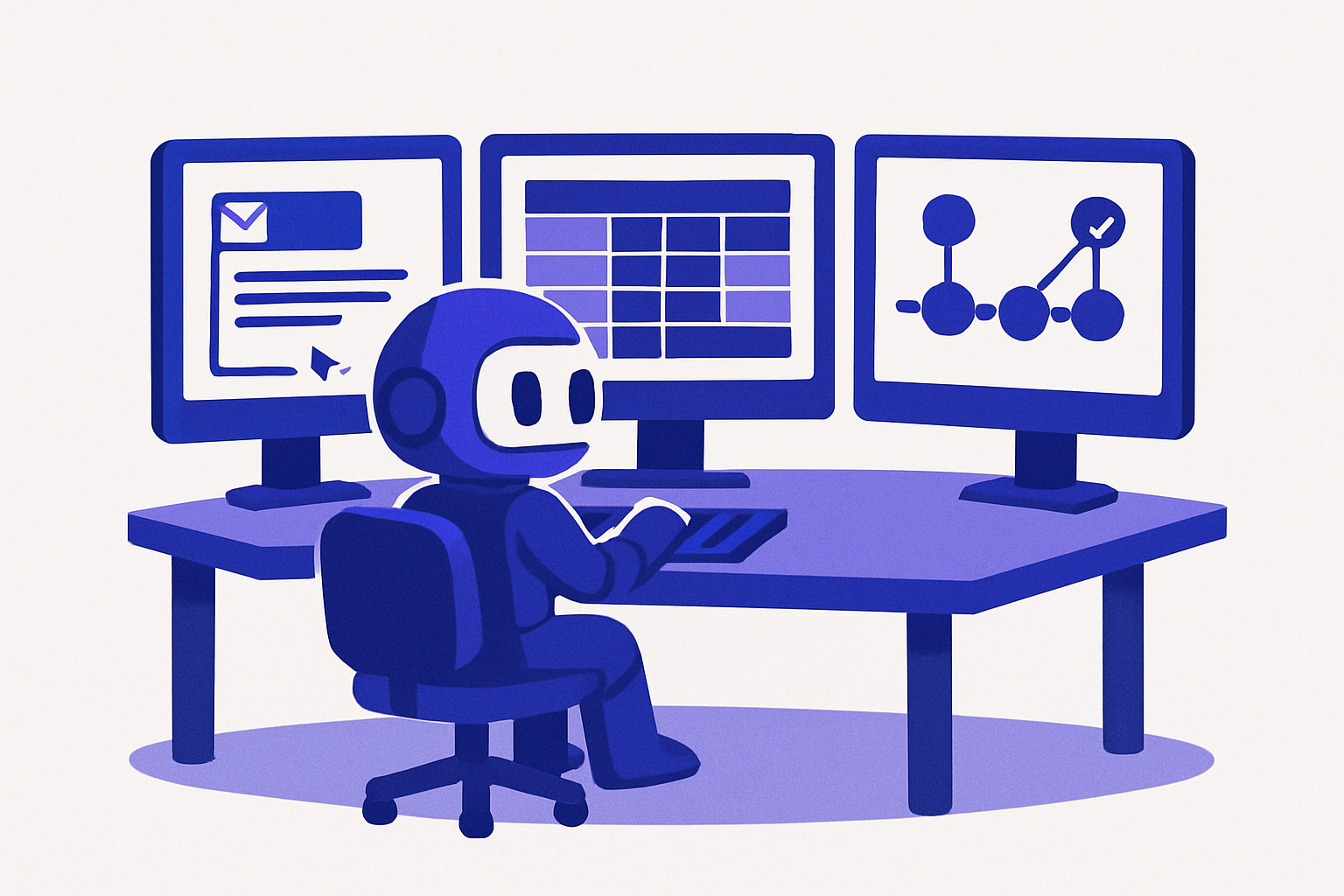
What Are AI Agents? A Plain-English Guide for Business (2026)
TL;DR: AI agents are software programs that can set goals, make decisions, and take actions on their own. They do not just answer questions. An agent can read an email, check your database, draft a reply, and send it without you clicking anything. They are built on large language models but go further: they plan, use tools, and loop until a task is done. For businesses, that means real work gets done automatically, not just summarized.
It is 2 AM. A potential customer fills out your contact form. They are comparing three tools and need a pricing breakdown before a meeting at 9.
With a chatbot: they get a "Thanks, we'll be in touch" auto-response.
With an AI agent: the agent reads the form, looks up the customer's company in your CRM, pulls the relevant pricing tier, drafts a personalized response with a specific recommendation, and sends it. By the time your team arrives at 9, the reply has been sent, the lead has been scored, and a follow-up task has been created in your project tool.
That gap, between answering and acting, is the difference between a chatbot and an AI agent. It is also why searches for "AI agents" have grown over 300% in the past year, according to Google Trends.
What Are AI Agents?
AI agents are software systems that can perceive inputs, reason about what to do, and take actions to complete a goal. The key distinction from a regular AI model is autonomy: an agent does not wait for you to prompt it at every step. It plans a sequence of actions, executes them using connected tools, evaluates the result, and adjusts until the task is done.
Anthropic's research on agentic AI defines it this way: agentic systems "take sequences of actions and plan and make a series of decisions in order to complete longer-horizon tasks." That planning loop is what separates an agent from a one-shot AI response.
In practical terms: you give an agent a goal. The agent figures out the steps, uses the tools it has access to (email, databases, APIs, forms), and completes the work. You review the outcome, not each step.
How AI Agents Work
Every AI agent runs on a four-part loop:
Perceive: The agent receives an input. This could be a message, a form submission, a new database record, a schedule trigger, or a webhook from an external tool.
Plan: The agent uses an LLM to reason about the goal. What steps are needed? What information is missing? What tools are available? For a complex task, the agent breaks it into sub-tasks.
Act: The agent executes using its connected tools. It might read a record from your CRM, call an external API, send an email, update a spreadsheet, or post a Slack message. IBM's AI agent framework describes these as "tools" the agent uses to affect the world outside itself.
Evaluate: After acting, the agent checks the result against the goal. If the goal is not met, it loops back, adjusts the plan, and tries again. If the goal is met, it stops or hands off to a human.
This loop is what makes agents useful for real business tasks. A single-step LLM call can summarize an email. An agent can read the email, check the sender's account status, decide on the right response, draft it, and send it.
AI Agents vs. Chatbots vs. Automation
These three categories get confused constantly. Here is the clear distinction:
| Chatbot | Traditional Automation | AI Agent | |
|---|---|---|---|
| What it does | Answers questions in conversation | Runs the same steps every time | Plans and executes multi-step tasks |
| Adapts to context? | Limited | No | Yes |
| Can take actions? | Occasionally (simple scripts) | Yes, but rule-based only | Yes, using any connected tool |
| Handles exceptions? | No | No — breaks or escalates | Yes — adjusts the plan |
| Needs human per step? | Yes, to continue the conversation | No, but fails on anything outside the script | No — autonomous within guardrails |
| Best for | FAQs, simple lookups | Predictable, high-volume, fixed processes | Complex tasks with variation and decisions |
A chatbot helps your customer find the return policy. Traditional automation sends a confirmation email after every purchase. An AI agent reads the customer's order history, determines whether they qualify for an exception, processes the return, updates your inventory, and emails a prepaid label.
Types of AI Agents
Not all AI agents work the same way. Understanding the types helps you match the right agent to the right task.
Task agents execute a specific, bounded job: qualify a lead, process an invoice, triage a support ticket. They have clear inputs, defined tools, and a specific completion criteria. Most of the agents businesses use today are task agents.
Conversational agents interact with humans in a back-and-forth. They can answer questions, gather information through dialogue, and hand off to a task agent or human when the conversation reaches a decision point. Think of a customer intake agent that asks the right questions before routing to the right team. TinyCommand's TinyAgents is built for this pattern.
Multi-agent systems coordinate multiple specialized agents working together. One agent researches, another drafts, a third reviews. McKinsey research on AI automation projects that multi-agent systems will drive 60-70% of knowledge work automation in the next decade. These are powerful but require careful orchestration.
Autonomous agents operate over long time horizons with minimal check-ins. They are the most powerful type and carry the most risk. Most businesses should start with task agents and add autonomy gradually as they build trust in the system.
Real Business Use Cases for AI Agents
The fastest way to understand what AI agents can do is to see them in specific business contexts.
Lead qualification and routing. A form submission arrives. The agent looks up the company's size, industry, and existing CRM record. Enterprise leads get routed to an account executive with a personalized prep brief. SMB leads get a tailored first email and a nurture tag. Existing customers who filled out a contact form get a direct call from their account manager. Three paths, one trigger, no human decision needed for 90% of cases.
Support triage and resolution. An inbound ticket arrives. The agent reads the issue, searches the knowledge base, checks the customer's account history, and decides: send a self-serve doc link, apply a fix if it has system access, or escalate to a human with all context pre-filled. Gartner predicts that 80% of customer service interactions will involve some AI by 2025. Agents are how that happens.
Document and contract processing. A signed contract arrives via email. The agent extracts the key terms, creates a CRM record, sets renewal reminders, notifies the account team, and sends a welcome email. What took an ops person 20 minutes per contract takes the agent 45 seconds, with fewer errors.
Onboarding automation. A new user signs up. Each day, a scheduled workflow has the agent check which features they have and have not activated: it sends a targeted tip on day 3 if they have not completed setup, flags the account to a success manager if they are inactive for 7 days, and sends a check-in email at day 14. Each action is conditional on what is actually true, not a fixed drip sequence.
Content and scheduling. A blog draft is submitted. The agent checks it against your SEO brief, flags missing internal links, verifies that the meta description is within the character limit, routes it to the editor, and queues it in the content calendar when approved. The human writes and edits; the agent handles the production checklist.
For all of these, you can connect TinyAgents to TinyWorkflows to handle the sequential steps and let the agent handle the decision points. See the full breakdown in our agentic workflow guide.
How to Use AI Agents Without Code
You do not need a developer to start using AI agents in your business. The path from zero to a working agent takes a few hours, not a few months.
Step 1: Pick one process with a clear decision point. Do not try to automate everything at once. Find one process where the right action depends on context: lead routing, support triage, onboarding follow-up. The decision point is where the agent earns its value.
Step 2: Define what the agent needs to know and do. Write out the goal, the information the agent should have access to, the actions it is allowed to take, and the cases where it should escalate to a human. This is your agent's instruction set.
Step 3: Connect the tools. An agent without tools can only generate text. Connect it to the systems it needs to act: your CRM, your form tool, your database, your email. TinyAgents connects natively to TinyForms, TinyTables, and TinyWorkflows.
Step 4: Set guardrails before you run it. Define the cases the agent must escalate. "If the deal value is over $10,000, notify a human before sending." "If the customer has escalated before, always route to tier 2." Guardrails are not limitations — they are what make autonomous operation safe.
Step 5: Test with real scenarios, including edge cases. Run 20 test cases. Include the normal ones and the weird ones: the customer who sends a blank form, the deal that matches two routing rules at once, the support ticket in a language the agent was not trained for. Fix the instructions where the agent guesses wrong.
Step 6: Run it supervised first. For the first two weeks, have the agent prepare responses and actions but let a human approve them. Once you are confident in the output quality, remove the manual step for the cases you trust.
TinyAgents is built for exactly this workflow. You train the agent with your process, connect it to your tools, set the escalation rules, and deploy. No code required.
What to Watch Out For
AI agents are powerful and they can cause real problems when designed poorly.
Agents need clean data. An agent's decisions are only as good as the information it reads. If your CRM has inconsistent company names, your inventory database has stale records, or your customer fields are incomplete, the agent's actions will reflect that. Fix the data before adding the agent.
Scope creep is a real risk. An agent with too many permissions and too few guardrails will eventually take an action you did not intend. Start with narrow permissions and expand only after you have seen the agent handle edge cases correctly.
Transparency matters. Customers and team members should know when they are interacting with an agent. Anthropic's guidelines for trustworthy agents emphasize that agents should be able to explain their actions and should not deceive users about their nature.
Escalation paths are not optional. Every agent needs a clear definition of when it stops and calls a human. "When in doubt, escalate" is a reasonable default. An agent that never escalates is either working in a narrow enough scope that exceptions never occur, or it is making silent mistakes that compound over time.
For a deeper look at building decision-aware automation, see our guide on autonomous AI agents and how they combine with structured workflows.
Getting Started with AI Agents
The businesses getting value from AI agents right now are not the ones with the largest AI budgets. They are the ones who picked one process, defined it clearly, and gave the agent the right tools and guardrails.
Start with a process you already understand well. An agent cannot fix a broken workflow — it will just automate the breakage faster. Map the process, identify the decision points, build the guardrail list, and then deploy.
TinyAgents is free to start and designed for teams who want agents that act, not just respond. Connect it to your forms, tables, and workflows and you have a complete system: data in, decision made, action taken.
The best AI agents are not the most powerful ones. They are the ones that reliably handle the cases they were built for, escalate everything else, and make it easy for you to see exactly what they did and why.
Frequently Asked Questions
What is the difference between an AI agent and ChatGPT?
ChatGPT is a conversational AI that responds to prompts. An AI agent can take actions: read your database, send emails, update records, call APIs. ChatGPT answers your question. An AI agent completes your task. Technically, agents are often built on top of the same LLMs that power ChatGPT, but they add a planning layer, tool access, and a feedback loop that makes them capable of multi-step autonomous work.
Do I need a developer to use AI agents?
No. No-code platforms like TinyAgents let non-technical teams build and deploy agents that connect to their existing tools. You define the goal, the instructions, and the guardrails in plain language. The platform handles the technical layer. Most useful business agents are built and running in hours, not weeks.
Are AI agents safe to use in business?
Yes, when deployed with appropriate guardrails. The risk is not the technology itself but scope without limits. An agent with access to too many systems and no escalation rules can cause real problems. Start narrow: give the agent access only to the systems it needs for one specific task, define the cases it must escalate, and review its actions for the first two weeks before running it fully autonomously.
How are AI agents different from traditional workflow automation?
Traditional automation runs the same steps every time, in the same order, with the same outcome regardless of context. AI agents evaluate context at each decision point and adapt. A traditional automation sends every new lead the same welcome email. An AI agent reads the lead's company, determines the right tier, and sends a message specific to their situation. The difference matters most in processes where the right action depends on what you observe.
How much do AI agents cost?
Costs vary widely by platform. TinyCommand is free to start, and AI agent steps run inside workflows on every plan; paid plans start at $19 per month, and building your own custom agents starts on the $49 Professional plan. Standalone agent platforms typically charge per conversation, per action, or per active agent. Enterprise platforms (Salesforce Einstein, ServiceNow) bundle agent capabilities into per-seat pricing that starts in the hundreds of dollars per user per month.