RSVP Forms That Count Chairs While You Sleep (2026 Guide)
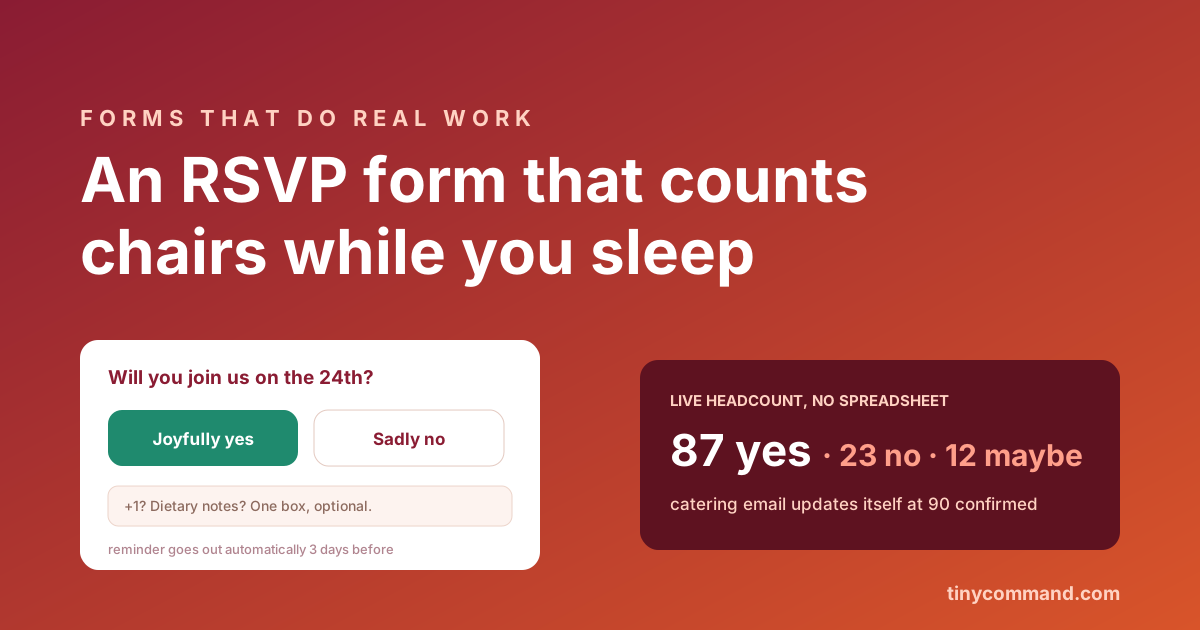
TL;DR: An RSVP form has one job: turn invitations into an accurate headcount with the least possible effort from your guests. Two taps (yes or no), one optional box for plus-ones and dietary notes, and everything else automated: the count updates live, reminders chase the silent on their own, and catering numbers update themselves. If your RSVP process involves a spreadsheet and a follow-up text campaign run by hand, the form is doing half its job.
The form itself: two taps and one box
- The question. "Will you join us?" with two big buttons. Yes and no, equally easy to press; a guilt-styled decline button just produces silent non-answers, which are worse than honest noes.
- Plus-ones, if your event has them. A number stepper, capped at whatever your invitation actually allows.
- One optional box. Dietary notes, accessibility needs, song requests. One box absorbs every special case; five separate fields make a two-tap form feel like a census.
- A maybe option, only if you mean it. Maybe is deferred work. Include it only when your venue math can tolerate it, and let the reminder flow chase maybes harder than noes.
The count that counts itself
Responses should land in a live table where yes, no, and plus-ones sum in real time. No export, no Sunday-night tally. The practical wins stack from there: a workflow emails you when confirmations cross your catering threshold, the venue gets an updated count automatically each Friday, and the form closes itself once it reaches the response limit you set. The same machine that runs an event registration flow, scaled down to a dinner party or up to a wedding.
Reminders without nagging by hand
The silent third of your guest list is not rude; they opened the invite on a bus. Set up a daily scheduled workflow that sends two nudges: one a week out to non-responders, one three days out to maybes, each with the same two-tap form linked. Write them once, in your voice, and let the workflow send them; chasing RSVPs personally is the chore this entire form category exists to delete.
The details that quietly matter
Make it phone-first (everyone RSVPs from the invite on their phone), skip account creation entirely, and confirm instantly: "You are in, see you on the 24th" with a calendar attachment. For paid events, take payment in the same form and you have crossed into order-form territory; the fields chapter of that guide applies. Pre-built RSVP forms live in the templates gallery, and TinyForms collects unlimited responses free, which matters when the guest list is the whole town.
RSVP form FAQ
What should an RSVP form ask?
Yes or no, a plus-one count if allowed, and one optional box for dietary or accessibility notes. Anything more belongs in a follow-up to confirmed guests, not in the form deciding whether people respond at all.
How do I get people to actually RSVP?
Make it two taps on a phone with no login, then have a daily scheduled workflow send two reminders: a week out for non-responders and three days out for maybes. Effort, not unwillingness, is why most RSVPs go missing.
Can an RSVP form track headcount automatically?
Yes. Responses write to a live table that sums attendees and plus-ones in real time, and a workflow can alert you at thresholds or send the venue updated numbers on a schedule.
How do I handle RSVP capacity limits?
Set a maximum number of responses on the form, and it closes automatically when confirmations reach it. Automatic promotion is not built in, but a workflow triggered when an RSVP row is updated or deleted can email the next guest on your waitlist.