Event Registration Forms: From Sign-Up to Ticket in One Motion (2026)
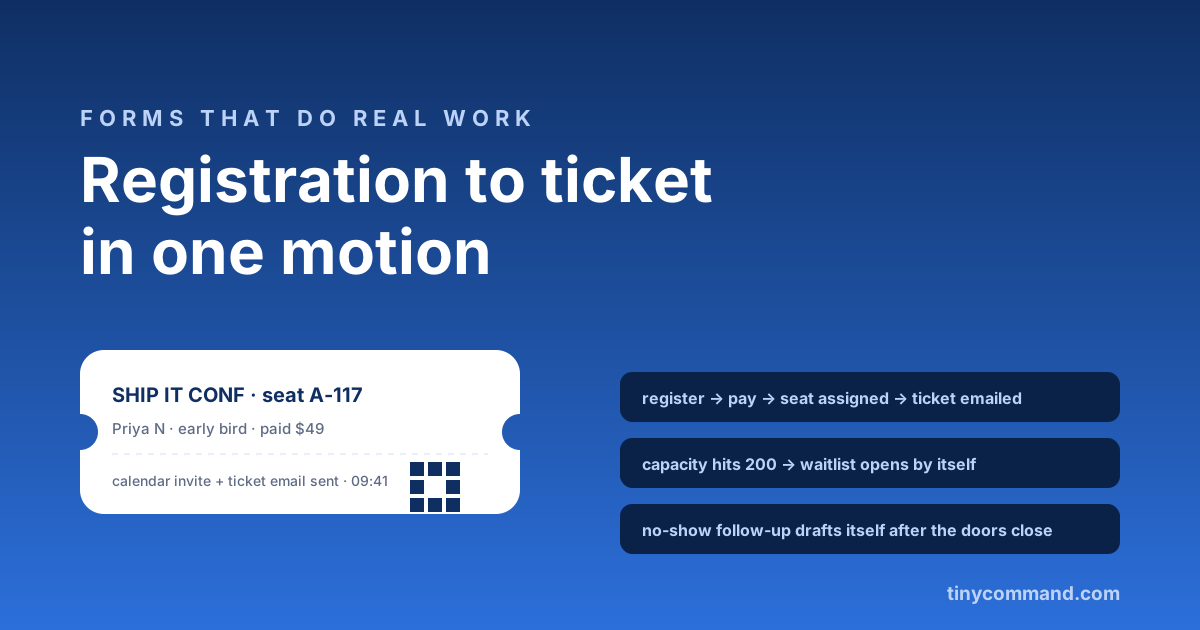
TL;DR: Event registration is a pipeline pretending to be a form: capture the attendee, take the payment, assign the spot, send the ticket and calendar invite, and keep doing arithmetic until the doors open. Build it as one motion and a 200-person event runs itself; build it as a form plus a spreadsheet plus an email tool and you have hired yourself as the integration. The fields, the capacity logic, and the automation map below.
The registration fields that earn their place
- Name and work email. The ticket needs both; the badge printer thanks you later.
- Ticket type. Early bird, standard, student. Price differences belong in the form logic, with a live total, exactly like an order form.
- The one segmentation question. Role, company size, or track preference, whichever single answer your agenda or sponsors actually use. Resist the demographic questionnaire; registration abandonment climbs with every extra field.
- Payment, inside the form. Stripe or UPI as a field, not an invoice afterwards. Free events skip this; paid events that defer it leak a chunk of registrations between intent and invoice.
- Dietary and accessibility, conditionally. Show these only when the ticket includes catering, via branching. Empty fields for a webinar are noise.
Capacity is arithmetic, not anxiety
Set the cap where registrations land: a table that counts paid seats per ticket type. Set the form to close automatically after a set number of responses, and the row count ends the "are we full?" Slack thread. Per-tier caps, waitlists and early-bird cut-offs are not automatic: when a tier sells out or its date passes, update the ticket options yourself.
The ticket moment
The confirmation email is the product until the event starts. It should arrive within seconds and carry the ticket (a reference code is fine, a QR if you scan at the door), a calendar attachment, and the one logistics paragraph people actually need. Merge in their ticket type and track so it reads personal. From the same canvas, that email is a workflow step with the registration's fields available as merge data; nothing is exported or re-keyed.
The week-of automation map
- T-7 days: logistics email to all confirmed, venue, parking, agenda.
- T-1 day: reminder with the ticket re-attached, because nobody can find the first email.
- T+1 hour after doors close: no-show follow-up with the recording or slides, which quietly converts absentees into next-time attendees.
- T+1 day: a two-tap feedback ask; the survey guide covers why two questions beat ten.
Write the four emails once and reuse them for every event after this one: send each as a campaign to your registrations table when its day comes, while the workflow sends the confirmation the moment someone registers. Pre-wired registration flows (fields, payment, capacity, ticket email) are in the templates gallery, free to start on TinyForms with unlimited registrations.
Event registration FAQ
What fields should an event registration form have?
Name, email, ticket type with live pricing, one segmentation question, and payment inside the form. Add dietary and accessibility fields conditionally for catered, in-person tickets only.
How do I limit registrations to my venue capacity?
Count paid registrations in a connected table and set a maximum number of responses, so the form closes automatically at capacity. Per-ticket-type caps and automatic waitlists are not built in.
Can a registration form send tickets automatically?
Yes. A workflow triggered by payment sends a confirmation with the ticket reference or QR code and a calendar attachment within seconds, with the attendee's details merged in.
How do I reduce no-shows at free events?
Automated touchpoints: a T-7 logistics email, a T-1 reminder with the ticket, and for free events a small refundable deposit or an explicit confirm-your-seat tap, both of which measurably raise attendance.