Quiz Maker Guide (2026): Build a Quiz People Actually Finish
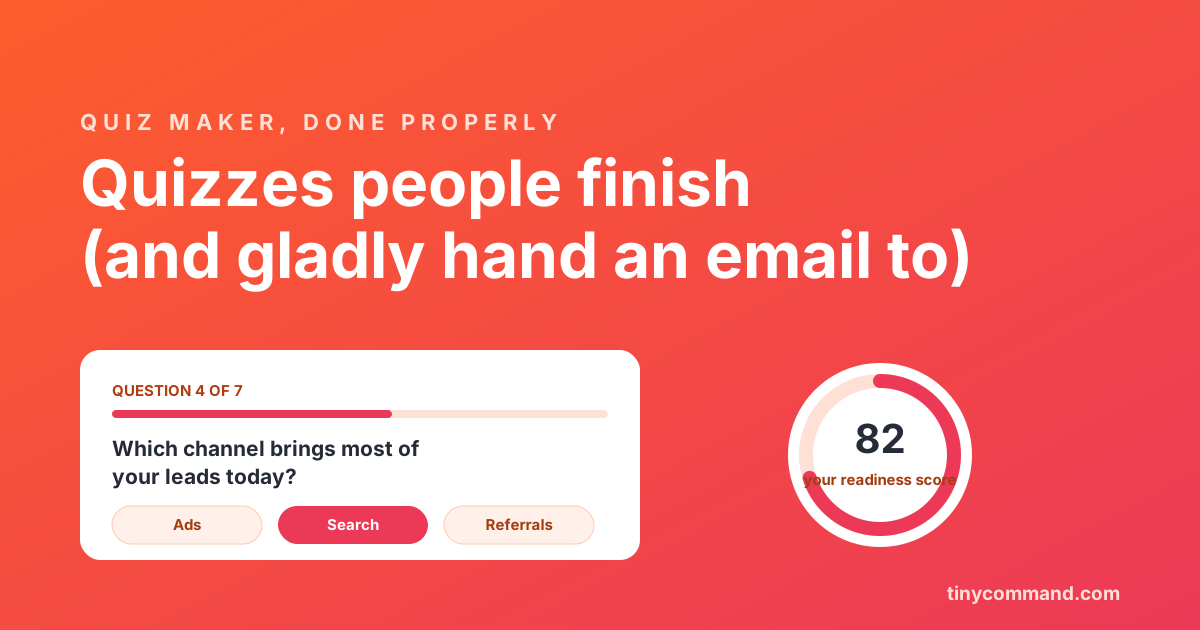
TL;DR: Quizzes outconvert static forms because they pay people in curiosity: answer seven questions, get your score. The four types worth building are the lead-magnet quiz, the scored assessment, the personality matcher, and the qualifying quiz. Keep it to 5 to 8 questions, one per screen, put the email gate right before the result (after the curiosity is sunk), and route the answers somewhere useful. Ship it free with a quiz-capable form builder; the build takes under an hour.
Why quizzes convert when forms stall
A form asks for information and offers nothing back. A quiz reverses the trade: the respondent invests answers because the result is for them. That reversal shows up in completion rates, and in how willingly people hand over an email when the gate stands between them and their score. The mechanic is old (magazines ran it for decades); the automation behind it is the new part.
The four quiz types that earn their keep
1. The lead-magnet quiz. "What is your marketing readiness score?" Educates while it qualifies, and the score gives your follow-up email its first sentence.
2. The scored assessment. Knowledge checks, onboarding quizzes, certification practice. Right answers exist; scoring logic adds points per correct choice and brackets the result.
3. The personality matcher. "Which automation setup fits your team?" No right answers; each choice weights an outcome, and the result recommends a path (or a product tier, used honestly).
4. The qualifying quiz. A disguised intake form: budget, timeline, team size, framed as "see if we are a fit." The result routes hot matches to a calendar and polite passes to resources.
Building one in seven steps
- Pick one outcome. A quiz that qualifies leads and teaches and entertains does none of it well. One job.
- Write 5 to 8 questions, one idea each. The same discipline as survey questions: no double-barrels, no leading. Each question should change the result.
- Show one question per screen. Progress feels fast, and the conversational layout (the one-at-a-time mode in TinyForms) is built for exactly this.
- Wire the scoring. Points per answer for assessments; outcome weights for matchers. Calculated fields handle both without code.
- Place the email gate before the result. After the last question, before the score. Curiosity is fully sunk; this placement converts and still feels fair. Gating question one kills starts.
- Make the result a real page. Score, what it means, one next step. A number with no interpretation wastes the whole ride.
- Route the data. Results land in a table, high scorers ping sales, every finisher gets a result email recapping their answers. Without this step you built entertainment, not pipeline.
The mistakes that sink quizzes
- Too long. Twelve questions is a survey wearing a costume. Completion falls off a cliff after eight.
- Gate at the start. Asking for the email before question one converts like a cold form, because it is one.
- Dead-end results. "You scored 74!" followed by nothing. Pair every bracket with a recommendation.
- No follow-through. If the score never reaches your CRM or email tool, the quiz worked and the business missed it.
Shipping it free
You do not need a dedicated quiz tool. A form builder with logic, calculated fields, and a conversational layout covers all four types: build it in TinyForms free (unlimited responses, scoring via calculated fields, one-question-at-a-time mode), start from the templates gallery, and let the workflow route results. If you are still comparing builders first, the five-question form builder test applies doubly to quizzes.
Quiz maker FAQ
How many questions should a quiz have?
Five to eight. Enough for a credible result, short enough that completion stays high. One question per screen with a visible progress bar keeps momentum.
Where should the email capture go in a quiz?
Right before the result, after the final question. The respondent has invested the answers and wants the payoff; that placement converts far better than a gate at the start and still feels like a fair trade.
Can I make a quiz for free without coding?
Yes. Form builders with conditional logic and calculated fields handle scored and personality quizzes without code. TinyForms does it on the free plan with unlimited responses, including the score math and the result routing.
What makes a quiz convert better than a form?
The result. People complete quizzes to learn something about themselves, so the perceived trade flips from "give data" to "get an answer." Short length, instant results, and an email gate placed after curiosity is sunk do the converting.