Tool Consolidation: How to Cut Your SaaS Stack Without Losing Power
Tool Consolidation: How to Cut Your SaaS Stack Without Losing Power
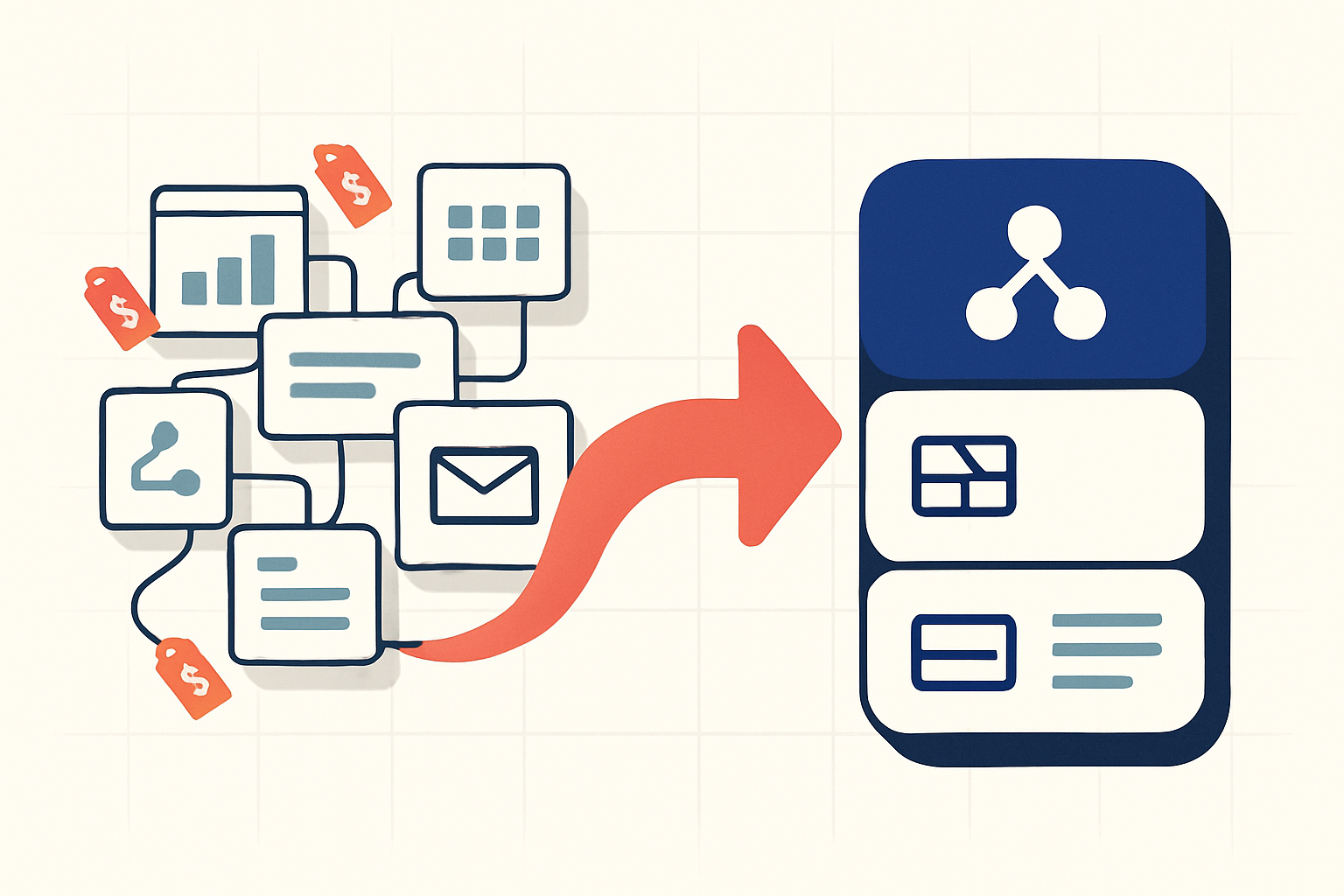
TL;DR: Tool consolidation means replacing several overlapping SaaS subscriptions with fewer tools that share data natively. A two-person company recently posted on Reddit that its stack hit £847/month across 15+ apps. The biggest win goes beyond the lower bill. It is killing the "Zapier tax" and the broken webhooks that come from gluing separate tools together. Audit first, consolidate the connected workflows, and keep best-of-breed only where it earns its seat.
Someone on r/smallbusiness added up their SaaS subscriptions one night and nearly had a heart attack. Mailchimp, HubSpot, Intercom, Zapier, Monday, and a dozen more. £847 a month. A two-person company. Each tool felt small on its own. Together they cost a part-time salary.
That post is not an outlier. It is the most common story in every productivity subreddit right now. Tool consolidation has become the thing operators talk about when they finally look at the total. Not one $29 invoice. Fifteen of them.
Here is the catch. Consolidation sounds obvious and feels risky. Builders on r/salesengineers keep asking why it looks smart on a spreadsheet but terrifying in practice. Migrations break. All-in-one platforms fall apart on the edge cases. So this is the honest version: what to merge, what to leave alone, and how to do it without losing the power you actually use.
What Is Tool Consolidation?
Tool consolidation is the process of cutting overlapping SaaS subscriptions and moving the work onto fewer platforms that connect natively. The goal is fewer bills, fewer logins, and fewer integration failures. Done right, it also removes the middleware tax you pay to make separate tools talk to each other.
Most small teams do not buy a bloated stack on purpose. It accumulates. You add Typeform for a survey. Then Airtable to store the responses. Then Zapier to move data between them. Then Mailchimp to email the list. Four years later you have 15 tools, 11 of which you forgot you were paying for.
Zylo's SaaS Management Index has repeatedly found that companies vastly underestimate their app count, run an average of 11 project management tools and 10 collaboration apps, and use only about half of the licenses they pay for. Productiv reports similar waste, with the average organization using less than half its app licenses on a regular basis. The pattern holds whether you are a solo founder or a 50-person team. Sprawl is the default. You have to fight it on purpose.
If you already feel this, see how TinyCommand pricing compares to your current stack. But keep reading, because the bill is not the worst part.
Why Does Your SaaS Stack Cost More Than the Invoices?
Your stack costs more than the invoices because of three hidden charges: the middleware tax, integration maintenance, and context switching. Add them up and a $400/month stack often costs closer to $800 to $1,100 when you count the time.
Start with the middleware. Zapier charges per task, and a single multi-step automation can burn through tasks fast. Per Zapier's own pricing, paid plans meter usage, and complex workflows scale your cost with your volume. The more your business grows, the more you pay just to keep tools in sync. That is the Zapier tax.
Then there is maintenance. Webhooks fail quietly. An API changes and your automation stops. Builders on r/CRM described workflow tools layered on their CRM that now duplicate and misfire updates, with complexity beyond what anyone can audit. Someone has to babysit that. At even a few hours a month, the labor cost rivals the subscriptions.
Last, the tax nobody invoices you for: switching. Research summarized by the American Psychological Association found that task switching carries a real, measurable cognitive cost, with brief mental blocks from shifting between tasks costing as much as 40 percent of someone's productive time. Software thinker Gerald Weinberg made the same point years earlier in Quality Software Management: Systems Thinking, estimating that splitting attention across two projects loses roughly 20 percent to context switching alone. People on r/Productivitycafe say they lose roughly two hours a day toggling between task managers, calendars, notes, and email. Five dashboards, five design languages, five places to look.
When Automation Tools Break Your CRM
The most painful version of sprawl is when your automations start fighting each other. This is the r/CRM thread made real. You bolt three workflow tools onto a CRM, and now a single contact update fires from two places, overwrites itself, and nobody can trace why. The data is wrong and the audit trail is worse.
This happens because each tool has its own copy of the truth. Typeform has its version of the lead. Airtable has another. Your CRM has a third. The webhooks between them are supposed to keep them in sync, and mostly they do, until one hiccups.
Native connectivity solves this differently. When the form and the table are the same system, there is no sync to break. A submission becomes a record. The record triggers a workflow. The workflow sends the email. One event, not six handoffs. That is the structural argument for tool consolidation, and it matters more than the price.
What Should You Actually Consolidate (and What to Keep)?
Consolidate the tightly connected core: forms, databases, automation, and email. Keep best-of-breed for accounting, deep CRM, and anything with a specialized moat. The dividing line is whether the tools constantly pass data to each other. If they do, they should be one system.
Here is the honest part. All-in-one is not always the answer. Operators on r/salesengineers are right to be wary. Platforms break on edge cases, and you end up with sprawl plus a migration sunk cost. So apply a simple test before you move anything.
Ask: do these tools hand data back and forth all day? Your form, your spreadsheet, your automation, and your email almost certainly do. That cluster is the prize. Your QuickBooks and your Salesforce instance probably do not need to live inside the same app.
One more thing on the tools you decide to keep. Before you renew another annual plan, it is worth checking whether a lifetime deal exists for it. Marketplaces like SaaSPirate track lifetime and discounted offers across hundreds of SaaS products, and for a specialised tool you have already decided to live with, a one-time price beats a recurring one. Consolidation is about removing the tools that fight each other, not about paying full retail for the ones that earn their seat.
Here is a rough map of what tends to consolidate well versus what to leave alone:
| Category | Typical separate tools | Consolidate? | Why |
|---|---|---|---|
| Forms | Typeform, JotForm, Google Forms | Yes | Feeds your database and automation constantly |
| Database | Airtable, Notion, Google Sheets | Yes | The hub everything reads and writes |
| Automation | Zapier, Make, n8n | Yes | Middleware vanishes when the tools are native |
| Mailchimp, form auto-responders | Yes | Pulls merge fields from forms and tables | |
| Accounting | QuickBooks, Xero | No | Specialized, regulated, rarely hands off live data |
| Deep CRM / sales | Salesforce | Usually no | Heavy ecosystem; a hub all its own |
Zapier itself is genuinely good software. Its library of thousands of integrations is unmatched for connecting tools from different ecosystems. The problem is not Zapier existing. It is using Zapier as the connective tissue between tools that should have been one platform.
A Worked Example: The £847 Stack, Rebuilt
Let me show the math on a realistic small-team stack, the kind that triggers those Reddit confessions. Here is a common version, with real published prices:
- Typeform Basic : about $29/mo billed annually ($39 month to month) per Typeform pricing, for forms
- Airtable Team : $20/user/mo per Airtable pricing, so $40/mo for two people, for data
- Zapier Professional : starts around $19.99/mo per Zapier pricing, and you blow past the included tasks fast
- Mailchimp : a paid tier per Mailchimp pricing, scaling with contacts, for email
That cluster alone runs roughly $110 to $150/month before you add the CRM, the chat tool, and the project tracker that pushed the original poster to £847. And it grows every time you add a user or a contact.
Rebuilt as one connected system, the four jobs collapse. Build the survey in TinyForms. Submissions land in TinyTables as records with no webhook. A new record triggers TinyWorkflows, which sends the email through your Gmail or Outlook account with merge fields already filled. Four tools, four bills, four failure points, become one platform.
TinyCommand's Professional plan is $49/month. Not per user. It includes 50,000 credits a month, and each workflow step uses one. The free tier is genuinely free, not a 14-day trial, with unlimited form submissions. So the comparison is not $110 versus $49. Once you count the saved maintenance hours and the killed Zapier tax, it is closer to the $800 real cost versus $49. Compare the plans and run your own numbers.
Why Tool Consolidation Projects Fail (and How to Not)
Most consolidation projects fail for the same three reasons: people migrate everything at once, they pick a platform that cannot handle their edge cases, and they confuse fewer tabs with fixed processes. A reader on r/ClickUp-style threads switched apps and found the disorganization followed them. New tool, same mess.
The fix is to consolidate the workflow, not only the logos. If your process is broken, moving it into one app makes it a broken process in one app. Map the actual data flow first. Then move one connected cluster at a time.
There is also a real warning in the data: AI credit pricing. A five-year Notion business customer posted a public goodbye on r/Notion over unpredictable, escalating AI charges. Per-seat hikes from tools like Monday have broken client systems too. When you consolidate, check how the platform prices AI and seats, because that is where the next surprise bill hides. TinyCommand uses flat, credit-based pricing with one credit pool across its eleven products, which is the model these refugees are looking for. Be skeptical anyway. Ask the question before you migrate.
Two Takeaways and One Action
Two things to hold onto. First, the bill is the smallest part of the problem; the middleware tax, the broken syncs, and the two hours a day of context switching cost more than the invoices. Second, consolidate the connected core (forms, data, automation, email) and leave the specialized tools alone. That is the version of tool consolidation that sticks.
The action is small. Open your billing pages tonight and list every active SaaS subscription with its price. Circle the four or five that constantly pass data to each other. Those are your consolidation target.
Then test the alternative for free. Build one form, wire it to a table, trigger one email, and see if "everything connected" is real before you trust it with the rest. You can read our take on the death of the SaaS stack while you wait for the first automation to run.
Stop juggling 5 tools. Start building.
- Forms with 40+ question types, unlimited submissions
- Tables with AI columns and native enrichment
- Workflows with 85+ node types, one credit per step
- Emails with AI templates and auto-filled merge fields
- AI Agents on TinyGPT or your own OpenAI, Anthropic or Gemini key
All connected. No middleware. $49/month. Start Building for Free at tinycommand.com. Free forever plan, no credit card required.
Frequently Asked Questions
What does tool consolidation mean for a small business?
Tool consolidation means replacing several overlapping SaaS apps with fewer platforms that share data natively, so you cut the bill, the logins, and the broken integrations. For a small business, the practical version is merging the connected core: forms, your database, automation, and email. You usually keep specialized tools like accounting or a deep CRM separate, because they rarely hand off live data and carry their own ecosystems.
How much can I save by consolidating my SaaS stack?
The direct subscription savings are real but often modest, maybe a few hundred dollars a month. The larger savings are hidden: the per-task "Zapier tax," the hours spent fixing broken webhooks, and the productivity lost to context switching. A $400/month stack frequently carries an $800 to $1,100 true cost once you count time. Consolidating onto one flat-priced platform attacks all of those at once instead of only the invoices.
Are all-in-one platforms better than best-of-breed tools?
Not always, and anyone who says so is selling something. All-in-one platforms win when your tools constantly pass data to each other, because native connectivity removes the middleware and the sync failures. Best-of-breed wins for specialized, high-moat functions like accounting or enterprise CRM. The smart move is a hybrid: consolidate the tightly connected workflow tools, and keep the specialists that genuinely earn their seat.
Why do tool consolidation projects fail?
They fail when teams migrate everything at once, pick a platform that cannot handle their edge cases, or assume fewer tabs will fix a broken process. Disorganization follows you into the new tool if the underlying workflow is the real problem. The reliable approach is to map your actual data flow, consolidate one connected cluster at a time, and check the new platform's AI and per-seat pricing before you commit so you do not trade one surprise bill for another.
What tools should I never try to consolidate?
Keep accounting software like QuickBooks or Xero separate, since it is specialized, regulated, and rarely exchanges live data with your marketing tools. Heavy CRM platforms like Salesforce are usually their own hub with deep ecosystems, so forcing them into an all-in-one tends to backfire. The rule of thumb: if a tool does not constantly read from and write to your other apps, it does not need to move. Consolidate the data flow, not the org chart.