Lead Generation Automation: Build a Scrape-to-Outreach System Without Code
Lead Generation Automation: Build a Scrape-to-Outreach System Without Code
TL;DR: Lead generation automation means turning a manual scrape-enrich-outreach grind into one connected flow that runs while you sleep. Build it in the right order: pull a list (Google Maps, public data), enrich and clean it, then personalize outreach. The mistake most people make is buying Clay, n8n, Apollo, and Instantly at once before they know what to build. TinyCommand runs the whole pipeline (forms, tables, workflows, and email) in one place from a free plan.
A guy on r/gtmengineering posted that he spent 10 hours per lead. Research, outreach, notes, proposals, follow-ups, all by hand. Then he automated most of it and got that down to a fraction. That thread is not an outlier. It is the most common story in every go-to-market and automation subreddit right now.
The pattern repeats. Someone searches Google Maps for local businesses, copy-pastes names into a sheet, guesses which ones lack a website, then writes cold emails one at a time. It works until it doesn't scale. Salesforce's State of Sales research found reps spend under 30 percent of their time actually selling, with the rest lost to research, data entry, and admin. That is the grind automation is supposed to remove. Lead generation automation is the fix, but the way most people approach it makes the problem worse before it gets better.
This guide walks through the real build: how to scrape a list, enrich and clean it, and wire it into outreach as a single system. No theory. The actual order, the actual tools, and the parts you should skip until you have proof people want what you sell.
What Is Lead Generation Automation?
Lead generation automation is using software to handle the repetitive parts of finding and contacting prospects: pulling lists, filling in missing data, scoring fit, and sending personalized outreach without manual copy-paste at each step. The goal is one flow, not five disconnected tools.
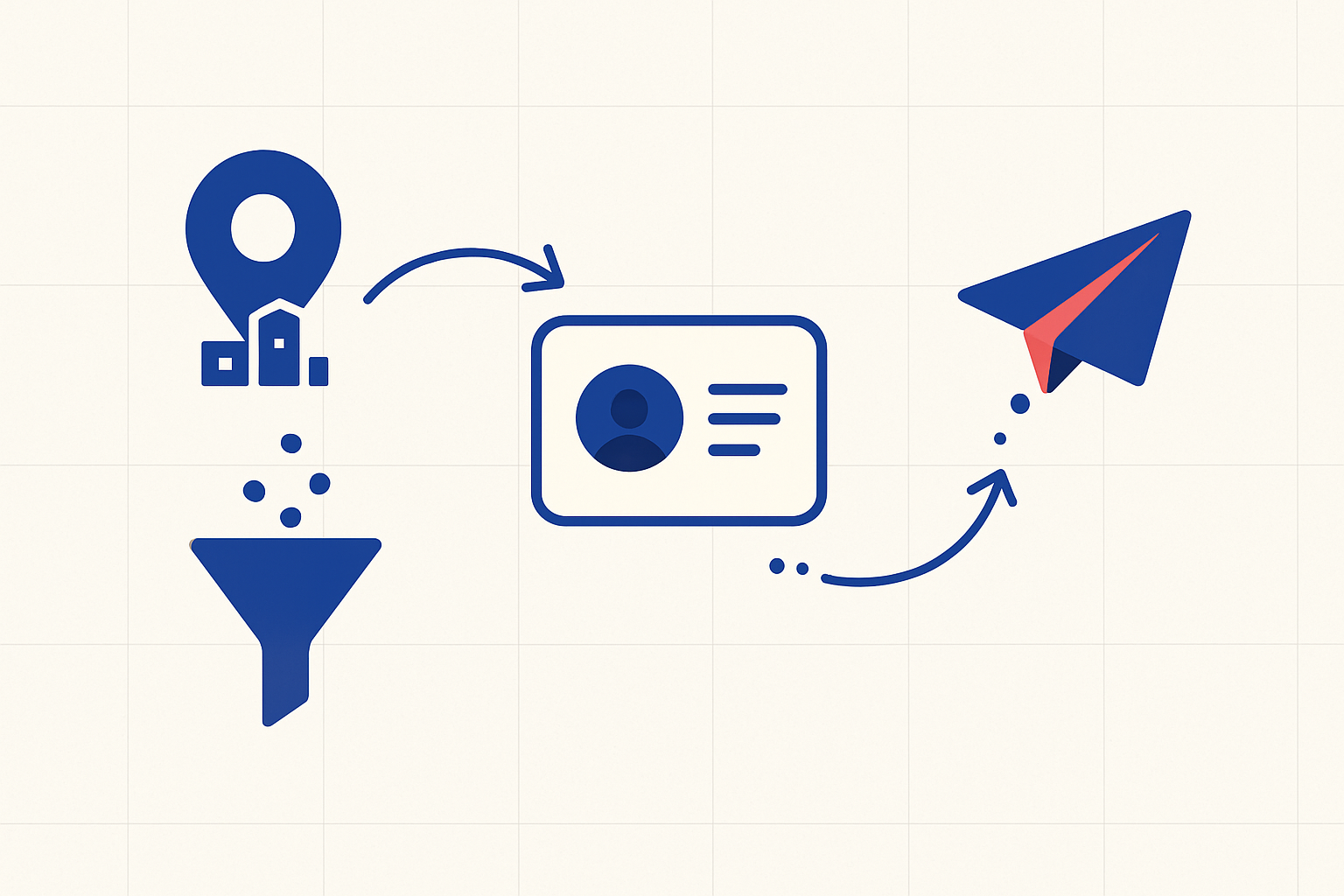
Most people picture a single magic tool. In practice it is a chain of three jobs. First, you source raw contacts (a Google Maps scrape, a public directory, a list of competitor followers). Second, you enrich and clean them so you have a real email, a verified one, and enough context to write something that does not sound like spam. Third, you reach out and follow up on a schedule.
The trap is treating these as three product purchases instead of three stages of one pipeline. That is why people on r/MarketingAutomation keep asking the same question: "I have Clay, n8n, Make, Instantly, and Apollo open in tabs and no idea what to build first." More tools did not give them a system. It gave them more tabs.
If you already feel that tab sprawl, you can build the whole flow in TinyWorkflows on the free plan and skip the integration tax. But keep reading, because the order you build in matters more than the tool you pick.
Build It In This Order, Not All At Once
Build the list source first, prove the data is clean, then add outreach last. Outreach is the most visible part, so people start there and end up with a beautiful sequence pointed at garbage data. Bounces, spam flags, and four replies from 1,500 emails are the predictable result. Deliverability guides are blunt about this: a healthy cold email bounce rate sits in the 1 to 3 percent range, and mailing scraped or unverified lists is the fastest way to blow past that and damage your sender reputation.
A founder on r/B2BSaaS described sending 1,500 cold emails and getting four replies. The instinct is to blame the copy. Usually it is the list. The 2025 B2B cold email benchmarks from Built For B2B put the average reply rate at 1 to 3 percent and find that the gap between mediocre and top campaigns hinges primarily on list precision, not copywriting. Bad data poisons everything downstream, so the early wins come from the boring middle stage: enrichment and cleaning.
Here is the order that actually holds up:
- Source a small list. Start with 50 to 100 real prospects, not 10,000. A Google Maps scrape of one city and one niche is plenty to test.
- Enrich and verify. Add the email, verify it is deliverable, and pull one or two facts you can reference (industry, whether they have a website, recent funding).
- Score for fit. Drop anyone who clearly does not match. A short list of good fits beats a long list of maybes.
- Write one personalized touch. Manually, at first. If you can't write a good email by hand, no AI will save you.
- Automate the send and follow-up. Only after the first four steps produce replies.
Notice that automation is the last step, not the first. The people on r/gtmengineering who succeed automate a process they already validated by hand. The ones who fail try to automate a process that never worked manually.
How Do You Automate Google Maps Lead Generation?
You scrape business listings from Google Maps (name, address, phone, website, category), then run them through enrichment to find or verify an email, and finally drop the clean rows into a table that triggers outreach. The scrape is the easy part. The cleanup is where the value is.
A popular r/AiAutomations post documented a full n8n flow: Google Maps scrape, email extraction, then an auto-sorted database. It got a lot of attention because it maps to a real, painful task. Manually collecting local-business leads from Maps is one of the most-complained-about jobs in small-business subreddits, especially for agencies hunting businesses with weak or missing websites.
The workable version looks like this. Use a scraping service or an Apify-style actor to pull the raw Maps results. Push those rows into a table that auto-enriches new records with company data and a verified email. Add a column that flags whether each business has a real website, since "no website" is often the qualifying signal for web-design or marketing offers. Then let a workflow pick up only the qualified rows and queue them for outreach.
For exotic or one-off sources, a tool like Apify is genuinely the right call. Its actor library covers scrapes that no all-in-one platform will. The difference is what happens after the scrape. If your enrichment, your database, and your outreach all live in separate apps connected by webhooks, you have rebuilt the fragile stack you were trying to escape.
AI Agents vs Zapier for Outreach
Rigid if/then automations break every time a website layout or a data field changes, which is why people are moving outreach onto AI agents that can research, personalize, and adapt. A Zapier or Make flow does exactly what you told it, even when the input shifts. An agent can read a messy page and decide what to do.
A common r/MarketingAutomation thread describes rebuilding a brittle Zapier outreach flow on top of an AI agent that does research, writes the personalized line, and handles the follow-up logic. The reason is honest: the deterministic flow kept snapping on edge cases, and patching it became its own job.
To be fair to Zapier, it is excellent at connecting tools from different ecosystems with stable APIs. If you need Salesforce to talk to Shopify, that is the right tool. The friction shows up when you use rigid middleware for fuzzy work like reading a prospect's website and writing a relevant sentence. That is judgment, not plumbing.
This is where a connected platform earns its keep. You can run an AI agent that enriches and researches each prospect, then hand the result to a workflow that personalizes and sends. No webhook hops between five vendors. One credit pool instead of six vendors' task meters.
A Worked Example: Solo Service Business Pipeline
An independent insurance broker on r/MarketingAutomation asked for an affordable, automated prospecting pipeline because hunting leads was eating his week. Here is a concrete system built for exactly that case, the kind a solo operator or consultant can stand up in an afternoon.
| Stage | What happens | Where it runs |
|---|---|---|
| Source | Scrape local businesses or pull a niche directory list | Apify actor or CSV import |
| Capture | Inbound leads from a referral form land in the same table | TinyForms form |
| Enrich | Verify email, add company size and industry, flag fit | TinyTables auto-enrichment |
| Trigger | Qualified rows kick off the outreach | TinyWorkflows |
| Outreach | Personalized first email the moment a row qualifies, then follow-up campaigns to the list | Workflow email step with merge fields, then TinyCampaigns |
The point is that one form submission and one scraped row enter the same table and flow through the same pipeline. A referral and a cold prospect get the same fast follow-up. That speed matters: leads on every sales subreddit complain that people submit a form and nobody follows up for days, which turns warm interest into a lost deal. The classic Harvard Business Review study on online sales leads found firms that contact a lead within an hour are far more likely to qualify it than those who wait even a day.
That broker does not need Clay plus Apollo plus Lemlist plus Airtable. He needs one connected flow under $50 a month. You can compare what fits your volume on the pricing page, and the free plan's 1,000 monthly credits cover a small test: a company lookup is 10 credits and an email verification 5, so doing both for 50 leads uses 750 credits before the workflow steps themselves (1 credit each).
What To Skip Before Product-Market Fit
Skip the expensive intent-data platforms and the all-in-one outreach suites until you have replies that prove your offer works. At $0 MRR, the cheapest path is mining places where your buyers already complain about the problem you solve, then reaching out by hand.
Teams buy intent platforms and then, as one r/AIMarketingPros post put it, lack the downstream workflows to act on the signals. The data sits in a dashboard. Paying for intent before you can act on it is paying for a problem you have not earned yet.
The same goes for spending on ads, agencies, and lead databases at once with no system to convert what comes in. A recurring r/growmybusiness lament is money burned on tools and SDRs and databases without a pipeline to turn leads into customers. Build the pipeline first. It is cheaper, and it teaches you what your real buyers respond to.
Pre-PMF, your edge is not budget. It is specificity. A founder who reads ten prospect websites and writes ten genuinely relevant emails will beat a generic blast to 1,500 every time. Hunter.io's analysis of 31 million emails backs this up: emails with two custom attributes reply at 5.6 percent versus 3.6 percent for non-personalized ones, and manually edited campaigns out-reply fully automated ones. Automate that motion only once it works.
Make Your Lead Generation Automation One System, Not Five
Three things to take with you. Build in order: source, then enrich and clean, then automate outreach last. Validate the motion by hand before you scale it, because automation multiplies whatever you point it at, good or bad. And keep the pipeline in one place so a form, a scrape, and a follow-up are the same system, not five tools held together by webhooks and luck.
Lead generation automation is not a tool you buy. It is a flow you build and keep tightening. The teams winning at it right now are the ones who stopped collecting subscriptions and started connecting stages.
You can build the entire scrape-to-outreach flow on TinyCommand's free plan: forms, tables with enrichment, workflows, and email, all natively connected. Start building for free. No credit card, and a 50-lead test costs you nothing but an afternoon.
FAQ
What is lead generation automation?
Lead generation automation is using software to handle the repetitive parts of finding and contacting prospects: sourcing lists, enriching and verifying contact data, scoring fit, and sending personalized outreach on a schedule. The aim is one connected flow rather than several disconnected tools passing data through webhooks. Done well, it removes the manual copy-paste between every stage while keeping a human in control of the offer and messaging.
How do I automate lead generation from scratch?
Start small and in order. Source a list of 50 to 100 real prospects, enrich and verify their emails, score them for fit, write one good personalized email by hand, then automate the send and follow-up. Validate that the motion gets replies before you scale it. Most people fail because they automate a process they never proved works manually, so the automation just multiplies bad results faster.
What tools do I need for Google Maps lead generation?
You need a scraper to pull Maps listings (an Apify-style actor works well), an enrichment step to find and verify emails, a database to store and qualify the rows, and an outreach tool for personalized email. These can be four separate products connected by webhooks, or one platform like TinyCommand where the scrape lands in a table that auto-enriches and triggers outreach. Fewer connection points means fewer silent failures.
Are AI agents better than Zapier for outreach?
For fuzzy work like reading a prospect's website and writing a relevant first line, AI agents adapt where rigid if/then flows break. Zapier and Make are excellent for connecting stable tools across ecosystems, but deterministic flows snap when inputs change. For research and personalization at scale, an AI agent that can interpret messy data and decide the next step is usually the more durable choice, ideally inside a system that also handles the send.
What lead generation tools should I avoid before product-market fit?
Avoid expensive intent-data platforms and bundled outreach suites until you have replies that prove your offer converts. At early stage, intent data often sits unused in a dashboard because teams lack the workflows to act on it. Spend nothing on databases, ads, and SDRs at once without a pipeline to convert leads. Mine communities where your buyers complain, reach out by hand, and add automation only once the manual version works.